Disclaimer: Kodi is a free, open-source media player — 100% legal to download and use. This guide is for informational purposes only. We do not host, stream, or distribute any content. Kodi should only be used with content you own or that is freely available in the public domain. Users are responsible for their own compliance with local laws.
I test every addon on this list personally — on Kodi 21.3 Omega — before it goes live. If it’s here, it’s working right now. Not last month. Not six months ago.
A note for XBMC veterans: Kodi is the same platform you remember. The name changed in 2014, but the addon ecosystem evolved with it. Everything below is what the community now builds for the Kodi era — same concept, completely rebuilt for 2026.
Finding reliable addons isn’t as easy as it used to be. Repos vanish overnight, developers go dark, and links die without notice. That’s why I keep this page as a living reference — updated monthly, based on hands-on testing and community feedback.
Here’s what this guide covers:
- Top 10 Kodi Addons for May 2026
- Best addons by category: Free Links · Live TV/IPTV · Sports · Anime · Debrid
- Best Kodi Repositories right now
- How the 3 types of addons work
- Full step-by-step installation guide
- FAQ for beginners
Let’s start with the current top 10.
Top 10 Best Kodi Addons — April 2026
Based on community polls, personal testing, and user feedback, here are the best working addons this month:
| # | Addon | Type | Free Links | Debrid | Best For |
|---|---|---|---|---|---|
| 1 | Scrubs V2 | VOD | ✅ | ❌ | Best free-only addon |
| 2 | The Crew | All-in-One | ✅ | ✅ | Everything in one place |
| 3 | Free99 | VOD | ✅ | ❌ | Beginners, fast links |
| 4 | Elementum | Torrent | ✅ | ❌ | Advanced users (VPN required) |
| 5 | Umbrella | VOD | ❌ | ✅ | Premium debrid VOD |
| 6 | FEN Light AM | VOD | ❌ | ✅ | Advanced debrid users |
| 7 | POV | VOD | ❌ | ✅ | VOD + Anime (debrid) |
| 8 | Seren | VOD | ❌ | ✅ | Power users |
| 9 | Samsung TV Plus | Live TV | ✅ | ❌ | Free live TV, no account |
| 10 | Dream Machine | Live TV/VOD | ✅ | ❌ | M3U & free streams |
Understanding the 3 Types of Kodi Addons
Before diving into the full list, here’s a quick breakdown of how Kodi addons work — this will help you choose the right ones for your setup.
1. Free Link Addons
These addons scrape publicly available links from the internet. No subscription needed — just install and stream. Quality varies and some links will occasionally be dead, but they’re a great starting point.
Best picks: Scrubs V2, Free99, Ghost, Dream Machine
2. Debrid Addons
Require a paid debrid service (Real-Debrid, Premiumize, AllDebrid, TorBox — typically $3–$6/month). You get 1080p and 4K quality with near-zero buffering.
Best picks: Umbrella, Seren, POV, FEN Light AM, The Crew
3. Torrent Addons
Pull BitTorrent links directly. Fast and high quality — but a VPN is mandatory when using them.
Best pick: Elementum, Jacktook
Best Kodi Addons with Free Links — April 2026
1. Scrubs V2
Repository: Jewbmx — https://jewbmx.github.io
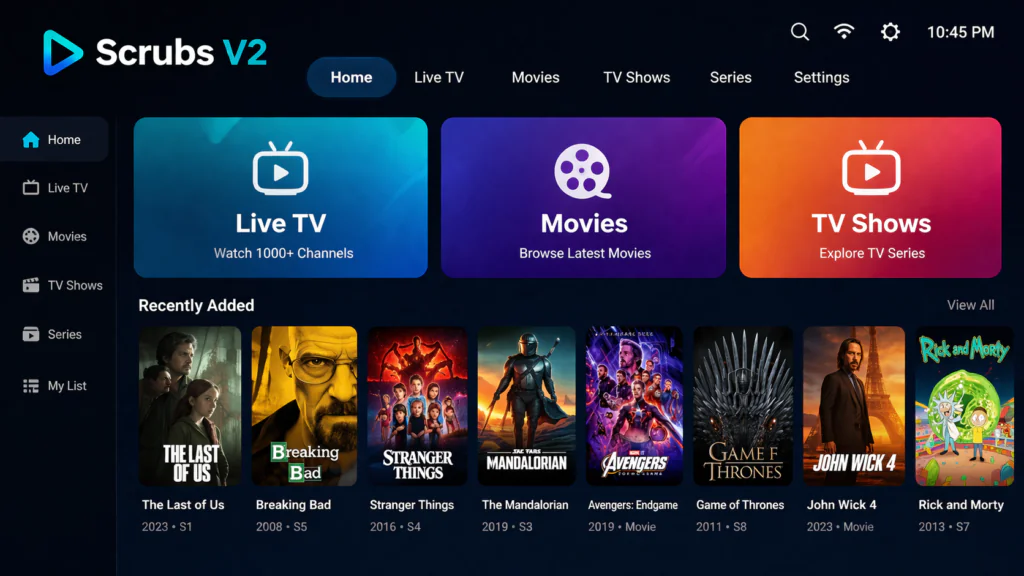
Scrubs V2 is currently the best free-only Kodi addon available. It consistently delivers working links for movies and TV shows without requiring any debrid account or subscription.
Sections include Movies, TV Shows, TVmaze Calendar, Episodes, My Stuff, and Tools. The TVmaze Calendar is genuinely useful — it shows upcoming episode releases and lets you jump straight to new content the day it drops.
What sets Scrubs apart from other free addons is the developer’s update frequency. Dead links get cleared quickly, new scrapers get added regularly, and the addon stays current with Kodi updates.
Who it’s for: Anyone who wants free streaming with zero setup complexity. Limitation: Free links only — no debrid integration.
2. Diggz Free99
Repository: Diggz — https://nebulous42069.github.io/diggz/
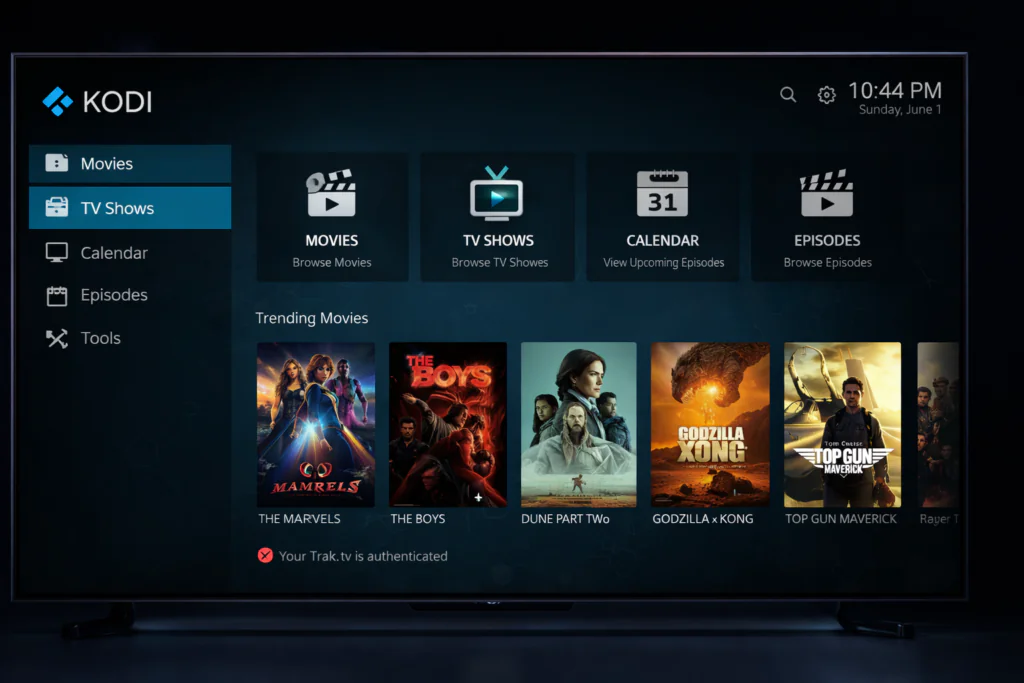
Free99 is a redesigned fork of Scrubs V2 with modified scrapers that load links faster. The interface is stripped back to the essentials: Movies, TV Shows, Tools — clean and simple.
If you’re brand new to Kodi, Free99 is arguably the easiest starting point on this list. Less depth than Scrubs V2, but faster to navigate and zero configuration needed.
Who it’s for: First-time Kodi users who want something that works immediately. Limitation: No live TV or sports sections.
3. Ghost
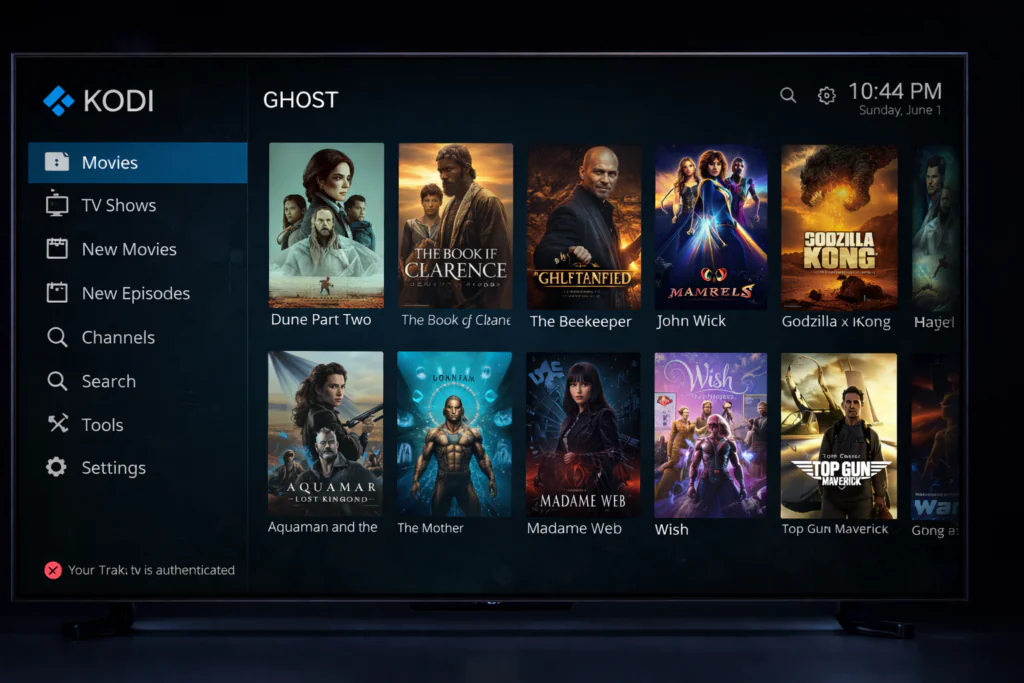
Repository: The Crew — https://team-crew.github.io/
Ghost is an all-in-one addon covering Movies, TV Shows, Sports Replays, and DJ Sets. Its standout feature is the 1-Click Free section — browse to a movie, click once, it plays. No link menus, no waiting.
Who it’s for: Users who want free streaming with minimal clicks. Limitation: Sports section is replays only — not live.
4. Dream Machine
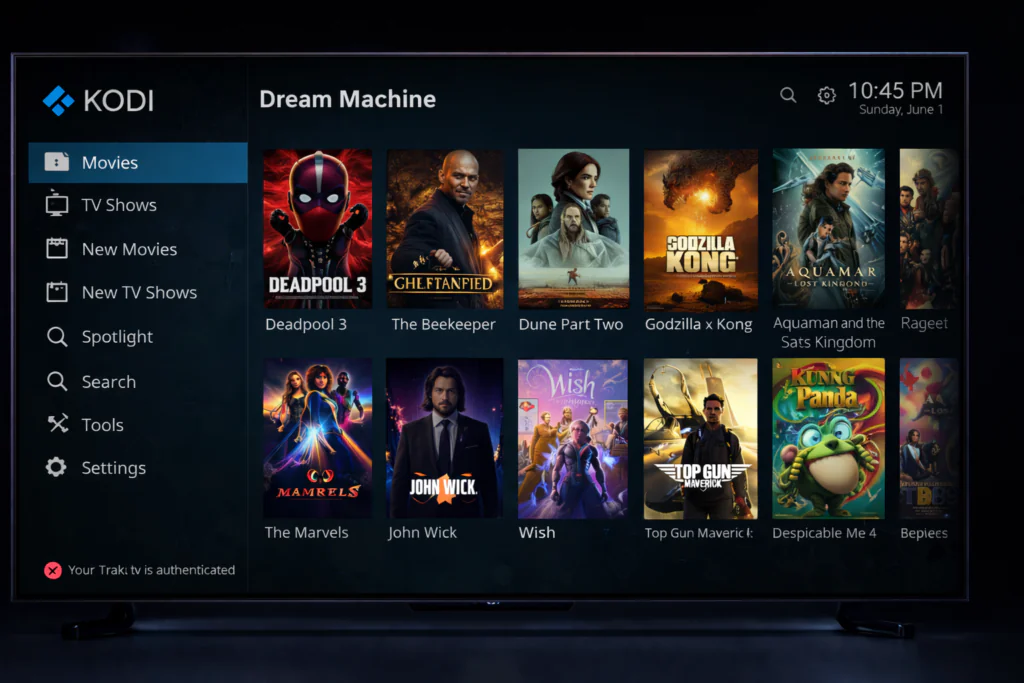
Repository: Available via direct repo link
Dream Machine covers Movies, TV Shows, Live Streams, and Radio via M3U links. Main menu includes Premium M3U, Xtream, Radio, STB/Mac, and Free M3U. An excellent bridge between traditional IPTV and Kodi.
Who it’s for: Users comfortable with M3U playlists who want one addon for everything. Limitation: Stream reliability depends on the M3U sources being active.
→ How to Install Dream Machine
5. Elementum
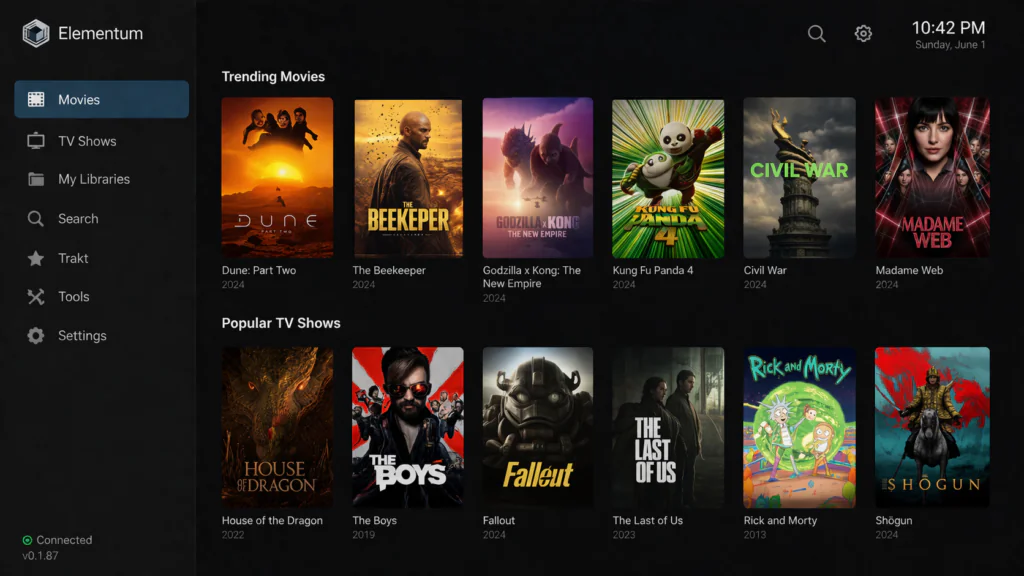
Downloader Code: 444801
Elementum pre-downloads torrent content before playing, resulting in smoother playback than most free scrapers — often comparable to debrid quality for popular titles.
⚠️ A VPN is mandatory with Elementum. Torrent traffic is visible to your ISP without one.
Who it’s for: Advanced users who want better-than-average free quality. Limitation: VPN required — do not use without one.
6. Quicksilver
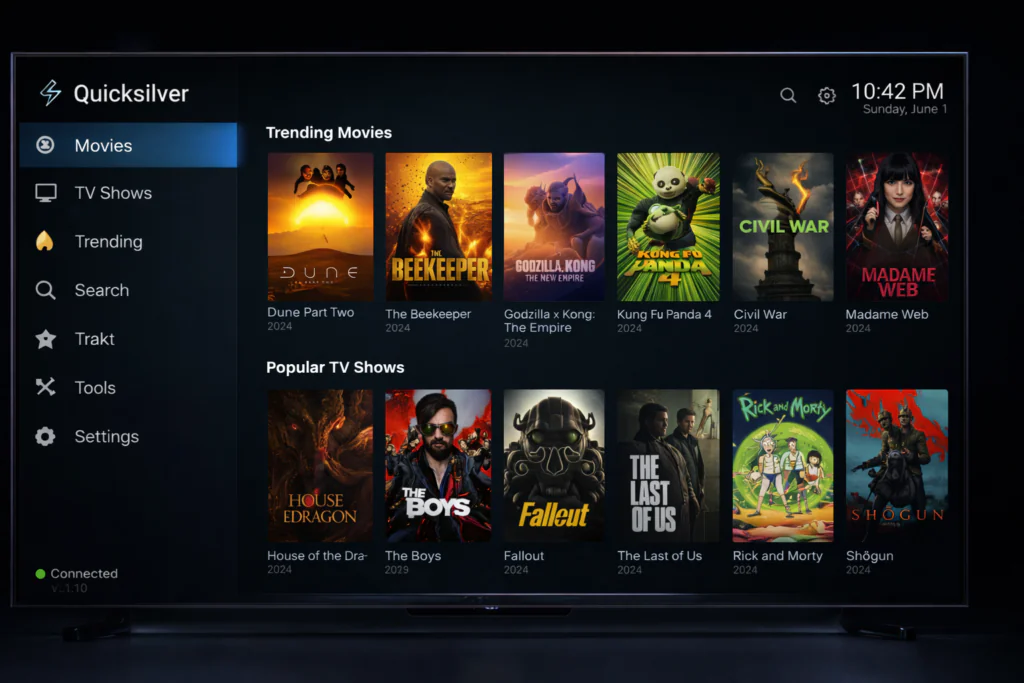
Repository: cMaN Wizard
Quicksilver works with free links and supports debrid integration when you’re ready to upgrade. Covers Movies, TV Shows, 1-Click, Sports, and Documentaries.
Who it’s for: Users who want free streaming today with a clear upgrade path later.
7. Butter Fingers Movies
Repository: Diggz Repository
Pulls streams directly from YouTube — 1-click playback, zero buffering. Library focuses on classic films, B-movies, and public domain content across Action, Classics, Comedy, Documentaries, Horror, Sci-Fi, and more.
Who it’s for: Classic film fans who want instant, buffer-free playback. Limitation: Newer releases not available — YouTube-hosted content only.
→ How to Install Butter Fingers Movies
Best Kodi Live TV & IPTV Addons — April 2026
Samsung TV Plus
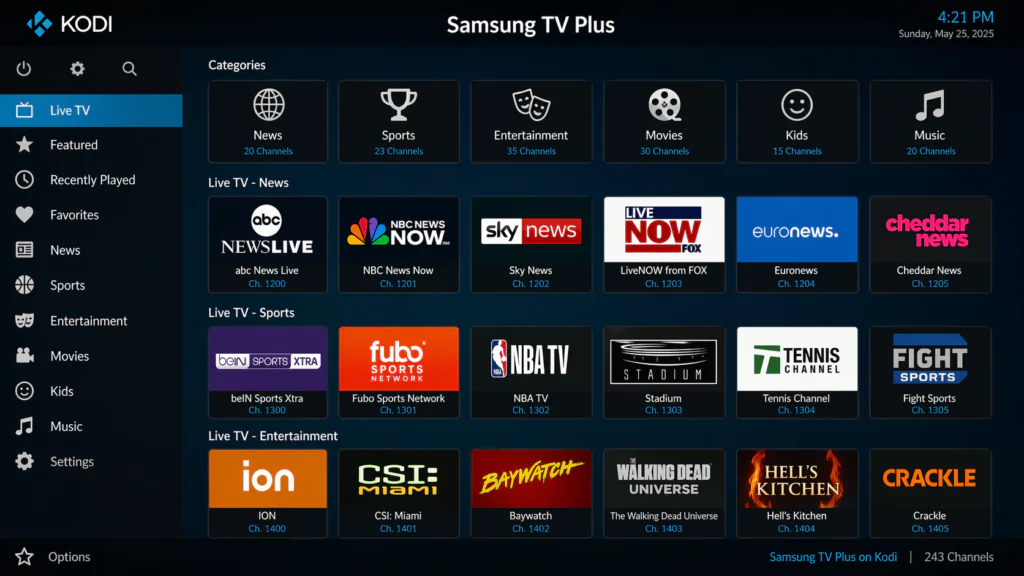
Repository: SlyGuy — https://slyguy.uk/
The best free live TV addon in Kodi right now. Over 300 channels spanning news, entertainment, sports, and lifestyle — all free, no account or subscription required. Organized by country: USA, UK, Canada, France, Germany, India, Korea, and more.
Official addon from Samsung’s licensed streaming service — fully legal.
Who it’s for: Anyone who wants free live TV that actually works.
→ How to Install Samsung TV Plus
Plex Live
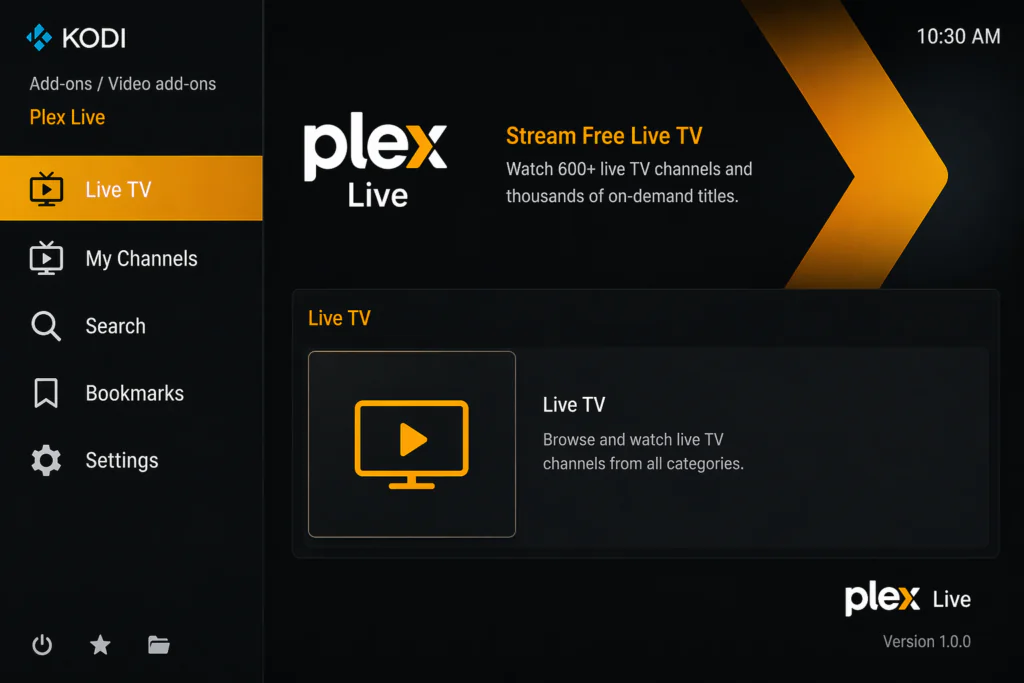
Repository: SlyGuy
Hundreds of free live streams from around the world through Plex’s licensed FAST platform. Official addon — fully licensed, consistently stable streams.
Roku Channel
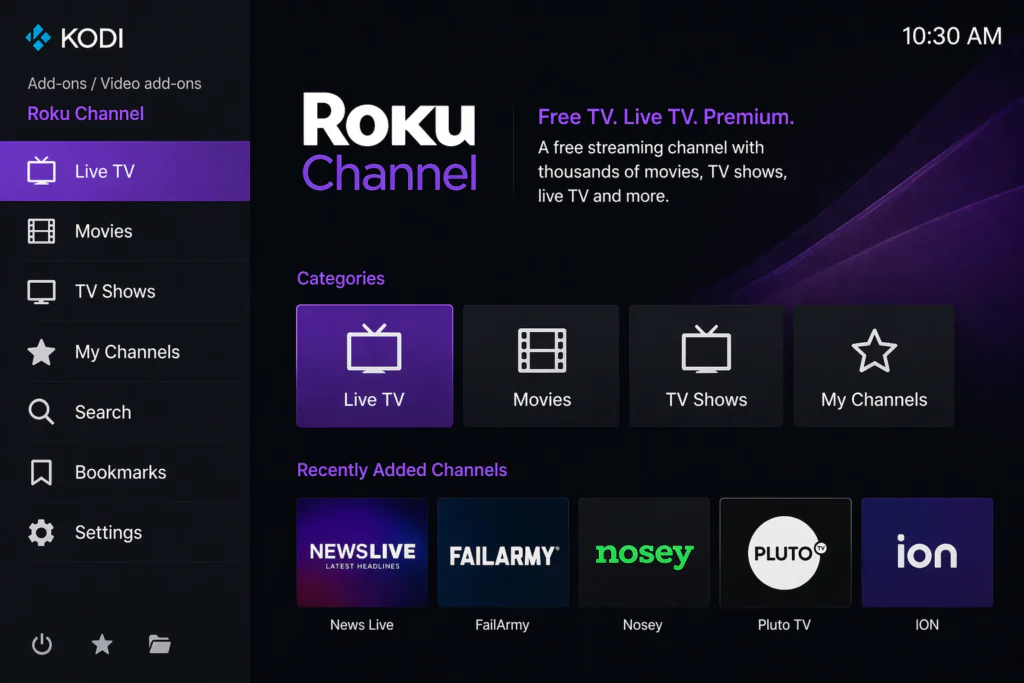
Repository: SlyGuy
Free live channels plus a rotating on-demand library. Strong for classic movies and older TV series. No Roku device needed, no account required.
PVR IPTV Simple Client
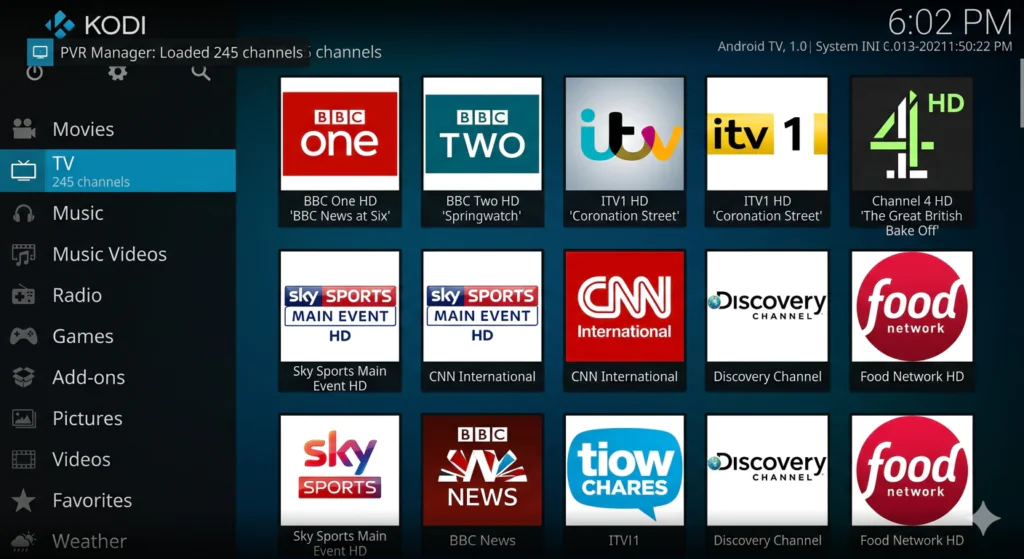
Repository: Official Kodi Repository
Kodi’s built-in interface for IPTV playlists. Add your M3U playlist URL and get a full TV guide with EPG inside Kodi.
→ How to Install PVR IPTV Simple Client
PBS Live
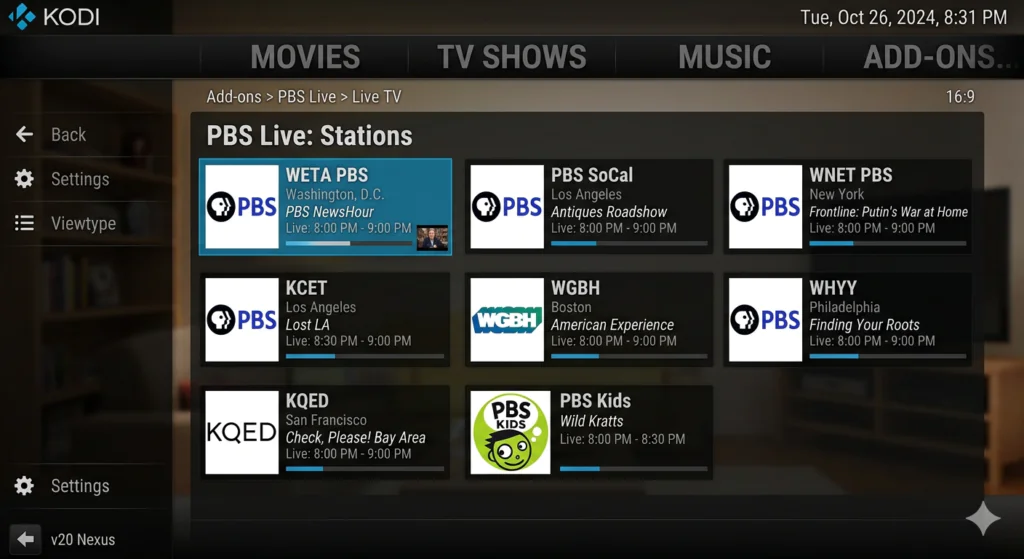
Repository: Available directly
Free access to PBS stations across the United States. Excellent for documentaries, educational programming, and news. Fully licensed.
7Plus
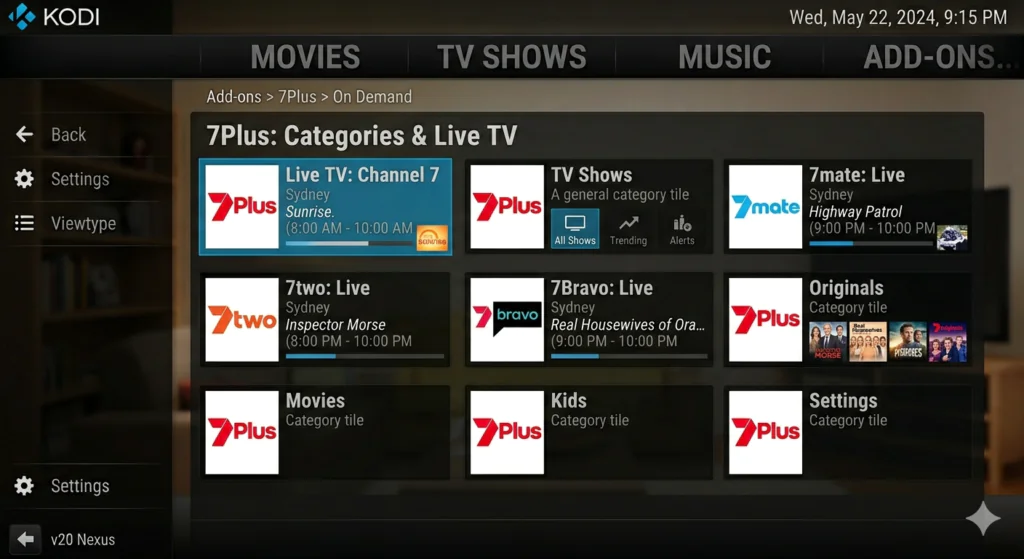
Repository: SlyGuy
Official Australian broadcast network addon. Full access to live TV, shows, movies, sports, and news — fully licensed.
vStream
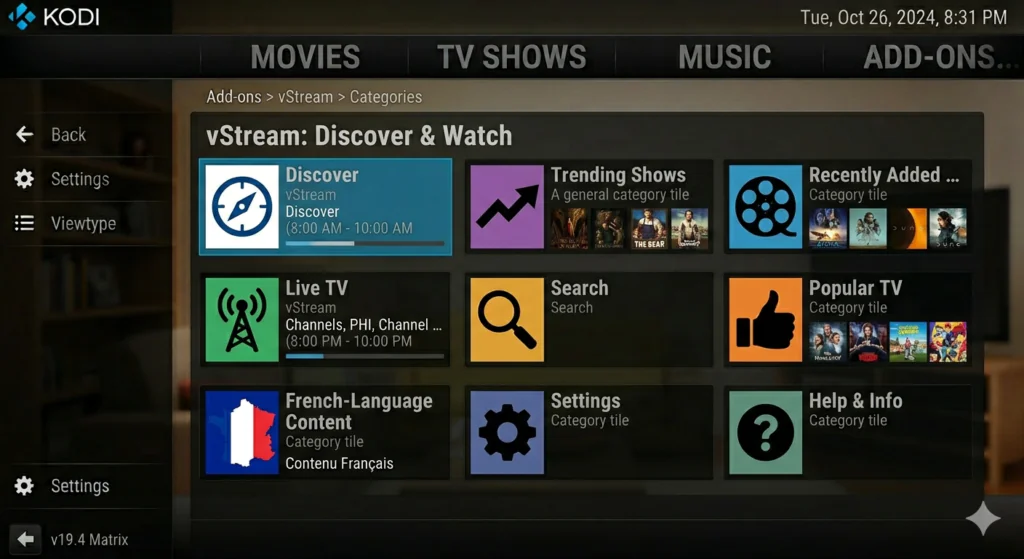
Repository: Available via direct link
Best French-language Kodi addon. Covers Movies, TV Shows, and Live Streams with a well-organized multilingual interface.
Best Kodi Sports Addons — April 2026
The Loop
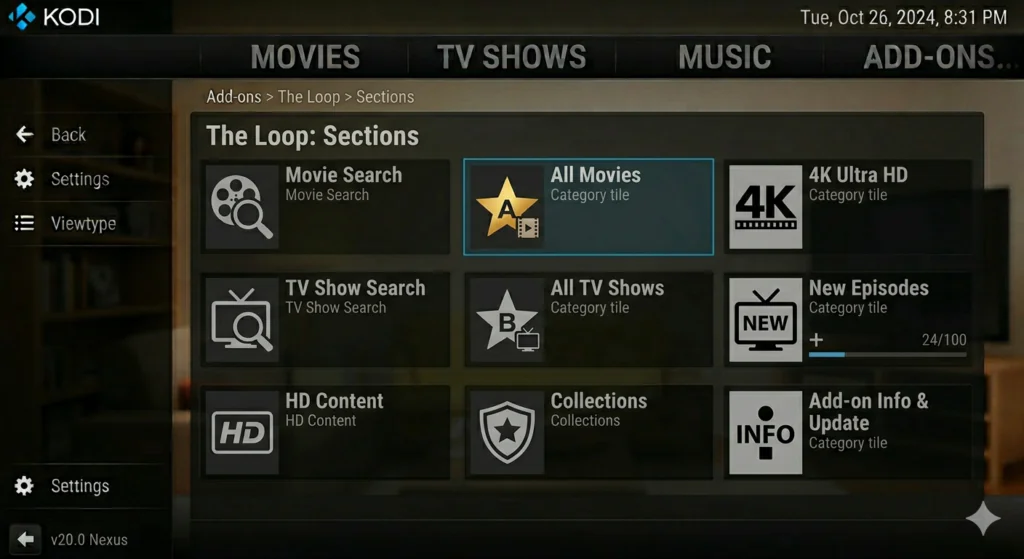
Repository: Loop Repository
One of the most consistently updated sports addons. Sections include live events, NBA, NHL, MLB, Copa America, Euro Zones, Fight Zone, and more.
Mad Titan Sports
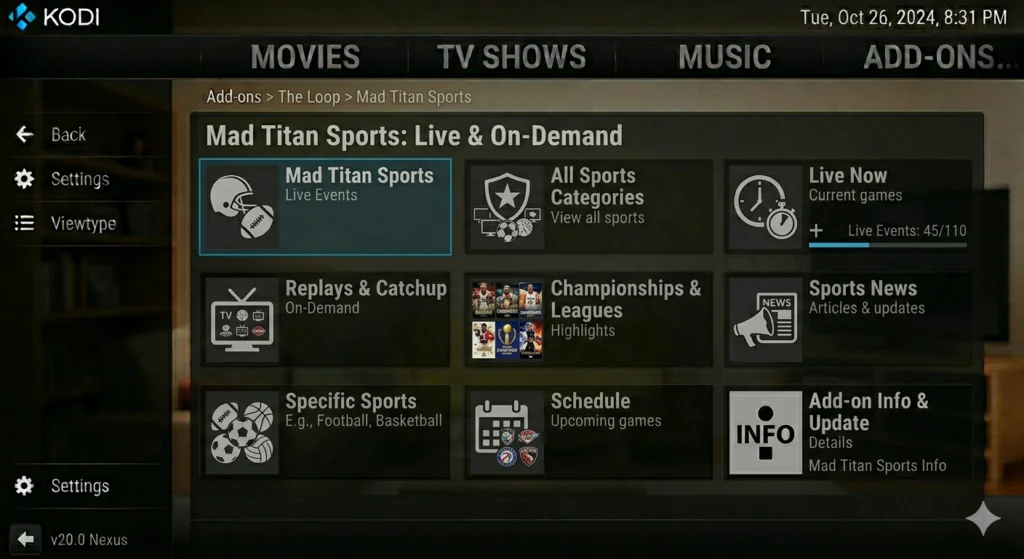
Repository: Magnetic — http://magnetic.website/repo/
Comprehensive US sports: NBA, MLB, NFL, NHL, College Sports, Wrestling, PPV, Sports Networks, and Replays. The replay section is particularly useful for catching up on missed games.
→ How to Install Mad Titan Sports
Rising Tides
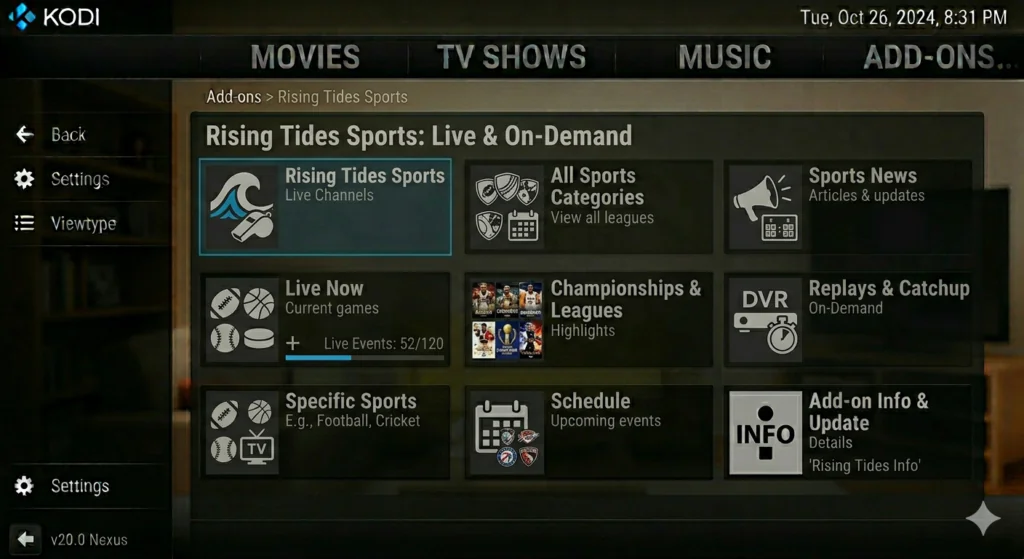
Repository: Available via direct link
Covers live sports with strong international football coverage alongside PPV events and sports channels.
Sport HD
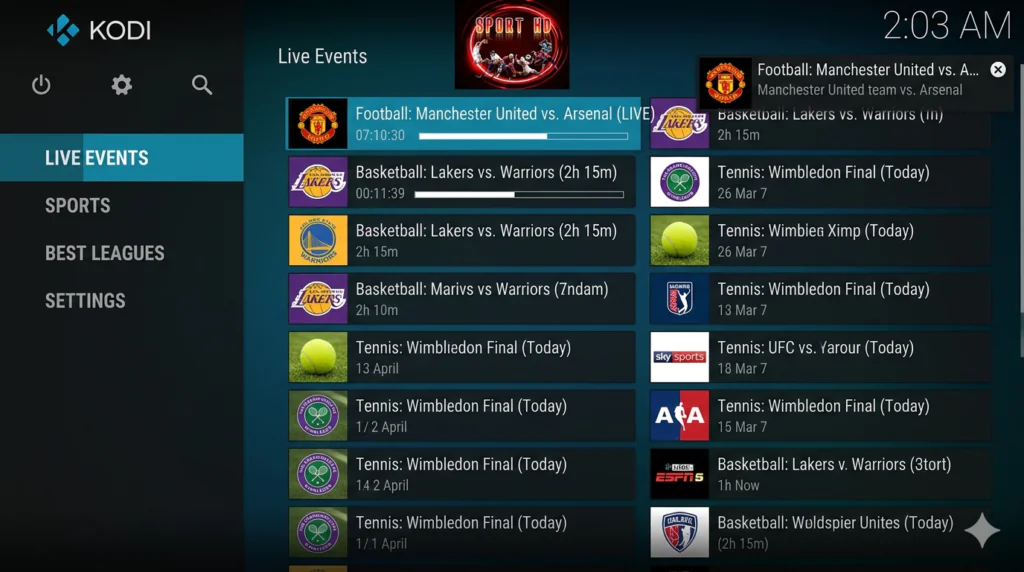
Repository: Bugatsinho Repository
Displays available games in a straightforward list with a green dot marking live streams. Multiple link options per game.
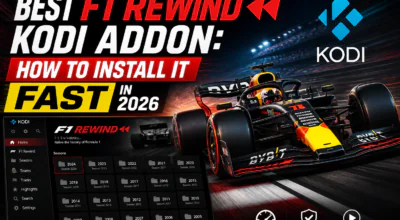
F1 Rewind
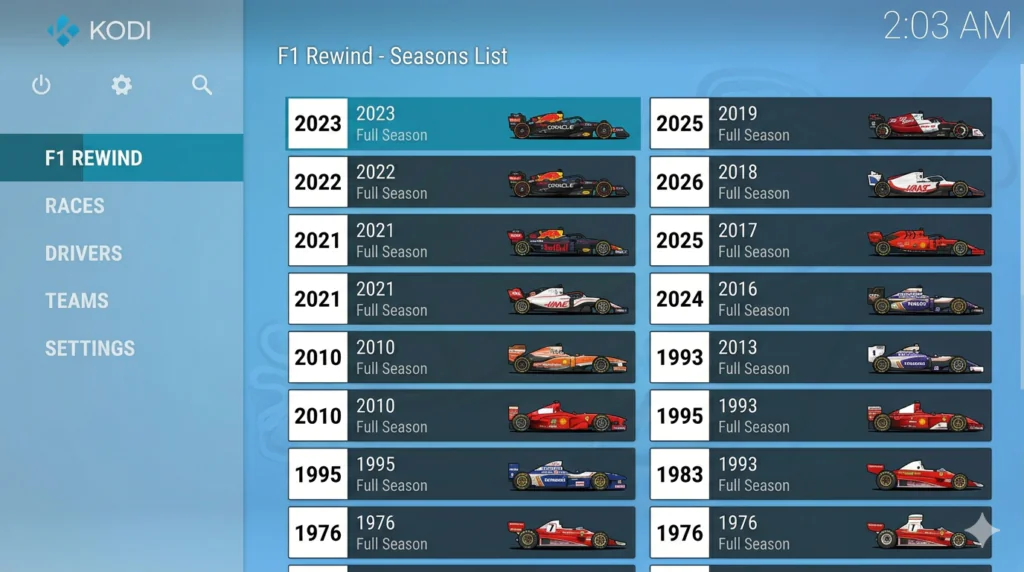
Repository: Available via direct link
Purpose-built for Formula One fans. Seasons 2022–2025 clearly organized. Both free and Real-Debrid links available.
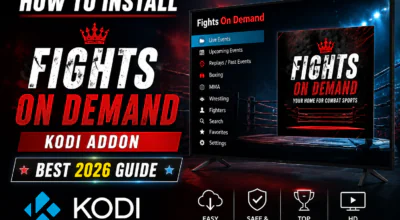
Fights On Demand (FOD)
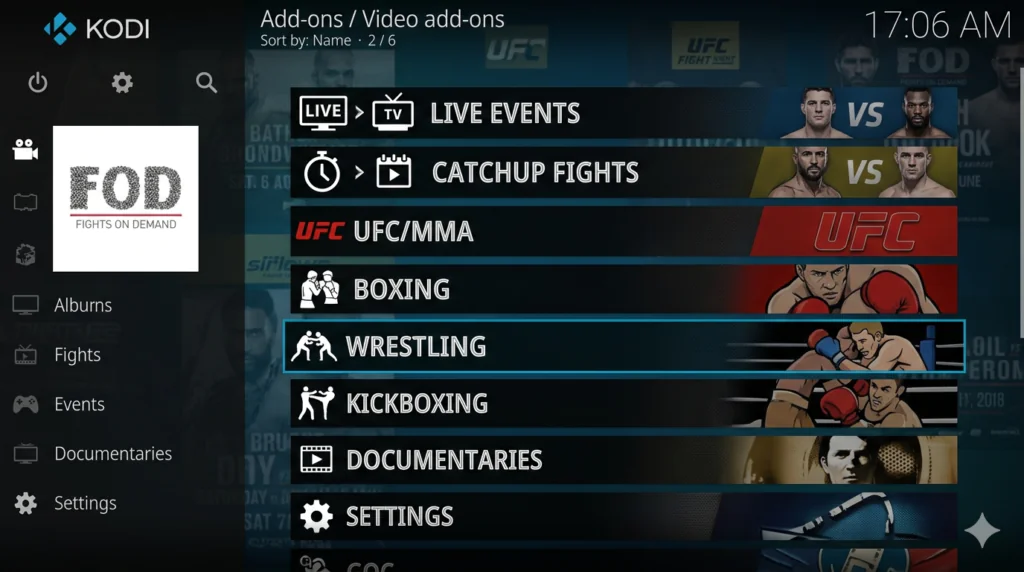
Repository: Available via direct link
UFC replays, MMA events, boxing matches, and UFC show archives. Non-debrid sections available for users without a premium account.
→ How to Install Fights On Demand
Wrestling Rewind
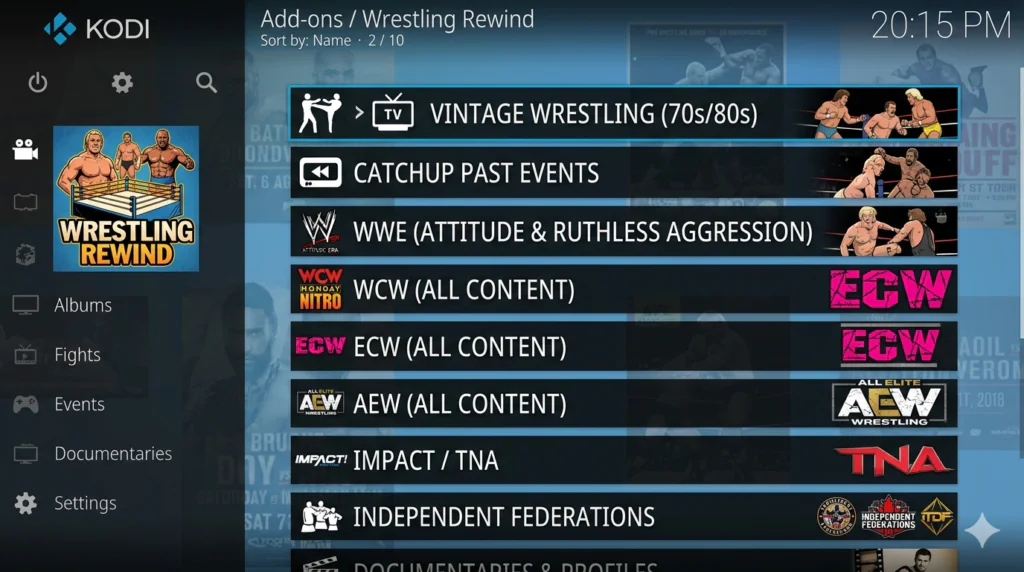
Repository: Available via direct link
The go-to addon for wrestling fans. Both free and Real-Debrid links available.
→ How to Install Wrestling Rewind
Best Kodi Anime Addons — April 2026
Otaku
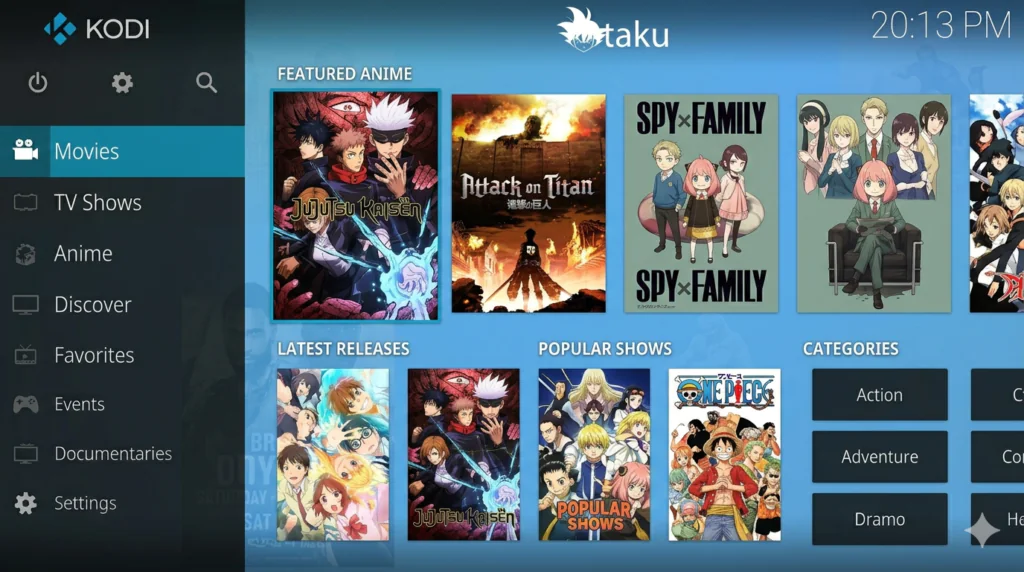
Repository: Hooty’s Repository
The most comprehensive dedicated anime addon in Kodi. Sections include Airing Calendar, Airing Anime, Movies, TV Shows, Trending, Top 100 Anime, and Upcoming. Both subbed and dubbed.
→ How to Install Otaku
Watch NixToons 2
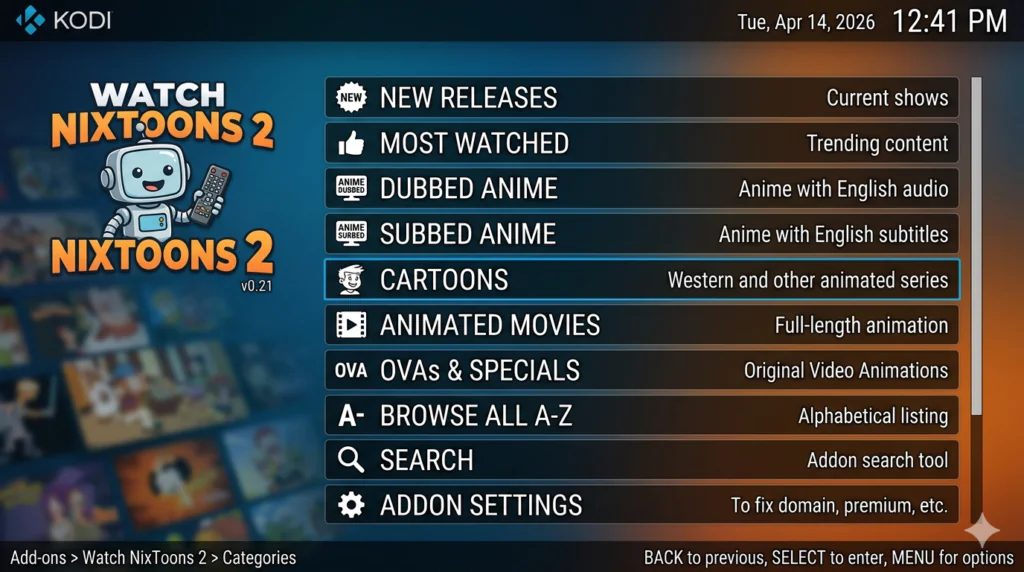
Repository: The Crew
Strong dubbed anime library alongside subbed titles, OVA Series, and Cartoons. A favourite among Western anime fans who prefer English audio.
→ How to Install Watch NixToons 2
Anti-Mate
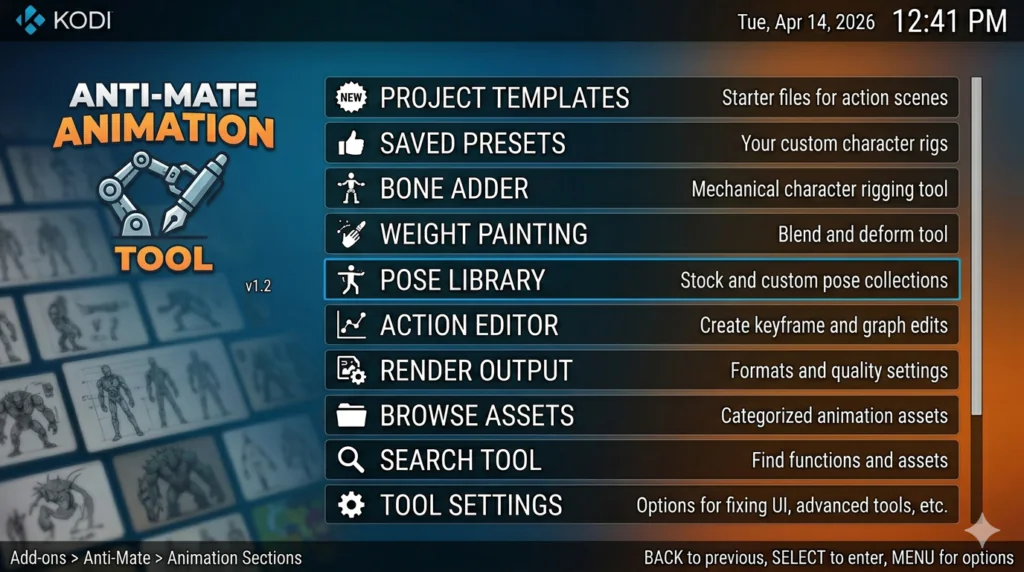
Repository: Available via direct link
Pulls animation from YouTube — 1-click playback, no buffering. Sections: Toddlers, Kids, Anime, Sci-Fi, Comedy, Hero, Movies, Action, Cartoons.
→ How to Install Anti-Mate
Best Debrid-Only Kodi Addons — April 2026
The Crew
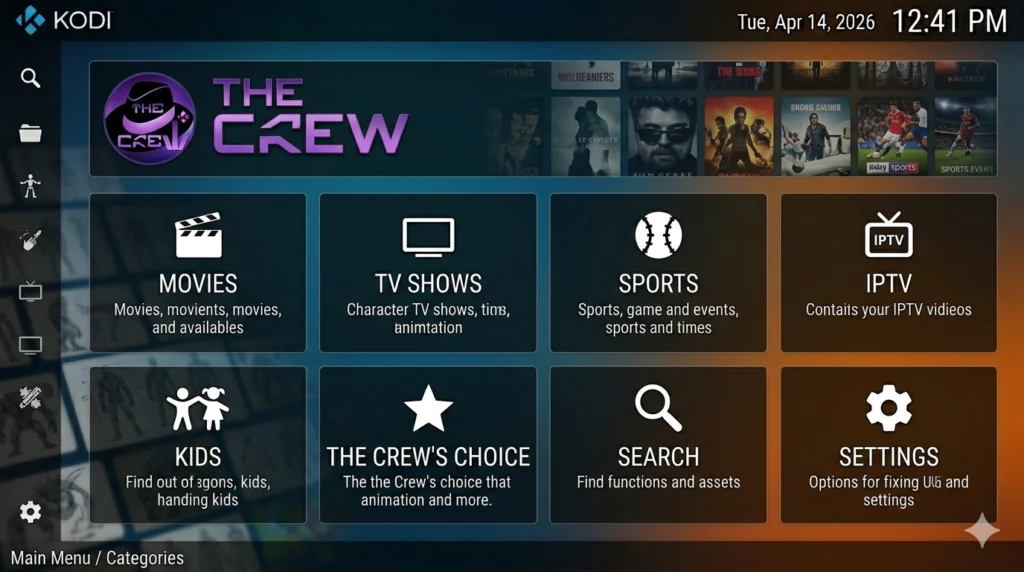
Repository: The Crew — https://team-crew.github.io/
The most versatile all-in-one addon. Movies, TV, Sports (NFL, NBA, NHL, MLB, UFC, WWE, Boxing, FIFA, Tennis), Kids, IPTV, 1-Click. Works with both free links and debrid.
Umbrella
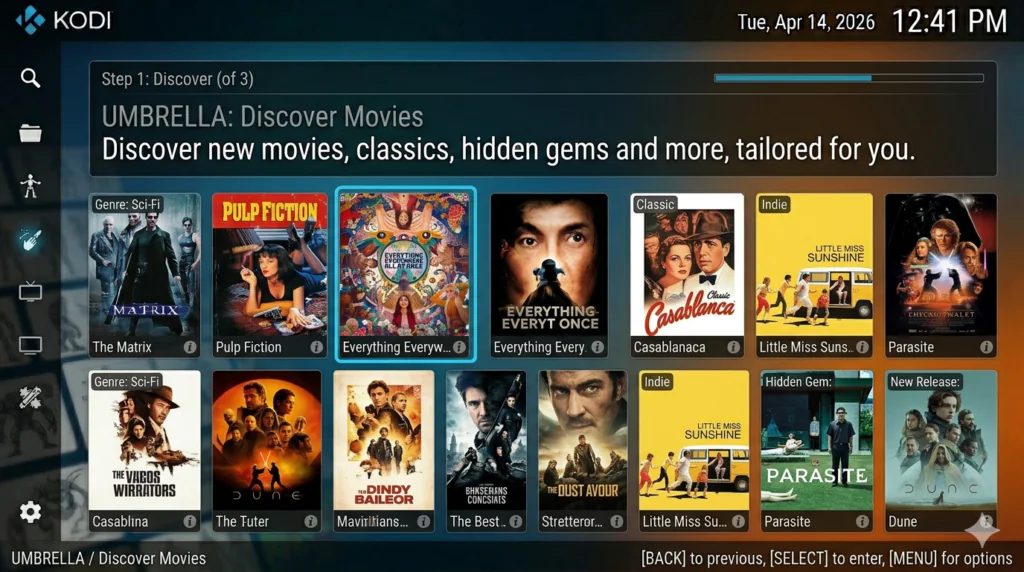
Repository: https://umbrellaplug.github.io/
Best premium VOD addon when paired with Real-Debrid or Premiumize. Near-instant 1080p/4K playback. Optional Umbrestuary skin gives it a Netflix-style look.
→ How to Install Umbrella
FEN Light AM
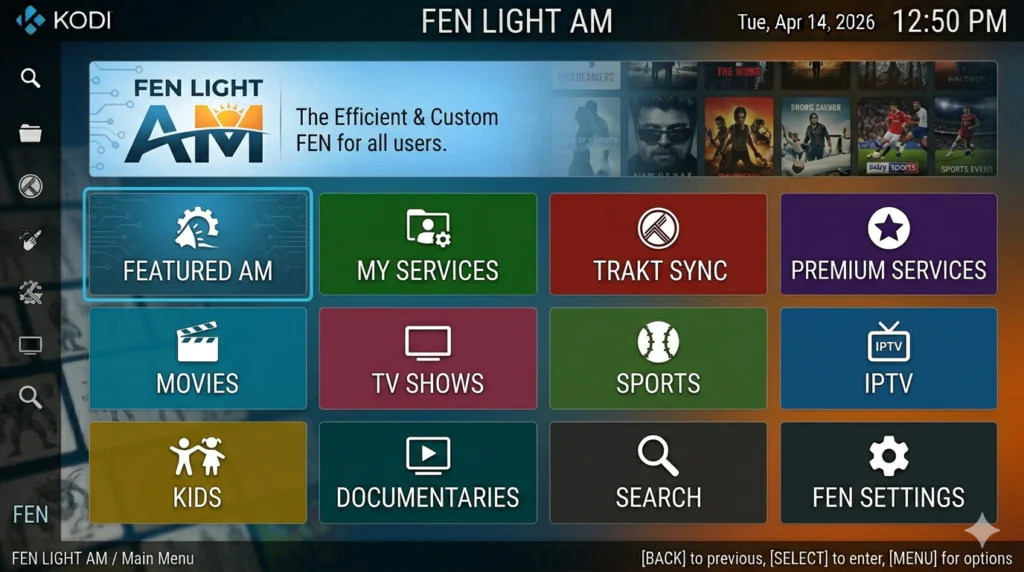
Repository: https://fenlightanonymouse.github.io/packages
Lightweight FEN fork optimized for lower-end hardware. Requires CocoScrapers module. Ideal for older Firestick or Android box devices.
→ How to Install FEN Light AM
POV
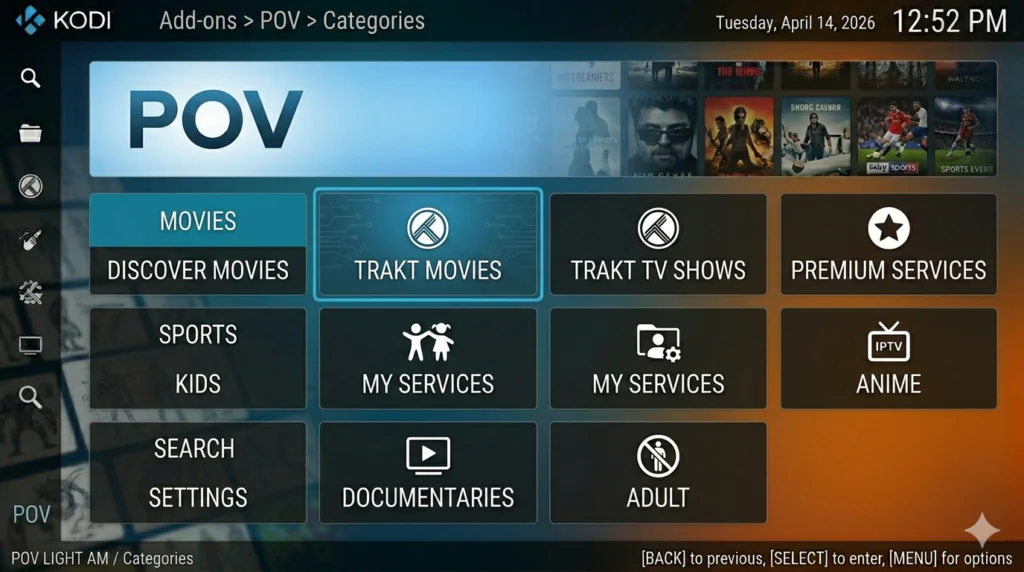
Repository: https://kodifitzwell.github.io/repo/
FEN fork with strong anime coverage alongside VOD. Works exceptionally well with TorBox. One of the most respected debrid addons in the community.
→ How to Install POV
Seren
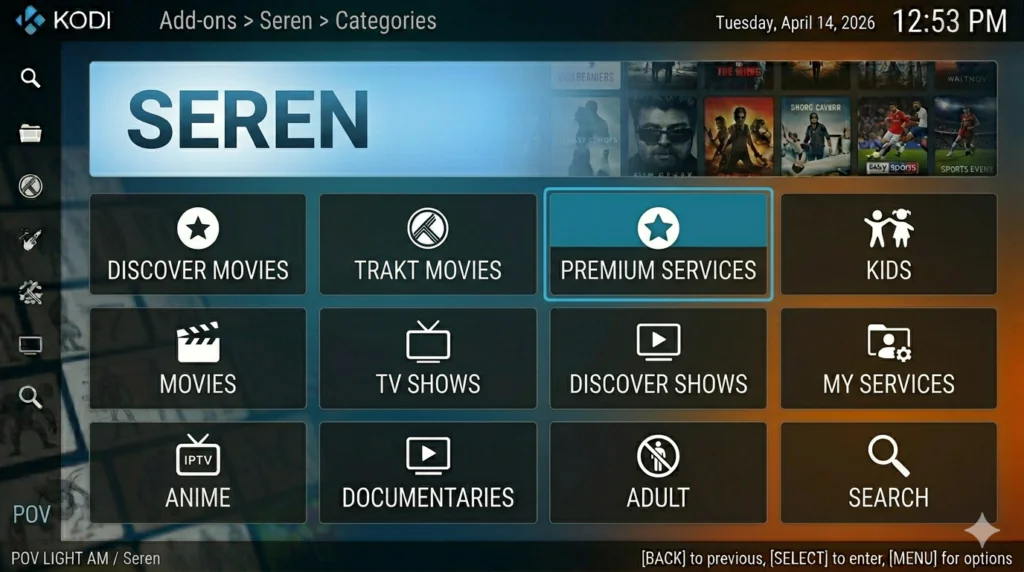
Repository: https://nixgates.github.io/packages/
Premium debrid addon for advanced users. Modular scraping system with full provider control. Best-in-class reliability once configured.
Homelander
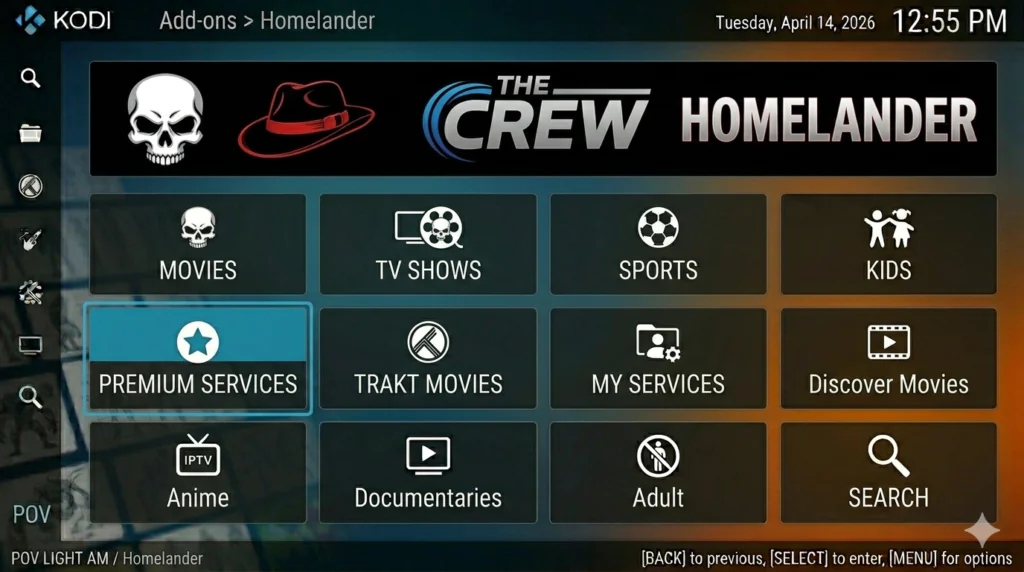
Repository: The Crew Repository
Fork of the classic Exodus/Oath addons — familiar interface for long-time Kodi users. Fast, well-organized, currently pulling in many high-quality links.
→ How to Install Homelander
Jokers Absolution
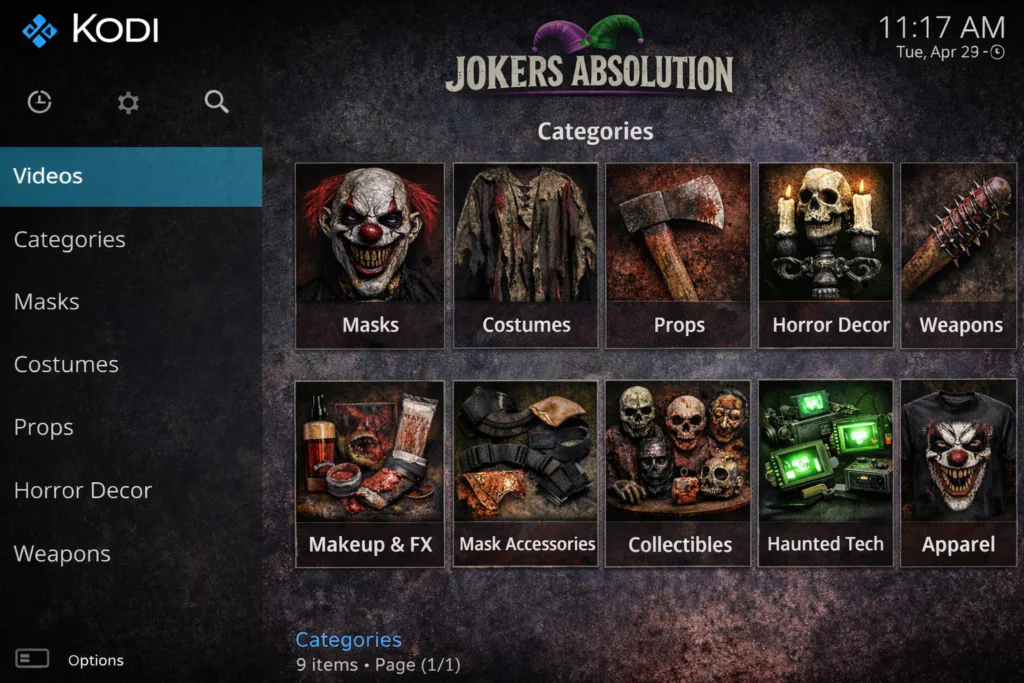
Repository: The Crew Repository
Clean, polished debrid VOD experience. Sections include One Shot Links, Movies, TV Shows, Trakt, TV Networks, and Tools.
→ How to Install Jokers Absolution
Twilight
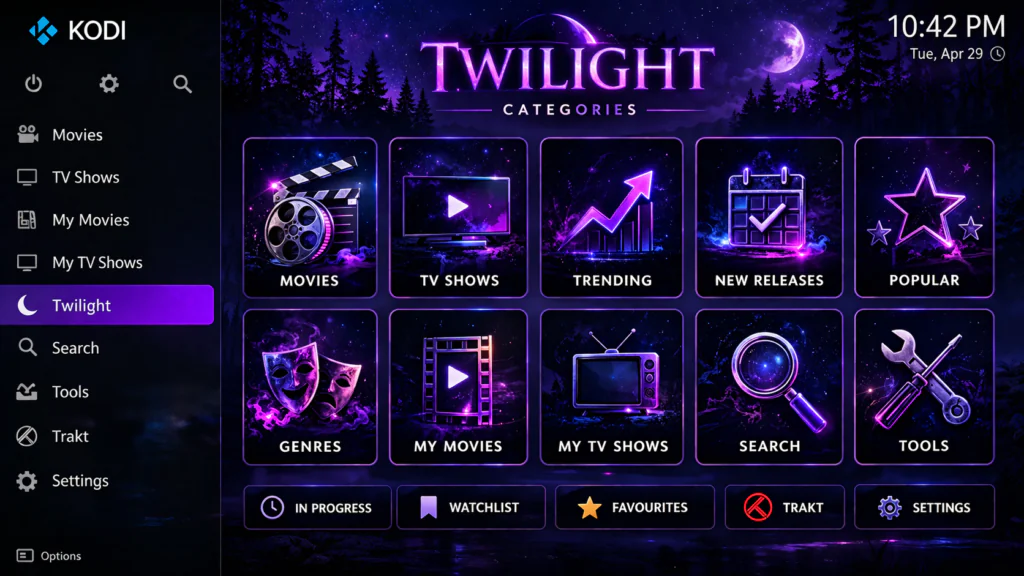
Repository: Kodi + Real Debrid Israel Repository
Fast FEN fork that deserves more attention. No free links — purely for debrid users. Clean interface with consistently excellent results.
→ How to Install Twilight
Shadow
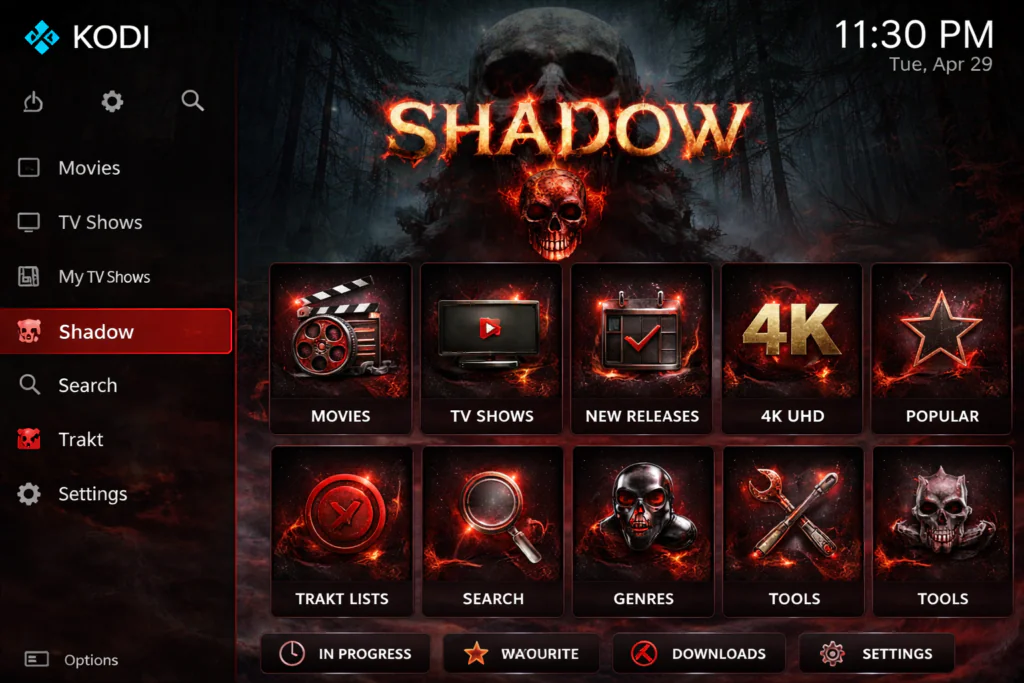
Repository: Available via direct link
Debrid addon with unique extras: Search History, Last Link Played, and My RD History. Useful for users who rewatch content frequently.
→ How to Install Shadow
Jacktook
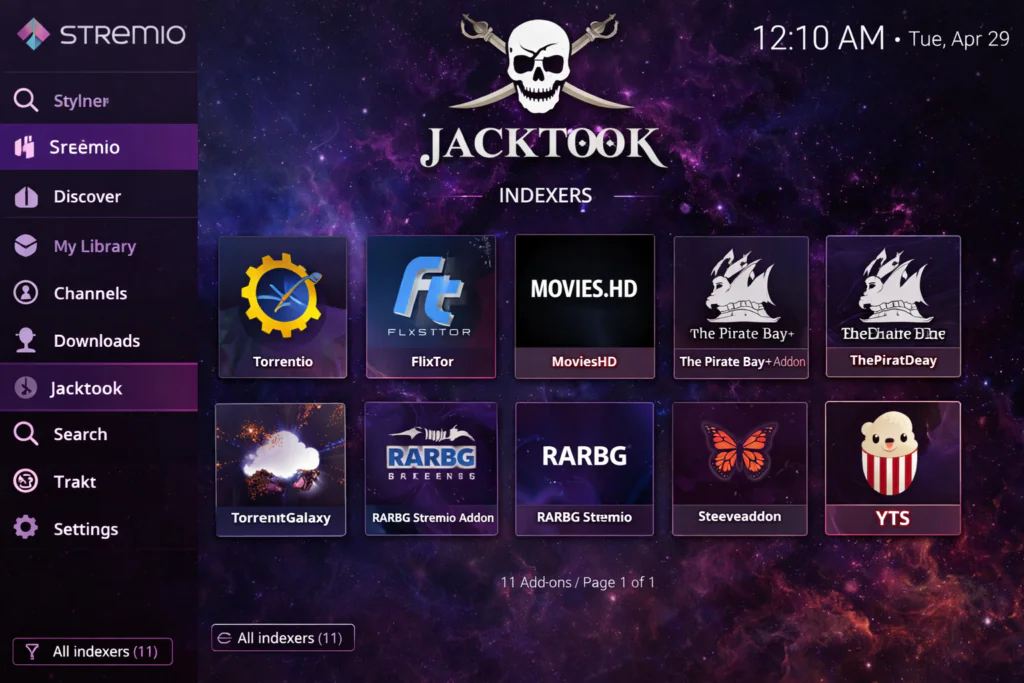
Repository: https://sam-max.github.io/repository.jacktook
Connects Kodi to Stremio indexers (Torrentio, MediaFusion, Comet) for consistently excellent 4K and high-bitrate 1080p results. Best picture quality option on this list.
⚠️ Always use a VPN in torrent mode.
→ How to Install Jacktook
Dradis
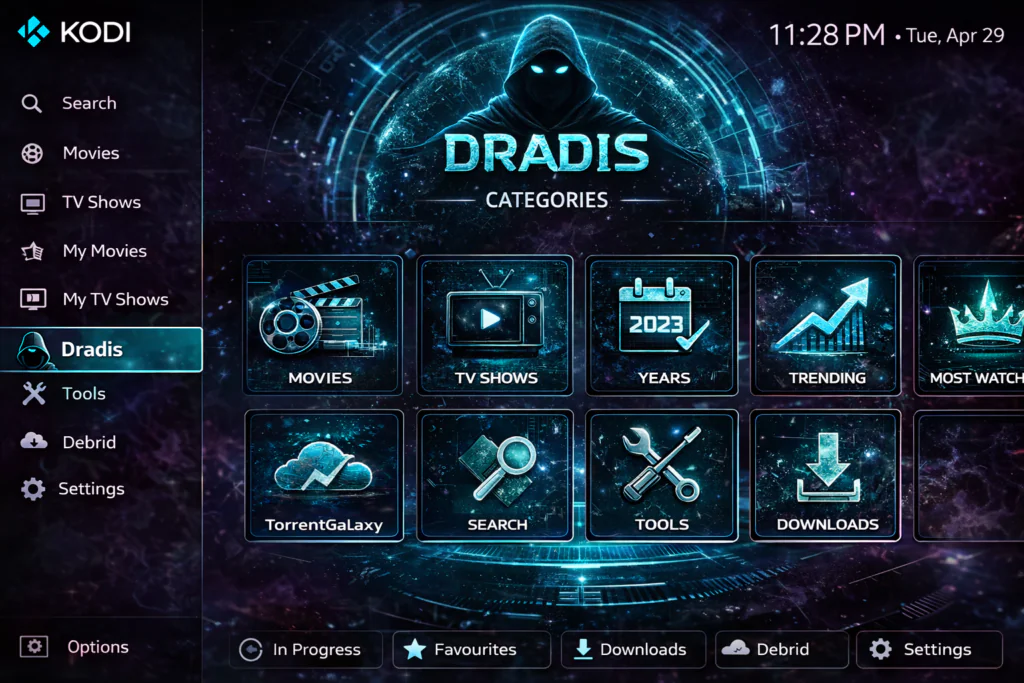
Repository: Kodifitzwell Repository
Clean, minimal debrid addon for advanced users. Supports Real-Debrid, Premiumize, AllDebrid, EasyNews, and Furk.net.
→ How to Install Dradis
SALTS Redux
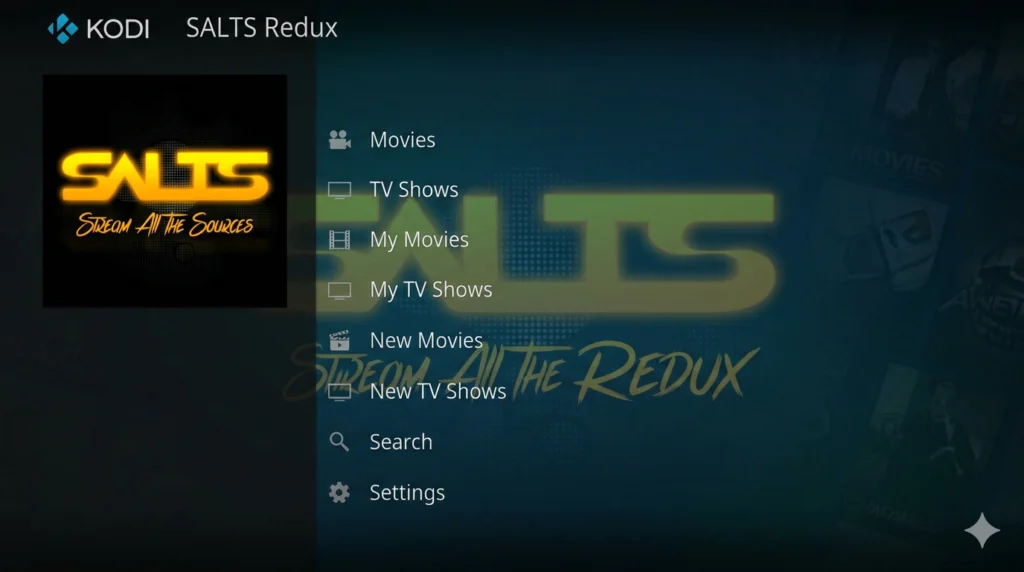
Repository: Kodifitzwell Repository
Updated version of the legendary SALTS addon. Aggregates links from multiple scrapers. Supports Real-Debrid, Premiumize, AllDebrid, TorBox, and EasyNews.
→ How to Install SALTS Redux
“If you also want weather data on your home screen, check my Kodi weather addons guide.”
Best Kodi Repositories — April 2026
| Repository | URL | Best For |
|---|---|---|
| Jewbmx | https://jewbmx.github.io/ |
Scrubs V2 |
| The Crew | https://team-crew.github.io/ |
The Crew, Ghost, Homelander |
| Magnetic | http://magnetic.website/repo/ |
Mad Titan Sports |
| Diggz | https://nebulous42069.github.io/diggz/ |
Free99, Butter Fingers |
| NixGates | https://nixgates.github.io/packages/ |
Seren |
| Umbrella | https://umbrellaplug.github.io/ |
Umbrella |
| SlyGuy | https://slyguy.uk/ |
All official platform addons |
| Kodifitzwell | https://kodifitzwell.github.io/repo/ |
POV, Dradis, SALTS Redux |
| FenlightAnonyMouse | https://fenlightanonymouse.github.io/packages |
FEN Light AM |
How to Install a Kodi Addon (Step-by-Step)
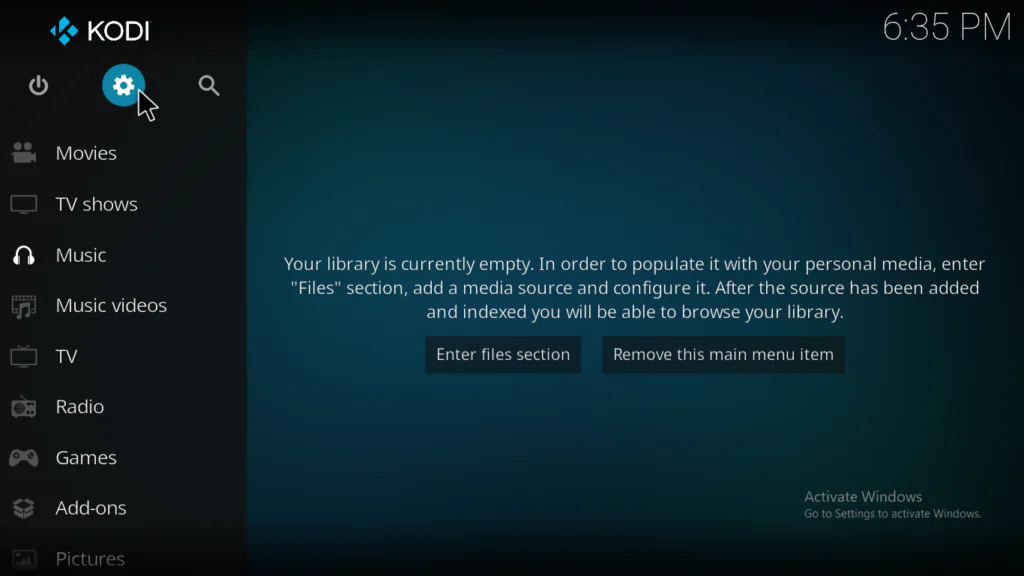
Step 1 — Enable Unknown Sources
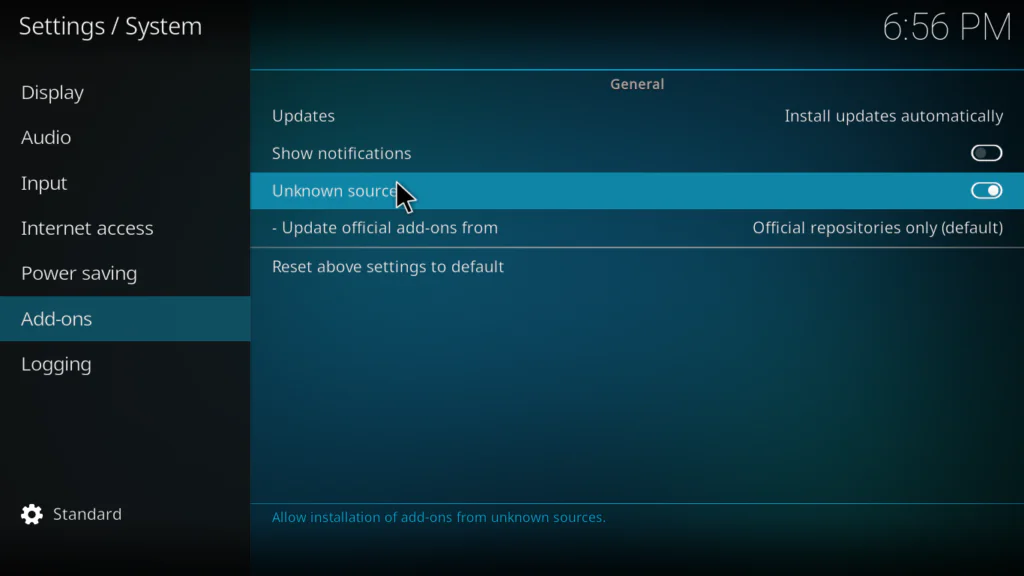
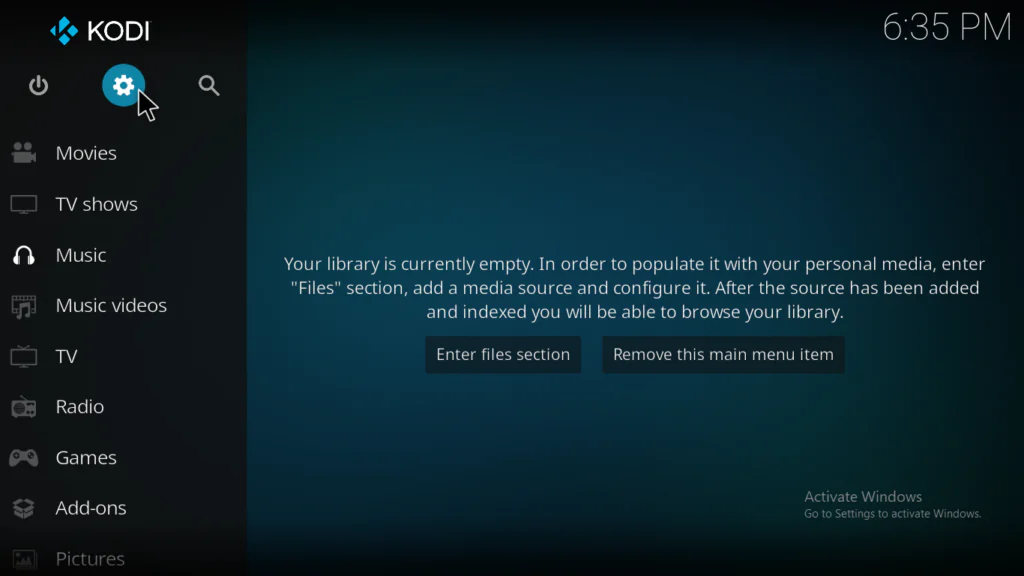
- Open Kodi → click the Settings gear icon
- Go to System → Add-ons
- Toggle Unknown sources ON
- Click Yes to confirm
Step 2 — Add the Repository URL
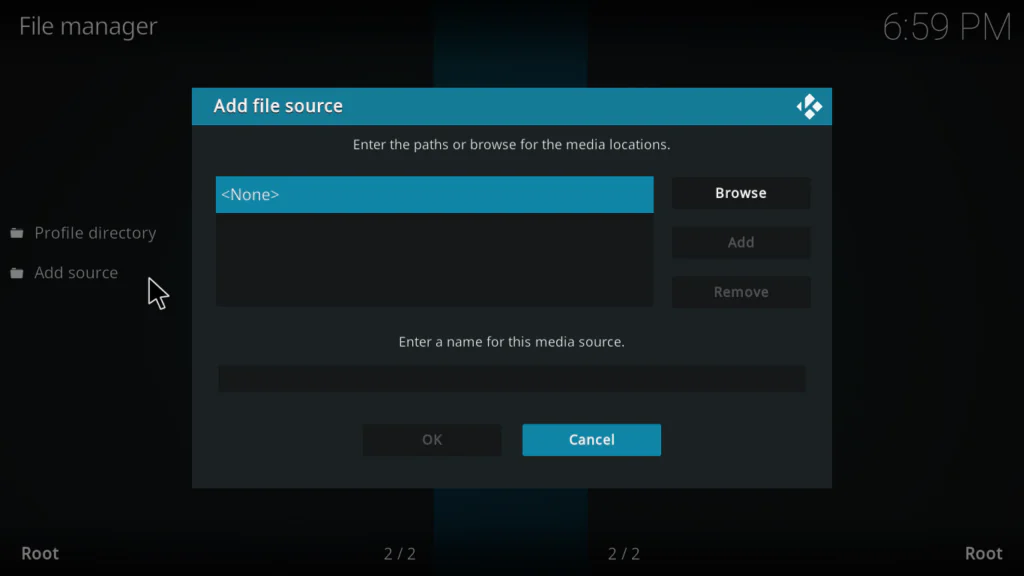
- Go to Settings → File Manager → Add Source
- Click <None> and enter the repository URL
- Name it something recognizable (e.g., “CrewRepo”) → click OK
Step 3 — Install the Repository Zip
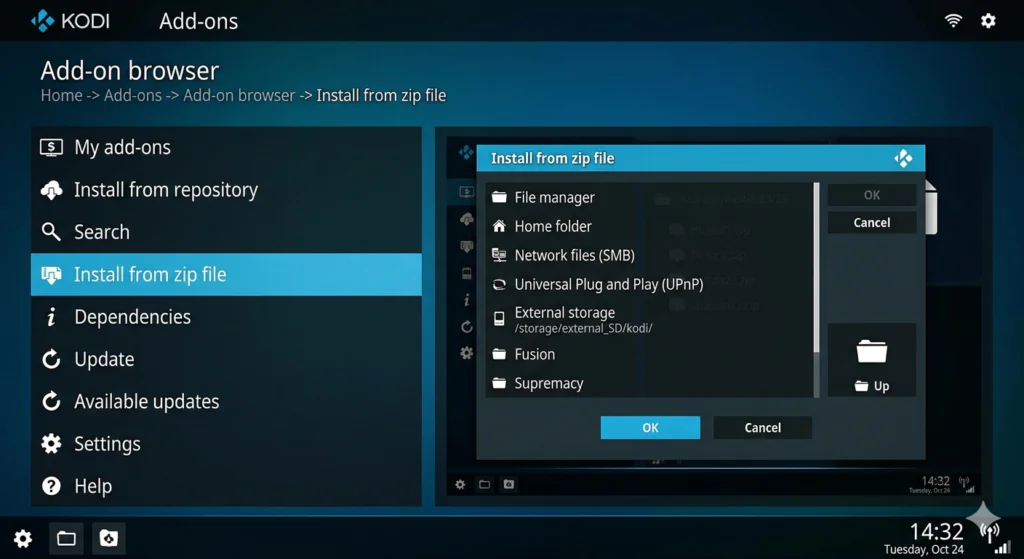
- Go to Settings → Add-ons → Install from zip file
- Select your named source
- Click the zip file → wait for “Add-on installed” notification
Step 4 — Install the Addon
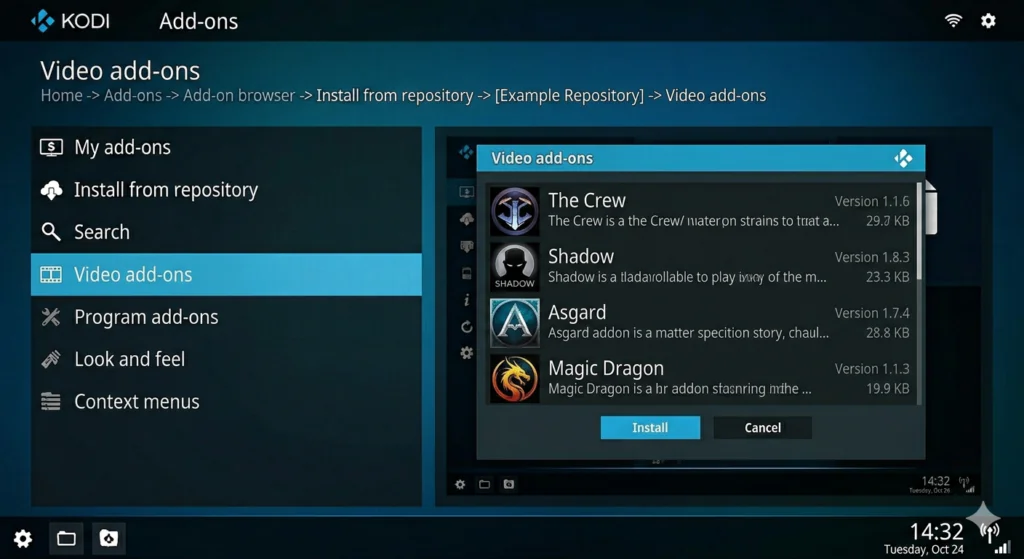
- Click Install from repository
- Select your installed repo
- Go to Video add-ons
- Find and select your addon → click Install
- Accept dependency prompts → wait for confirmation
How to Connect Real-Debrid
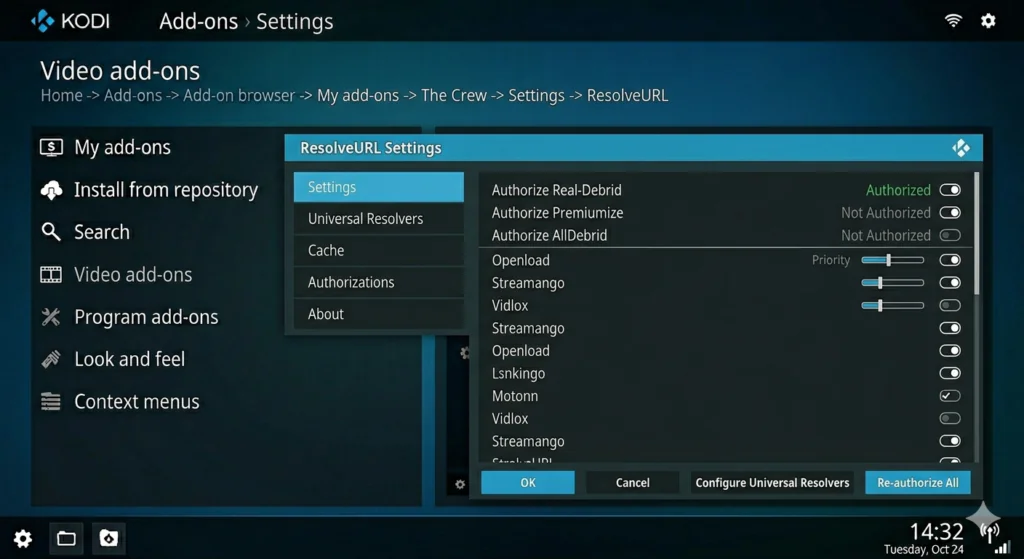
- Open The Crew → Tools → ResolveURL Settings
- Find Real-Debrid → select “(Re)Authorise My Account”
- Note the authorization code
- Visit real-debrid.com/device on your phone and enter the code
- Click Allow → return to Kodi to confirm authorization
Frequently Asked Questions
What is the best Kodi addon for beginners in 2026? The Crew is the top recommendation for newcomers. Works without a debrid account, covers movies, TV, sports, and live channels in one place.
What is the best free Kodi addon with no debrid required? Scrubs V2 is the most consistently maintained free option, followed by Diggz Free99 for users who want an even simpler experience.
Is Real-Debrid worth it? Absolutely. At ~$4/month it’s one of the best investments in your Kodi setup — instant 1080p/4K playback with virtually no buffering.
Why does my Kodi addon keep buffering? Most common causes: outdated addon, expired debrid authorization, slow internet connection, or full Kodi cache. Run EZ Maintenance to clear cache and check for addon updates.
Can I use these addons on a Firestick? Yes. Install Kodi via the Downloader app, then follow the steps above. All addons on this list work on Firestick.
What happened to Exodus, Covenant, and classic addons? Most were abandoned and no longer work on Kodi 19+. Homelander is the best active successor to Exodus. For Kodi 21.3 Omega, use the addons on this list.
What is the best Kodi repository in 2026? For free addons: Jewbmx and The Crew repo. For debrid: NixGates, Umbrella repo, Kodifitzwell. For official platform addons: SlyGuy.
What happened to XBMC addons? XBMC was rebranded as Kodi in 2014, and all development moved with it. Every addon on this list is the 2026 equivalent of what were once called XBMC addons. If you’ve been away from the platform for a few years, The Crew and Scrubs V2 are the best places to start again.
Final Thoughts — Where to Start
Week 1 — Free Setup:
- Install Kodi 21.3 Omega
- Add Jewbmx and Crew repositories
- Install Scrubs V2 for on-demand
- Install Samsung TV Plus for free live TV
- Install EZ Maintenance to keep things clean
When ready to upgrade: 6. Subscribe to Real-Debrid (~$4/month) 7. Install The Crew or Umbrella and connect your account 8. Enjoy immediate quality improvement
Bookmark this page — updated every month with only what’s actually working right now.