You’re staring at a perfectly good TV. Big screen, decent picture. But you can’t find Netflix, YouTube is missing, and you’re stuck flipping through channels you don’t even watch.
Here’s the thing — your TV isn’t broken. It’s just not smart enough. And the fix costs less than a dinner out.
So, What Is a Smart TV Box — Really?
Think of it as a brain transplant for your TV.
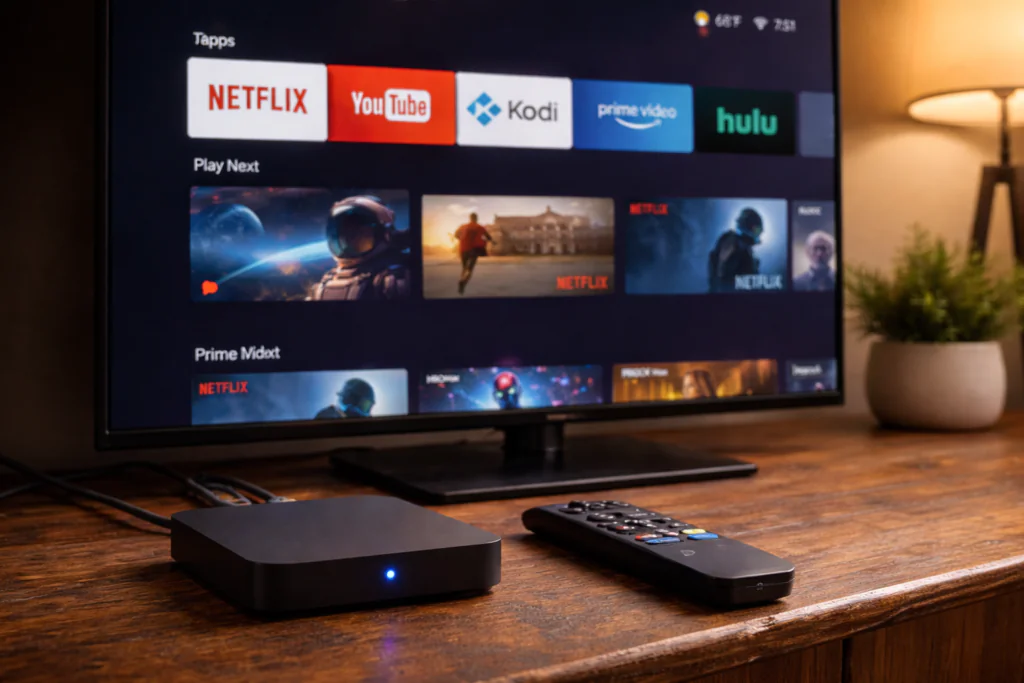
A smart TV box is a small device — usually about the size of a deck of cards — that plugs into your TV’s HDMI port and instantly turns it into a fully connected smart TV. No new screen needed. No complicated installation.
Most of them run on Android, which is why you’ll hear people say “Android TV box” and “smart TV box” as if they mean the same thing. They basically do.
Once it’s connected to your Wi-Fi, your TV gains access to apps, streaming platforms, the internet, and a whole lot more. It’s the same idea as plugging a laptop into your TV — but built specifically for the living room experience.
Smart TV box explained in one sentence: It’s a mini-computer that plugs into any TV and makes it behave like a modern smart TV.
What Can You Actually Do With One?
This is where it gets interesting. A smart TV box isn’t just for Netflix. Not even close.
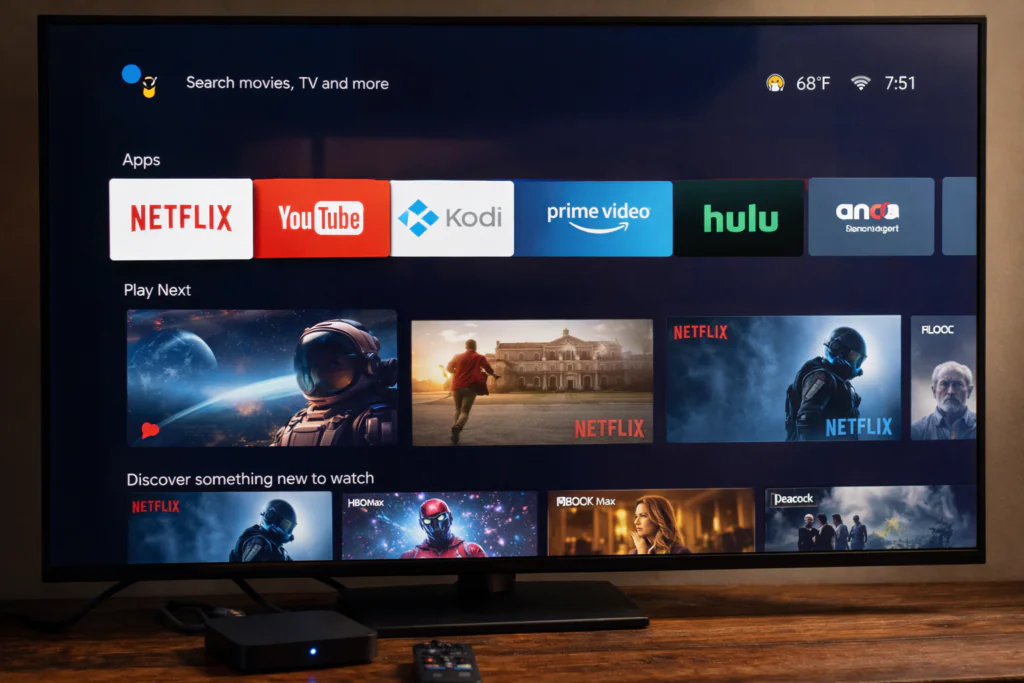
Streaming (the obvious one) Netflix, Disney+, Amazon Prime, YouTube, Apple TV — if there’s an Android app for it, it runs. For most households, this alone justifies the purchase.
IPTV and Live TV This is the big one. Pair your box with an IPTV subscription and you get access to live channels from across the world — sports, news, movies, local channels from countries you haven’t lived in for years. Many users combine this with Kodi, a free open-source media player that organizes everything in one place.
Casual Gaming Connect a Bluetooth controller and you’ve got a surprisingly decent retro gaming setup. Nothing that replaces a PlayStation, but for emulators and lighter Android games, it works well.
Browsing and Productivity Add a wireless keyboard and suddenly your TV becomes a giant screen for browsing, watching tutorials, or managing emails. More useful than it sounds.
Mirroring Your Phone Most boxes support screen mirroring. Whatever’s on your phone — TikTok, photos, a video call — can go straight to your TV.
What Specs Actually Matter in a Smart TV Box?
Not all boxes are created equal. Here’s what to look for before buying.
Processor (CPU) The chip inside determines everything — speed, smoothness, how well it handles 4K video. In 2026, look for at least an Amlogic S905X4 or newer. Avoid anything running older S905W chips — they struggle with modern apps.
RAM Minimum 2GB for basic use. For IPTV, Kodi, or multiple apps open at once, go for 4GB. Less than 2GB and you’ll be frustrated within a month.
Storage 4GB is the absolute minimum. 16GB or 32GB gives you room to install apps without constantly managing space. Most Kodi users want at least 16GB.
Android Version Android 11 or higher in 2026. Older versions lose app support faster and miss security updates. Android TV is better than standard Android for the living room experience.
Netflix Certification This one catches people off guard. Budget boxes often can’t stream Netflix in HD — only 480p — because they lack official Widevine L1 certification. If Netflix quality matters to you, check for “Widevine L1” or “Netflix certified” before buying.
Wi-Fi Standard Wi-Fi 5 minimum. Wi-Fi 6 is better for busy households. A box with an Ethernet port is a bonus for stable IPTV streams.
Smart TV Box vs Smart TV: Which One Actually Wins?
Honest answer? It depends on your situation.
Built-in smart TV systems look good on paper. One remote, everything integrated, no extra device. And if all you do is open Netflix and stop there, the built-in system probably covers you.
But here’s the problem nobody talks about: smart TVs age fast.
Manufacturers update the software for a year or two, then move on. Three years later, apps stop working, performance crawls, and your “smart” TV starts behaving like a dumb one.
A smart TV box, on the other hand, is separate from the screen. When it gets outdated, you replace the £50 box — not the £600 TV. That’s a very different calculation.
| Feature | Smart TV Box | Built-in Smart TV |
|---|---|---|
| App flexibility | High | Limited |
| Update control | You decide | Manufacturer decides |
| IPTV/Kodi support | Full | Minimal |
| Longevity | Easily upgradable | Tied to the TV |
| Cost to upgrade | £50–£150 | Full TV price |
Pros and Cons (No Sugarcoating)
Pros:
- Turns any old TV into a smart TV immediately
- Huge app ecosystem — install what you want
- Great for IPTV and Kodi setups
- Much cheaper to upgrade than replacing a TV
- Works on any TV with an HDMI port
Cons:
- Adds another remote to manage
- Budget boxes can be slow or buggy
- Some streaming apps (like Netflix) need certified devices for HD quality
- Requires a decent Wi-Fi connection to work well
- Setup takes a little patience if you’re not tech-savvy
Is It Legal? (Clear Answer)
Yes — the device itself is completely legal. Buying and using a smart TV box is no different from buying a tablet or a laptop.
What matters is how you use it.
Streaming from official apps like Netflix, YouTube, or Disney+? Totally legal. Using Kodi with official add-ons and your own media files? Also fine.
The grey area is IPTV. Using an IPTV service that streams live channels without proper licensing — that’s where legality gets complicated, and it varies by country. The box isn’t illegal. What you choose to watch through it is a separate question entirely.
Who Should Buy a Smart TV Box (and Who Shouldn’t)
Buy one if:
- Your TV doesn’t have built-in smart features
- Your smart TV’s software feels slow or outdated
- You want access to IPTV or Kodi
- You’re looking to cut your cable bill
- You want more app freedom than your TV allows
Skip it if:
- You’re not comfortable with any kind of tech setup
- You already have a modern smart TV that runs everything you need
- You only watch one or two streaming apps and they already work fine
![Person relaxing on couch watching content on a large TV with an Android TV box on the TV stand]](https://tvboxfixer.com/wp-content/webp-express/webp-images/uploads/2026/04/Person-relaxing-on-couch-watching-content-on-a-large-TV-with-an-Android-TV-box-on-the-TV-stand-1024x683.png.webp)
Top Smart TV Boxes Worth Buying in 2026
Here are the four devices we recommend most on TVBoxFixer — all available on Amazon with fast delivery.
Mecool KM2 Plus — Best for IPTV users. Certified Android TV, Netflix in full HD, reliable IPTV performance, solid build quality. The sweet spot for most readers. 👉 Check the Mecool KM2 Plus on Amazon
Amazon Fire TV Stick 4K Max — Easiest to set up. Intuitive remote, genuine 4K HDR support, ready in minutes. Nudges you toward Prime but doesn’t lock you out of other platforms. 👉 Check the Fire TV Stick 4K Max on Amazon
Nvidia Shield TV Pro — Best raw performance. Handles 4K Dolby Vision, games well, feels fast years after purchase. Premium price but exceptional longevity. 👉 Check the Nvidia Shield TV Pro on Amazon
X96 Max+ — Best budget pick for IPTV-focused users. Takes more hands-on setup but delivers solid capability for the price. 👉 Check the X96 Max+ on Amazon, If you’re on a tight budget, also check out our full X96 Mini troubleshooting guide before buying.
Is a Smart TV Box Worth It in 2026?
Yes — for most people. The market has matured, the hardware is reliable, and the value is genuinely strong. If you’re paying for cable you barely use, or sitting with a TV that can’t keep up, a smart TV box fixes both problems for the price of a takeaway meal.
If you’ve been wondering what is a smart TV box and whether it’s right for your setup — the answer for most people is yes.
It won’t transform your living room. But it will absolutely change how you feel about turning on the TV.
Frequently Asked Questions
What is the difference between a smart TV box and a smart TV? A smart TV has the streaming software built into the screen. A smart TV box is a separate device you plug into any TV via HDMI. The main advantage of a box is flexibility — you can upgrade it without replacing your TV, and it usually supports more apps including IPTV and Kodi.
Do I need internet for a smart TV box? Yes, for streaming apps and online content. However, you can still use a smart TV box offline to play local media files stored on a USB drive or hard drive. Most people use them connected to Wi-Fi or Ethernet.
Can I use a smart TV box on any TV? Any TV with an HDMI port — which includes virtually all TVs made after 2008. Older TVs without HDMI can use an HDMI-to-RCA adapter, though picture quality will be limited by the older screen.
What is the best smart TV box in 2026? For most users, the Mecool KM2 Plus offers the best balance of performance, certification, and price. For pure performance, the Nvidia Shield TV Pro leads the market. For budget users focused on IPTV, the X96 Max+ delivers solid value.
Is a smart TV box the same as an Android box? Mostly yes. Most smart TV boxes run Android, which is why the terms are used interchangeably. The technical difference is that “Android TV box” specifically refers to boxes running Google’s Android TV or Google TV operating system, while some cheaper boxes run a modified version of standard Android without Google certification.
How long does a smart TV box last? A quality box lasts 3 to 5 years with regular use. Budget boxes may slow down after 2 years as apps become more demanding. Higher-end boxes like the Nvidia Shield TV Pro are still running well 6 years after launch.
