The MECOOL Android TV box malware is real, and if you own a MECOOL box, you should stop using it on your home network until you replace its firmware. On November 2, 2026, Google said it had disrupted the XCPE botnet. This malware network was built into the firmware of more than 1.3 million Android TV boxes, and Google named Videostrong Technology, the company behind MECOOL.
We have reviewed MECOOL boxes here before, including the KM2 Plus Deluxe. This news changes our advice. Here’s what happened and exactly what to do.
What actually happened
The backdoor was in the boxes when they left the factory. It was not a bad app you installed later. Attackers used it to send ad-fraud and proxy traffic through owners’ internet connections. It also turned off Google Play Protect, so they could install more apps and watch the device without being noticed.
Google shut down the servers that controlled the botnet. It also revoked Videostrong’s license to ship devices with Google apps, and banned the company and its affiliates from making certified Android devices in the future. No official firmware fix is coming.
Why a factory reset won’t remove the MECOOL Android TV box malware
- The malicious code lives in the protected system partition. Researchers have linked it to system components such as
x.cpeandcom.oemservice. A reset just puts it back. - The command servers are offline, but the backdoor is still there. A new server could take control of the box again.
- An infected box on your Wi-Fi is a doorway into your other devices.
Both Google-certified and AOSP (uncertified) MECOOL models should be treated as compromised, because the code was added during manufacturing.
Warning signs your box may be infected
A backdoor like this is built to stay quiet, so you may notice nothing at all. Still, these signs are worth checking on any cheap Android box:
- Your router shows the box using data while you’re not watching anything.
- The box stays warm or slow even when it’s idle on the home screen.
- Google Play Protect is turned off and won’t stay on, or it’s missing completely.
- Apps you never installed show up under Settings > Apps.
If you see any of these on a MECOOL or no-name box, follow the action plan below.
It’s bigger than one brand
Videostrong is an OEM. It builds hardware and firmware that other sellers rebrand. Synthient, the security firm that helped Google track the botnet, found the backdoor on 182 device models. Many of them are no-name boxes sold on Amazon, eBay and AliExpress. Treat any generic box sold as “fully loaded” or “unlocked” as a red flag.
Your 5-step action plan
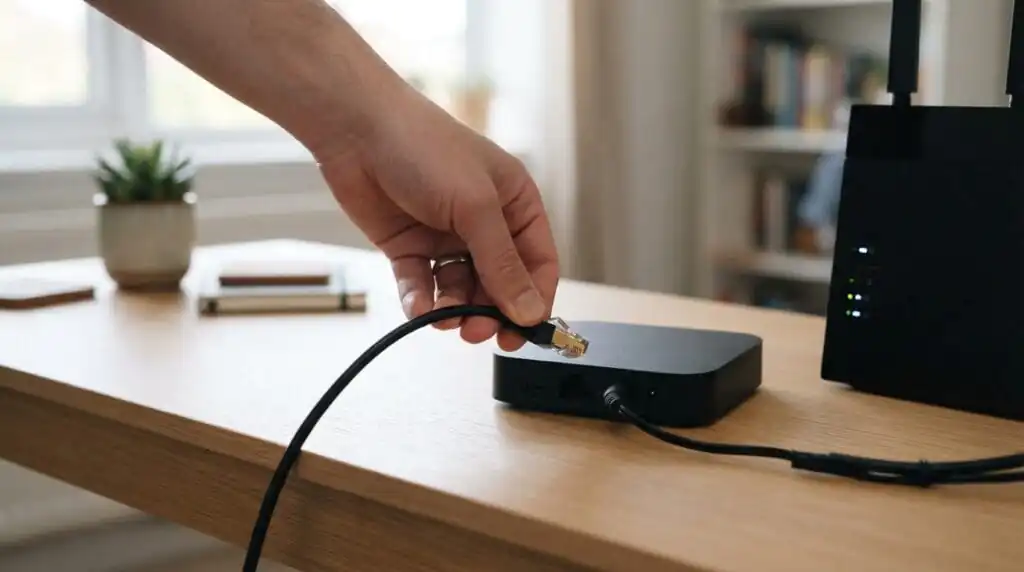
- Unplug the box from power and from your TV.
- Remove it from your network: forget it on Wi-Fi and pull any Ethernet cable.
- Change your passwords from a clean phone or PC for any accounts you used on the box (Google, streaming services, payment apps).
- Check your router’s list of connected devices and remove anything you don’t recognise.
- Choose one: flash a clean third-party firmware (advanced users only, see our Amlogic USB Burning Tool guide) or replace the box.
Safer replacement picks
Buy from brands that make their own firmware and ship regular security updates: Google TV Streamer, NVIDIA Shield TV Pro, Walmart onn. 4K Pro, Ugoos (AOSP, for tinkerers), Formuler and BuzzTV. On a budget? See our best streaming boxes under $70.
FAQ
How do I know if my box is a Videostrong device?
Go to Settings > Device Preferences > About and check the manufacturer and model. Then look for that model in published lists of affected devices. If the brand is unknown and you can’t find the model online, assume it is affected.
Can I keep using it offline?
Only if it never connects to the internet. For a streaming box, that makes it close to useless.
Does the MECOOL Android TV box malware affect the KM2 Plus?
All MECOOL models come from Videostrong, so treat the KM2 Plus and KM2 Plus Deluxe as affected until proven otherwise. A routine firmware update won’t remove the backdoor.


