What is a smart TV box?
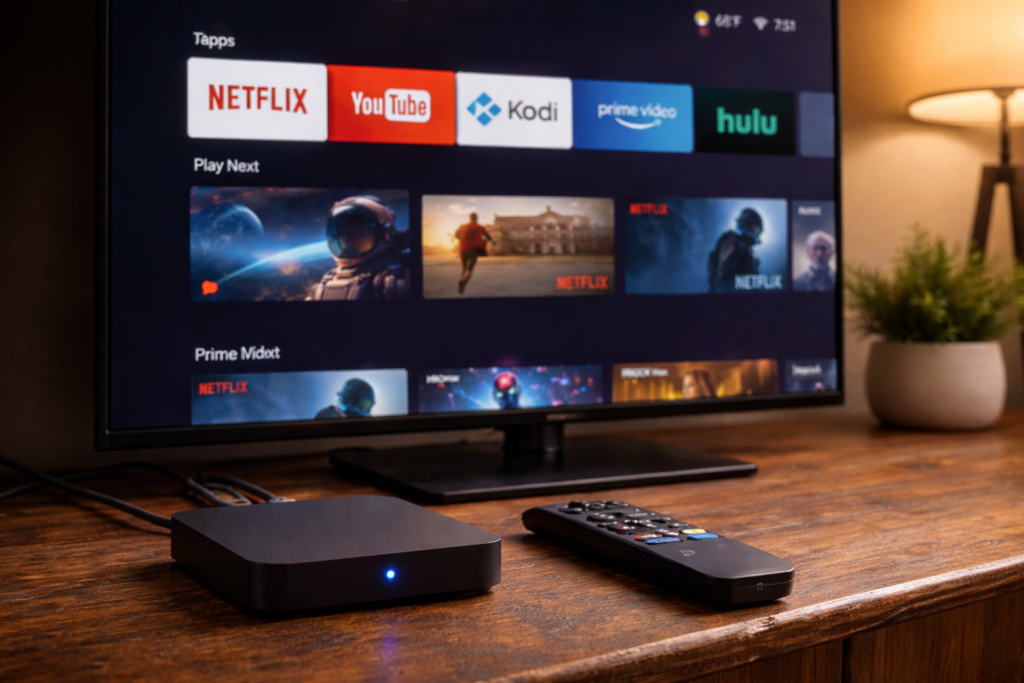
It’s a small device — about the size of a deck of cards — that plugs into any TV and instantly gives it full smart features: streaming, apps, internet, and more. No new TV needed. No complicated setup. Just plug in and go.
You’re staring at a perfectly good TV. Big screen, decent picture. But Netflix isn’t there, YouTube is missing, and you’re stuck flipping through channels you don’t even watch. Your TV isn’t broken — it’s just not smart enough. And the fix costs less than a dinner out.A smart TV box is one of the most practical upgrades you can make for any television — old or new.
What Is a Smart TV Box — Really?
Think of it as a brain transplant for your TV. A smart TV box is a small device — usually about the size of a deck of cards — that plugs into your TV’s HDMI port and instantly turns it into a fully connected smart TV. No new screen needed. No complicated installation.
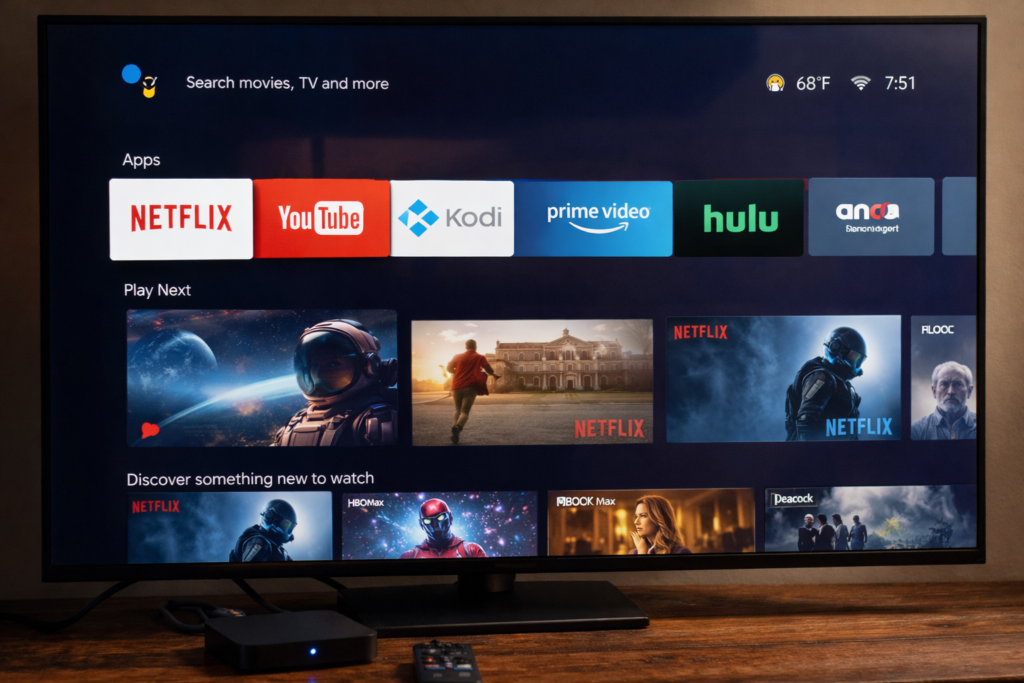
Most of them run on Android, which is why you’ll hear people say “Android TV box” and “smart TV box” as if they mean the same thing. They basically do. Once it’s connected to your Wi-Fi, your TV gains access to apps, streaming platforms, the internet, and a whole lot more.
Simple definition: A smart TV box is a mini-computer that plugs into any TV and makes it behave like a modern smart TV — with full app access, internet, and streaming support built in.
What Can You Actually Do With One?
This is where it gets interesting. A smart TV box isn’t just for Netflix. Not even close. Here’s how people actually use one daily.
Streaming Netflix, Disney+, Amazon Prime, YouTube, Apple TV — if there’s an Android app for it, it runs. For most households, this alone justifies the cost.
IPTV and Live TV Pair your box with an IPTV subscription and you get live channels from across the world — sports, news, local channels from countries you haven’t lived in for years. Many users combine their box with Kodi — here’s how to install Kodi on Firestick if you’re just getting started.
Casual Gaming Connect a Bluetooth controller and you’ve got a surprisingly decent retro gaming setup. Nothing that replaces a PlayStation, but for emulators and lighter Android games, it works well.
Browsing and Productivity Add a wireless keyboard and suddenly your TV becomes a giant screen for browsing, watching tutorials, or managing emails. More useful than it sounds.
Screen Mirroring Most boxes support screen mirroring. Whatever’s on your phone — TikTok, photos, a video call — can go straight to your TV instantly.
Smart TV Box vs Smart TV: Which One Actually Wins?
Honest answer? It depends on your situation. But here’s what nobody tells you about built-in smart TVs: they age fast.
Manufacturers update the software for a year or two, then move on. Three years later, apps stop working, performance crawls, and your “smart” TV starts behaving like a dumb one. A smart TV box is separate from the screen. When it gets outdated, you replace the £50 box — not the £600 TV. That’s a very different calculation.
That’s the real advantage of knowing what is a smart TV box before you buy — you’re not locked into one screen forever.
| Feature | Smart TV Box | Built-in Smart TV |
|---|---|---|
| App flexibility | High — install anything | Limited by manufacturer |
| Software updates | You control the timeline | Manufacturer decides |
| IPTV / Kodi support | Full support | Minimal or none |
| Longevity | Swap the box, keep the TV | Tied to the screen |
| Cost to upgrade | £50–£150 | Full TV replacement |
| Simplicity | One extra remote | Everything integrated |
Pros and Cons — No Sugarcoating
Understanding what a smart TV box can and can’t do helps you set the right expectations before spending a penny.
Pros:
- Turns any old TV into a smart TV immediately
- Huge app ecosystem — install what you want
- Great for IPTV and Kodi setups
- Much cheaper to upgrade than replacing a TV
- Works on any TV with an HDMI port
- Active community for support and add-ons
Cons:
- Adds another remote to manage
- Budget boxes can be slow or buggy
- Some apps (like Netflix) need certified devices for HD quality
- Requires a decent Wi-Fi connection to perform well
- Setup takes a little patience if you’re not tech-savvy
Is It Legal?
Yes — the device itself is completely legal. Buying and using a smart TV box is no different from buying a tablet or a laptop. The box is just hardware.
What matters is how you use it. Streaming from Netflix, YouTube, or Disney+? Totally legal. Using Kodi with your own media files and official add-ons? Completely fine.
The grey area is IPTV. Services that stream live channels without proper licensing — that’s where legality varies by country. The box isn’t illegal. What you choose to watch through it is a separate question entirely.
Who Should Buy One (and Who Shouldn’t)
Buy one if you:
- Have a TV with no smart features at all
- Own a smart TV whose software feels slow or outdated
- Want access to IPTV or Kodi
- Are looking to cut your cable bill
- Want more app freedom than your TV currently allows
Skip it if you:
- Already have a modern smart TV that runs everything you need
- Only use one or two apps and they already work fine
- Prefer one-remote simplicity above everything else
![Person relaxing on couch watching content on a large TV with an Android TV box on the TV stand]](https://tvboxfixer.com/wp-content/uploads/2026/04/Person-relaxing-on-couch-watching-content-on-a-large-TV-with-an-Android-TV-box-on-the-TV-stand-1024x683.png)
Top Smart TV Boxes Worth Buying in 2026
Here are the four devices we recommend most on TVBoxFixer — all available on Amazon with fast delivery.
Mecool KM2 Plus — Best for IPTV users. Certified Android TV, Netflix in full HD, reliable IPTV performance, solid build quality. The sweet spot for most readers. 👉 Check the Mecool KM2 Plus on Amazon
Amazon Fire TV Stick 4K Max — Easiest to set up. Intuitive remote, genuine 4K HDR support, ready in minutes. Nudges you toward Prime but doesn’t lock you out of other platforms. 👉 Check the Fire TV Stick 4K Max on Amazon
Nvidia Shield TV Pro — Best raw performance. Handles 4K Dolby Vision, games well, feels fast years after purchase. Premium price but exceptional longevity. 👉 Check the Nvidia Shield TV Pro on Amazon
X96 Max+ — Best budget pick for IPTV-focused users. Takes more hands-on setup but delivers solid capability for the price. 👉 Check the X96 Max+ on Amazon, If you’re on a tight budget, also check out our full X96 Mini troubleshooting guide before buying.
Is a Smart TV Box Worth It in 2026?
Yes — for most people. The market has matured, the hardware is reliable, and the value is genuinely strong. If you’re paying for cable you barely use, or sitting with a TV that can’t keep up, a smart TV box fixes both problems for the price of a takeaway meal.
If you’ve been wondering what is a smart TV box and whether it’s right for your setup — the answer for most people is yes.
It won’t transform your living room. But it will absolutely change how you feel about turning on the TV.