
Introduction
Sport HD Addon Kodi is one of the most popular ways to watch live sports on your TV box — and in this guide, I’ll show you exactly how to install it.
Even if you’ve never touched Kodi before, you can follow along. Every step has a picture, and I’ve kept the language as simple as possible.
Here’s what you’ll learn:
- What the Sport HD Addon on Kodi actually is
- Whether it’s safe and legal to use
- How to install it from scratch (with screenshots)
- How to fix problems if something goes wrong
Let’s get into it.
What Is Sport HD Addon Kodi?
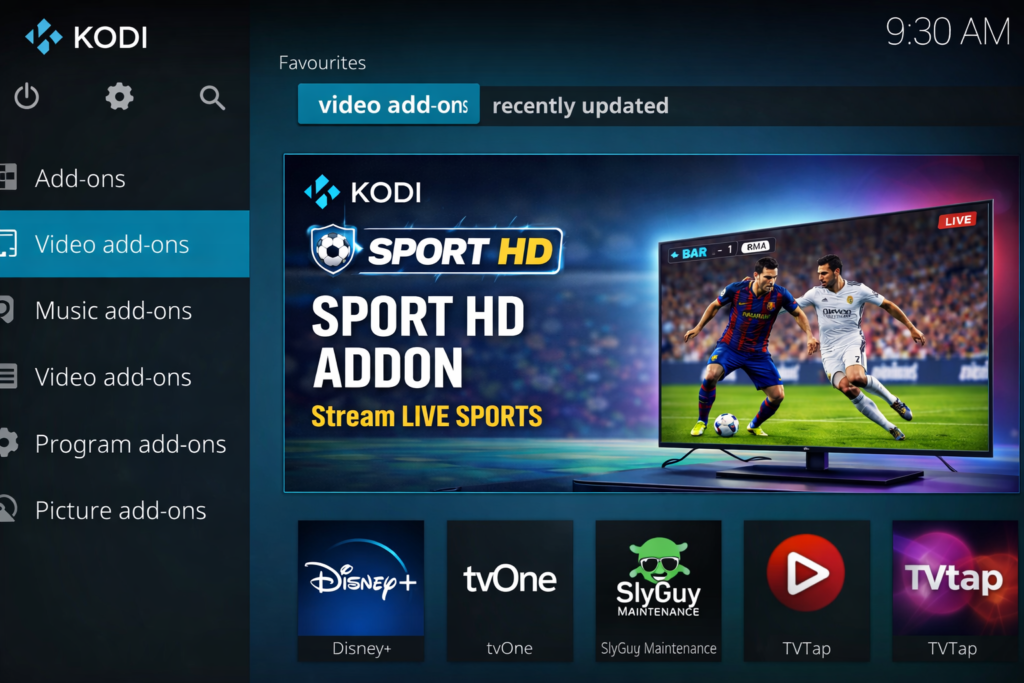
Kodi is a free, open-source media player you can install on almost any device. You can learn more about it directly on the official Kodi website — it’s completely free to download.
An addon is a small plugin that runs inside Kodi and adds extra features. Think of it like an app inside an app.
The Sport HD Addon for Kodi is one of those plugins. It adds live sports streaming directly to your Kodi menu — football, basketball, tennis, MMA, boxing, and more.
You install it once. After that, you just open it and start watching.
New to Kodi entirely? Read our How to Install Kodi on Android TV Box — Beginner Guide first, then come back here.
Is Sport HD Addon Kodi Legal and Safe?
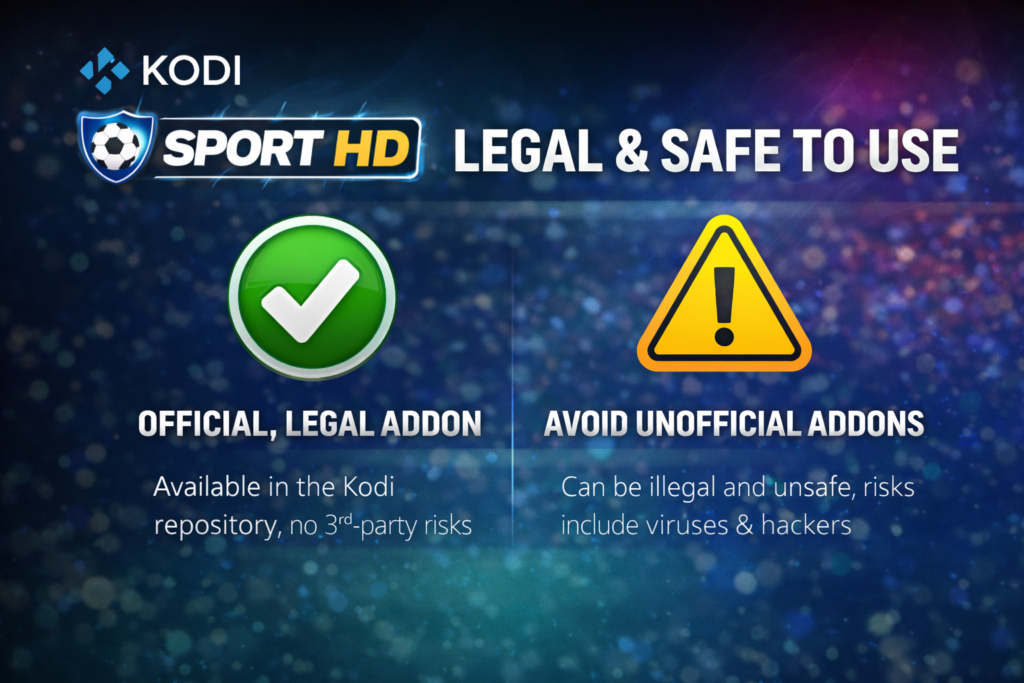
This is the most important section in this guide. Read it before you install anything.
Is Kodi Legal?
Yes — 100%. Kodi itself is legal software built by the XBMC Foundation. You can read about the project on the official Kodi about page.
Is the Sport HD Addon Legal?
This is where it gets complicated.
The Sport HD Addon for Kodi is a third-party addon — it’s not made by Kodi’s official team. Some streams it provides may come from unlicensed sources. Watching copyrighted sports content without permission could break copyright law in your country.
Always check what’s legal where you live before using it.
Is It Safe to Install?
Third-party addons are not reviewed by Kodi’s official team. That means:
- You’re downloading from an outside source
- The addon can disappear or break without warning
- Wrong or fake sources can include harmful files
Only use trusted, well-known repositories. Never copy a repo URL from a random website.
⚠️ Disclaimer: This guide is for educational purposes only. TVBoxFixer does not host, promote, or distribute illegal streams. Always use the Sport HD Addon on Kodi responsibly and in line with your local laws. A VPN is strongly recommended — see our Best VPNs for Kodi Streaming guide for options.
Features of Sport HD Addon Kodi
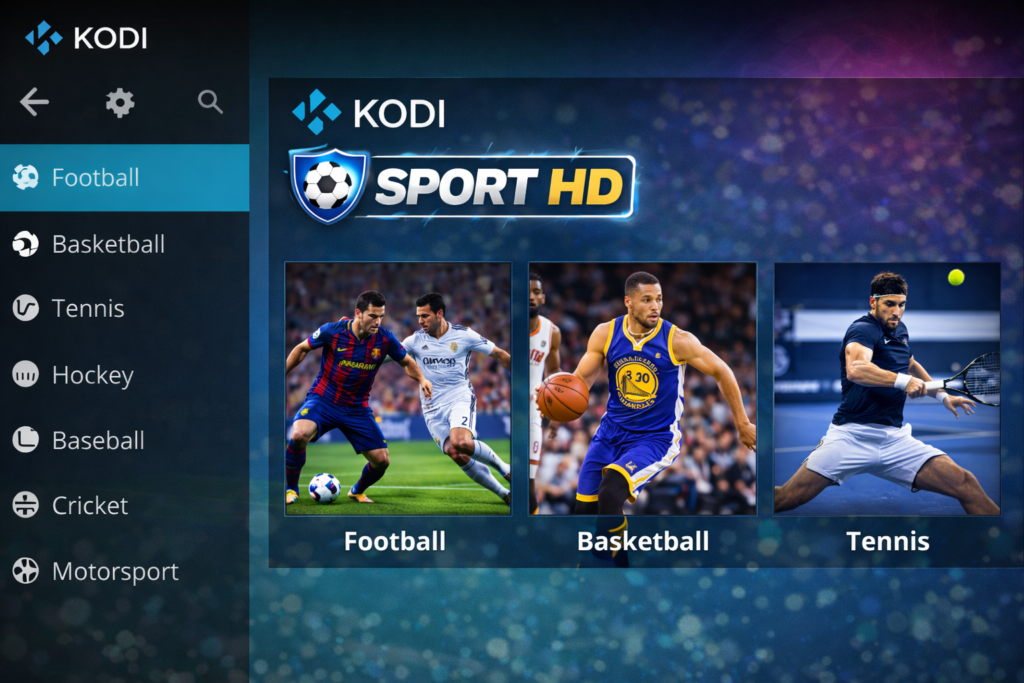
Here’s why the sport hd addon kodi is so popular in the streaming community:
- 🏆 Live sports streams — football, basketball, tennis, MMA, boxing
- 📺 HD quality — most streams are in high definition
- 🗂️ Sorted by sport — no endless scrolling
- 🔁 Multiple backup links — if one stream fails, try another
- 💸 100% free — no account or subscription needed
- 🔄 Community maintained — regularly updated by developers
What You Need Before Installing Sport HD Addon Kodi
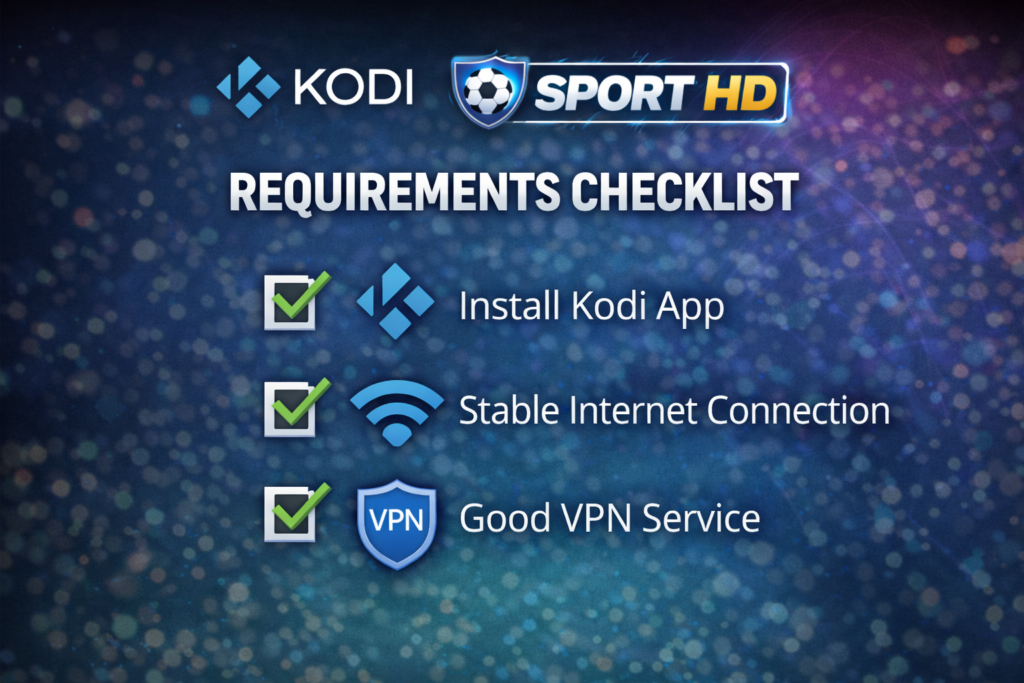
Make sure you have everything below ready before you start.
| Requirement | Details |
|---|---|
| ✅ Kodi version | Kodi 19 (Matrix), 20 (Nexus), or newer |
| ✅ Internet speed | Minimum 10 Mbps for HD streams |
| ✅ Device | Android TV box, Fire Stick, Windows PC |
| ✅ Unknown Sources | Must be turned ON in Kodi settings |
| ✅ VPN (recommended) | Protects your privacy while streaming |
How to Install Sport HD Addon Kodi Step by Step
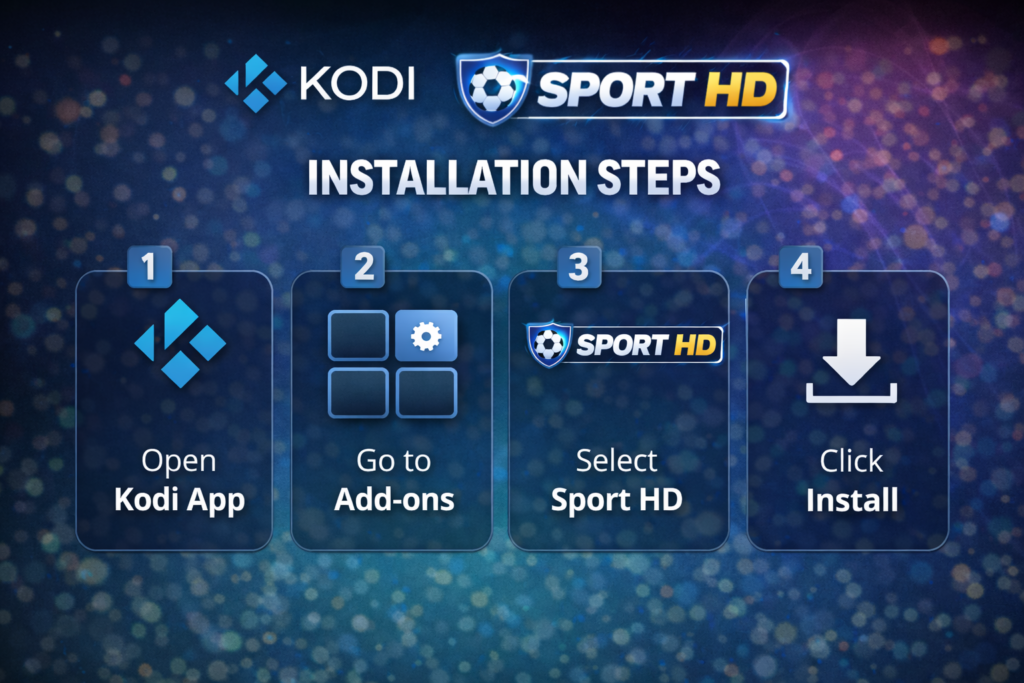
There are four steps. Follow them in order and you won’t have any problems.
Step 1 — Enable Unknown Sources in Kodi
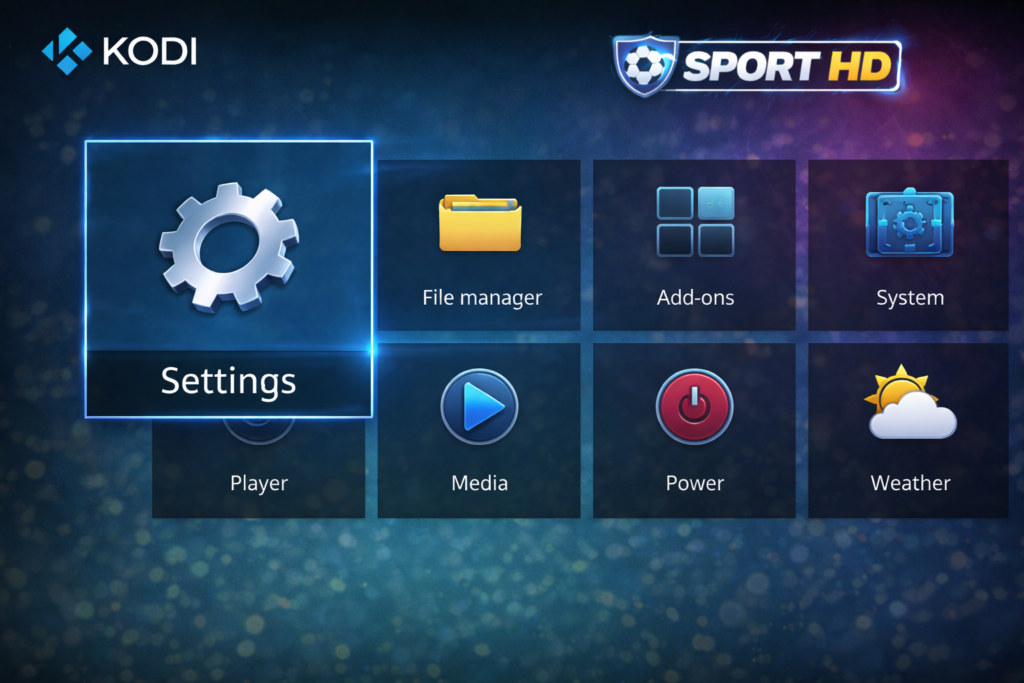
Kodi blocks third-party addons by default. You need to turn on one setting to allow the sport hd addon kodi to install.
- Open Kodi
- Click the gear icon (Settings) on the home screen
- Go to System
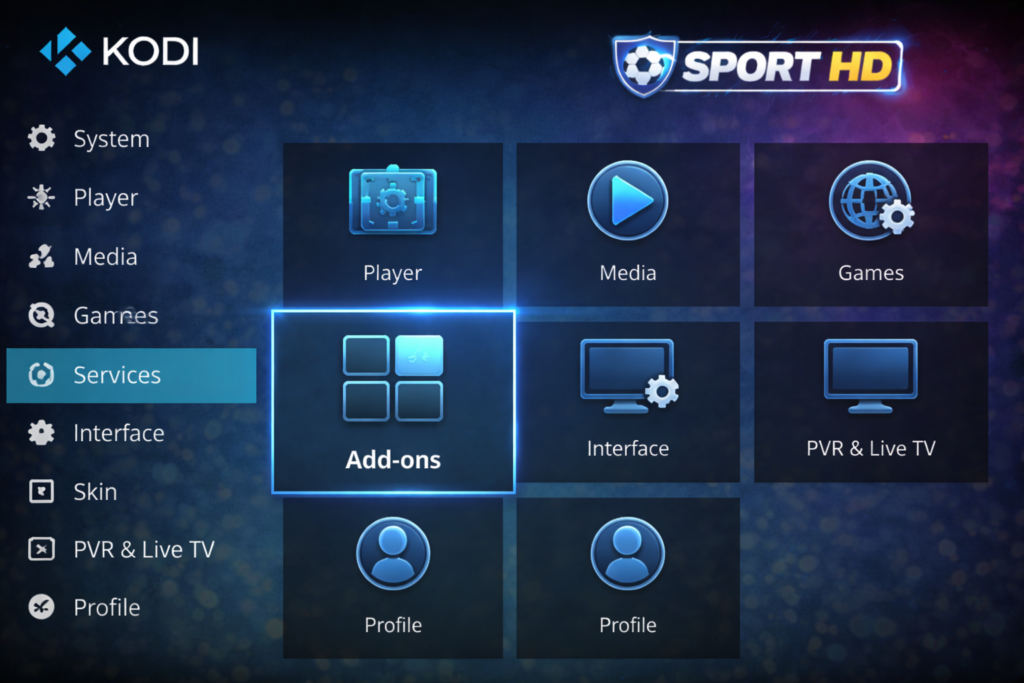
- Click Add-ons in the left sidebar
- Find Unknown Sources and toggle it ON
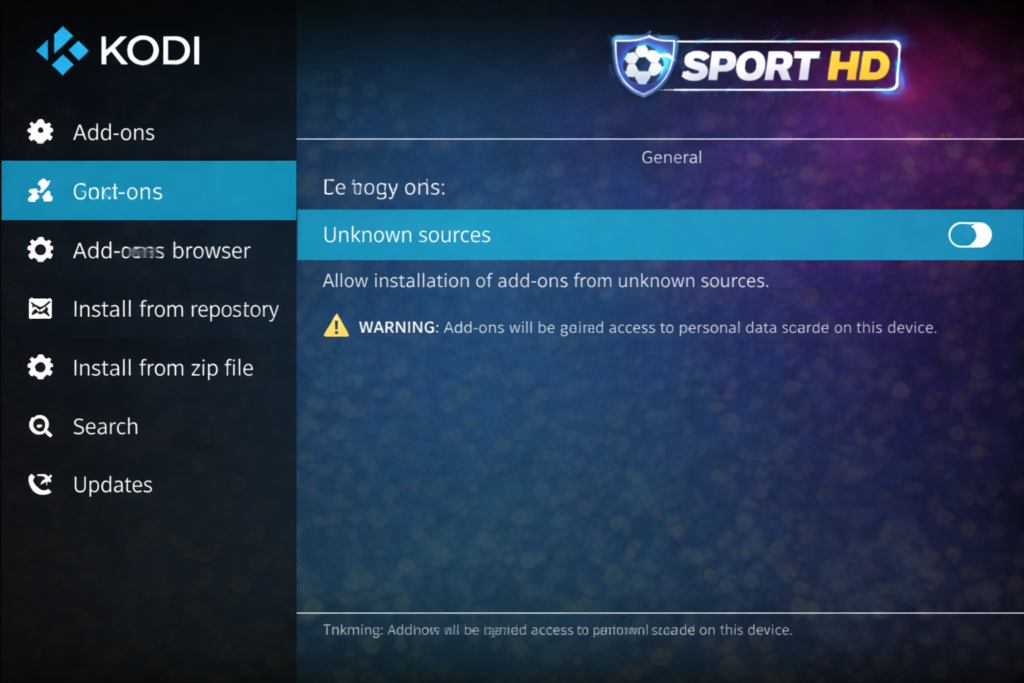
- A warning will pop up — click Yes to confirm
✅ Unknown Sources is now enabled.
Step 2 — Add the Repository Source
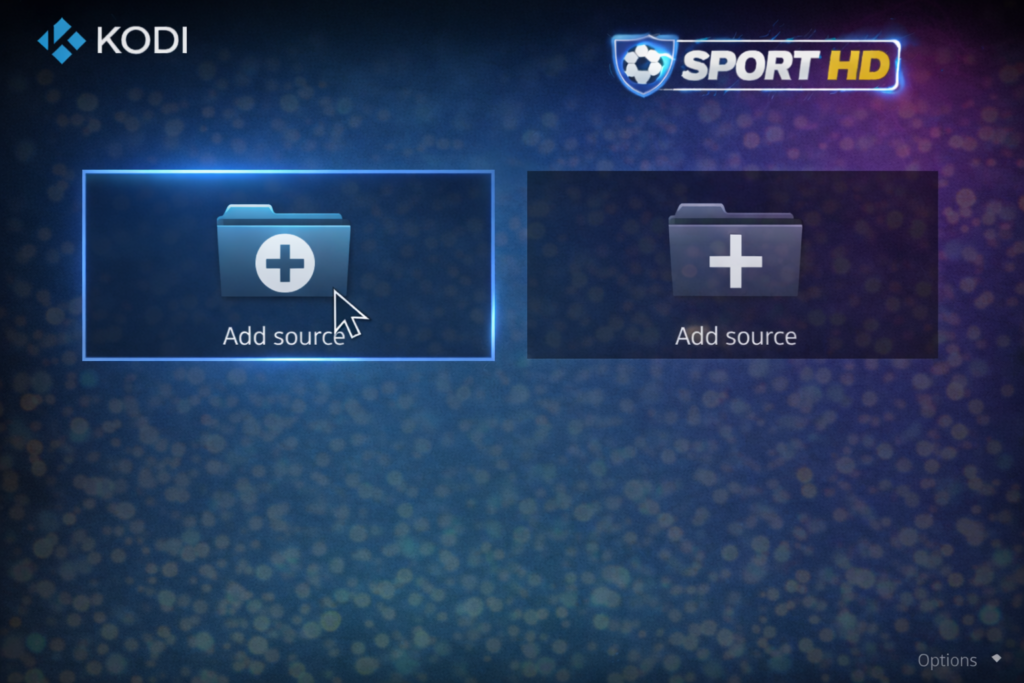
A repository is like a private app store for Kodi addons. You need to add the right one to get the sport hd addon kodi.
- Go to Settings → File Manager
- Double-click Add Source
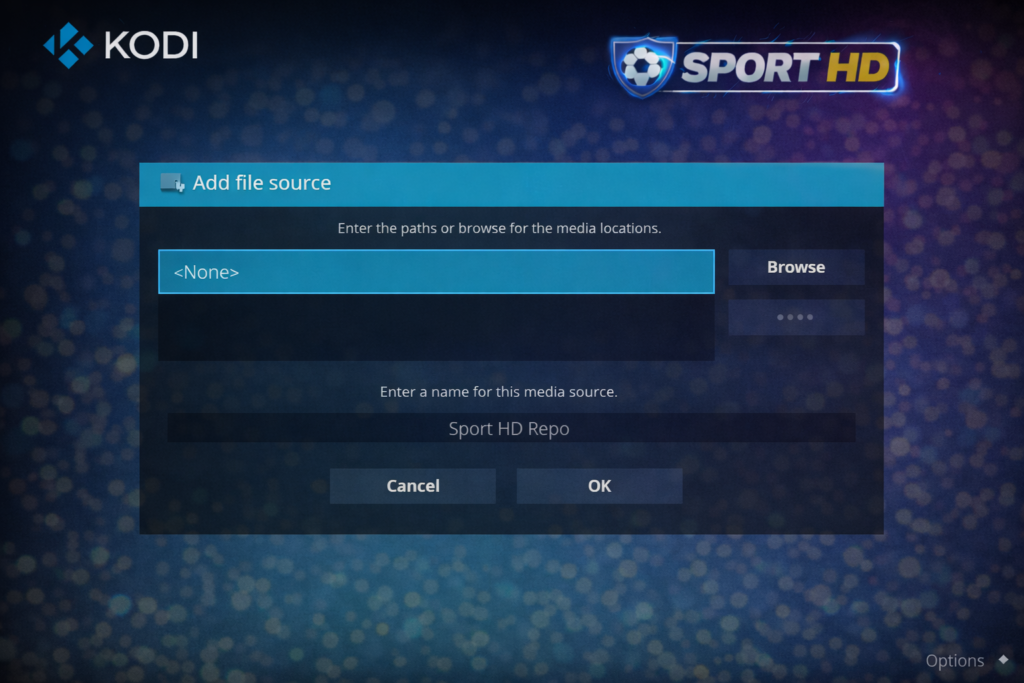
- Click the <None> field
- Enter the correct repository URL
📌 Important: Repo URLs change often. Always check the latest working URL on a trusted community source like r/Addons4Kodi on Reddit before typing anything. That subreddit is run by the Kodi community and is the safest place to verify current repo links.
- Name your source — for example: SportHDRepo
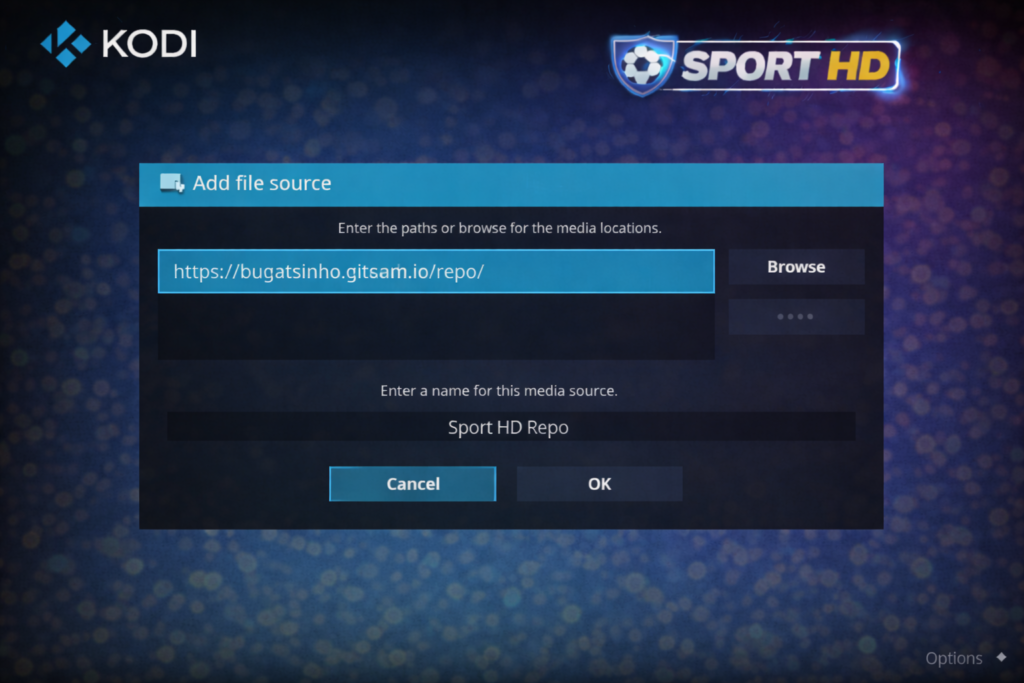
- Click OK
✅ Source saved.
Step 3 — Install the Repository
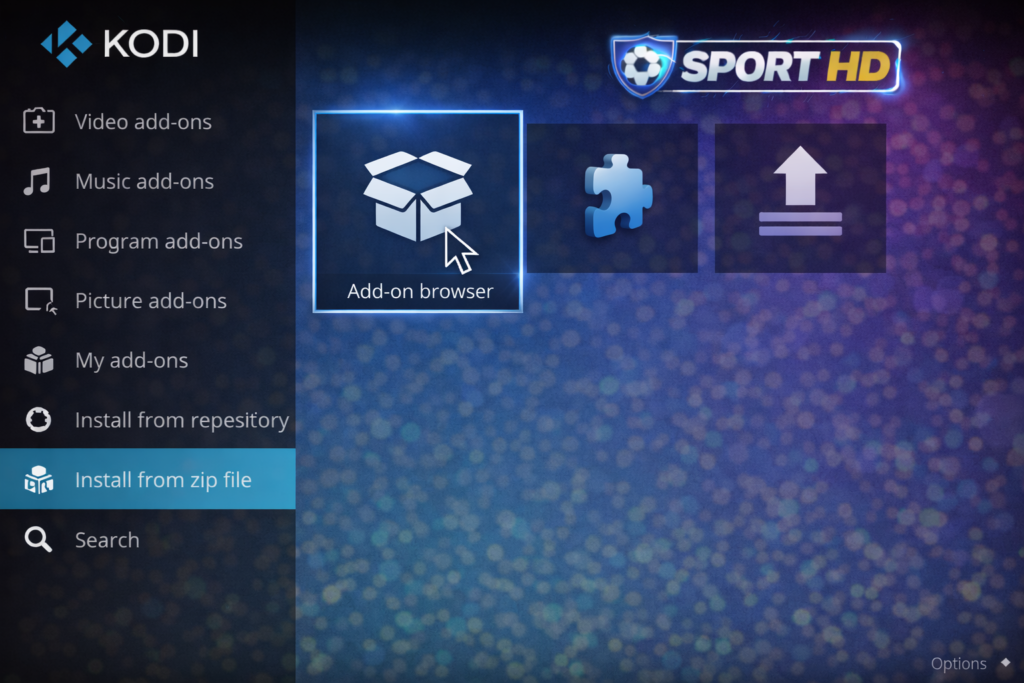
- Go back to the Kodi home screen
- Click Add-ons
- Click the open box icon (top-left corner)
- Select Install from zip file
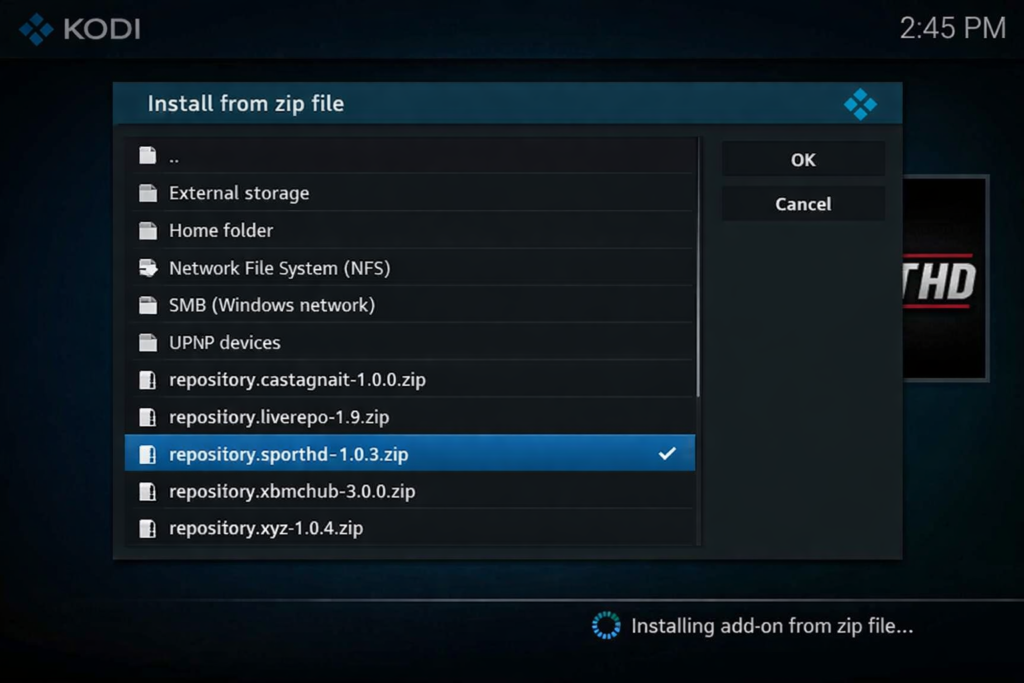
- Click SportHDRepo
- Select the .zip file
- Wait for the notification
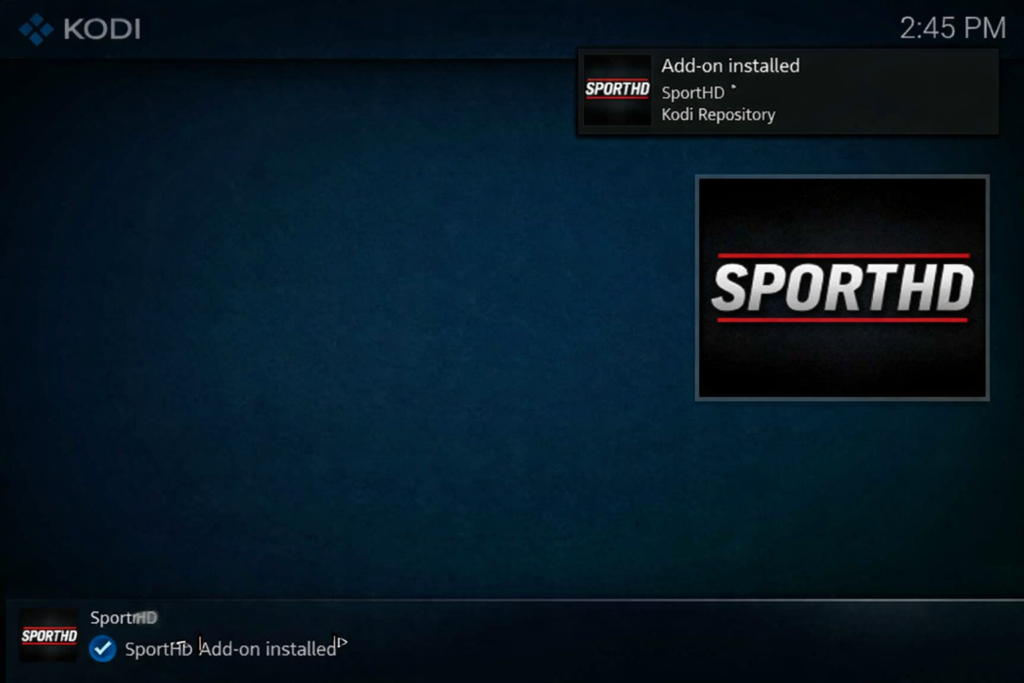
✅ You’ll see: “Add-on installed” in the top-right corner.
Step 4 — Install Sport HD Addon Kodi From the Repo
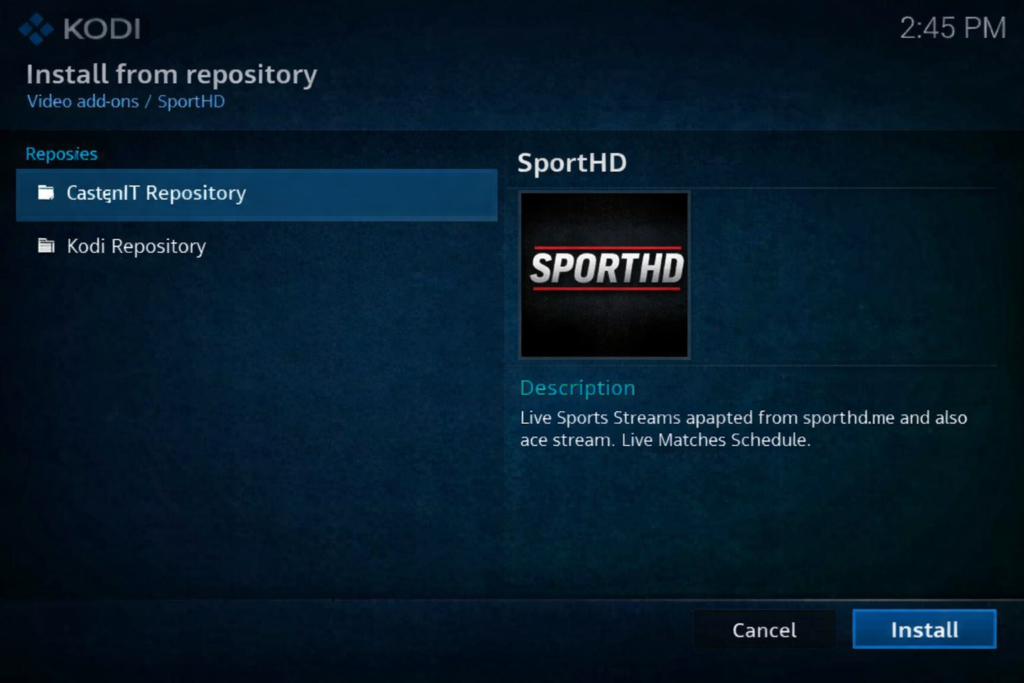
- Click the open box icon again
- Select Install from repository
- Open the Sport HD repository
- Click Video Add-ons
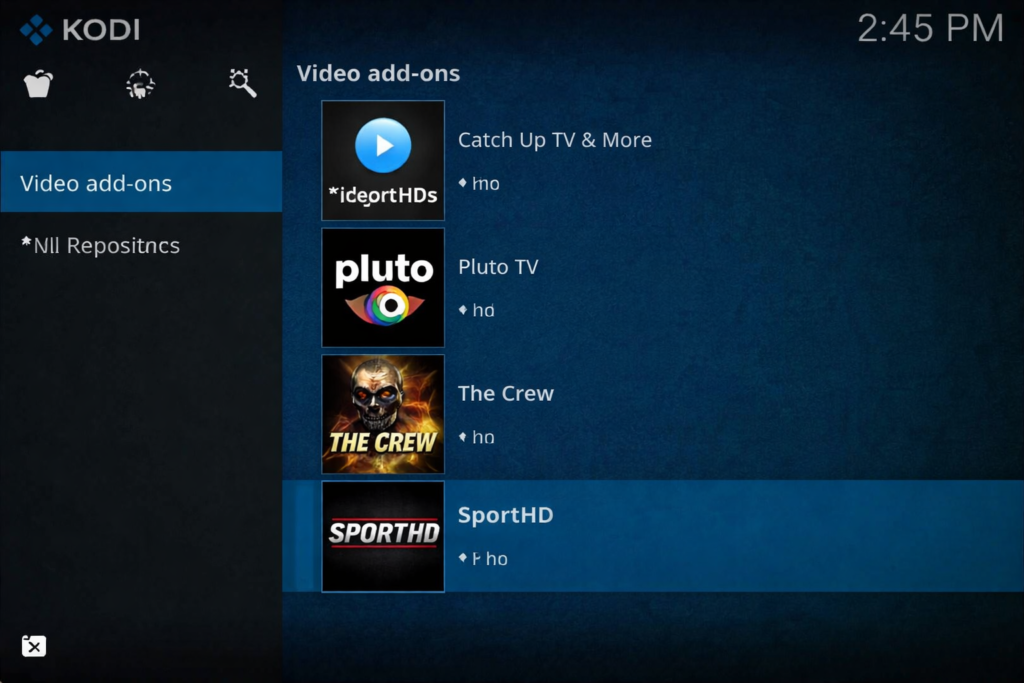
- Find and click Sport HD
- Click Install
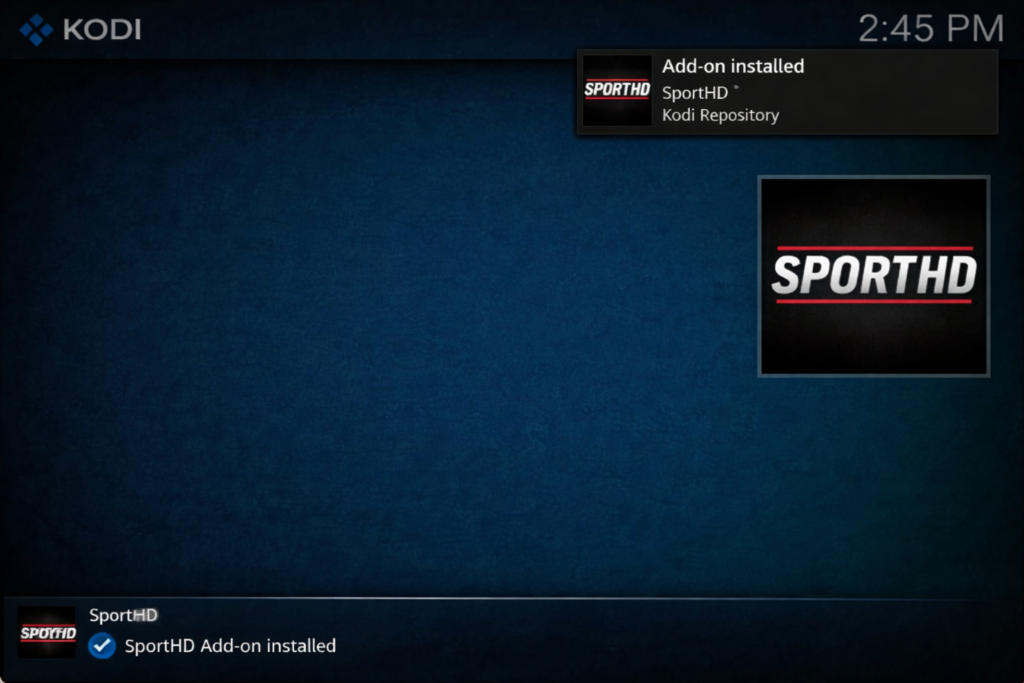
- Wait for: “Sport HD Add-on installed” ✅
You’re done. The sport hd addon kodi is fully installed.
How to Use Sport HD Addon Kodi
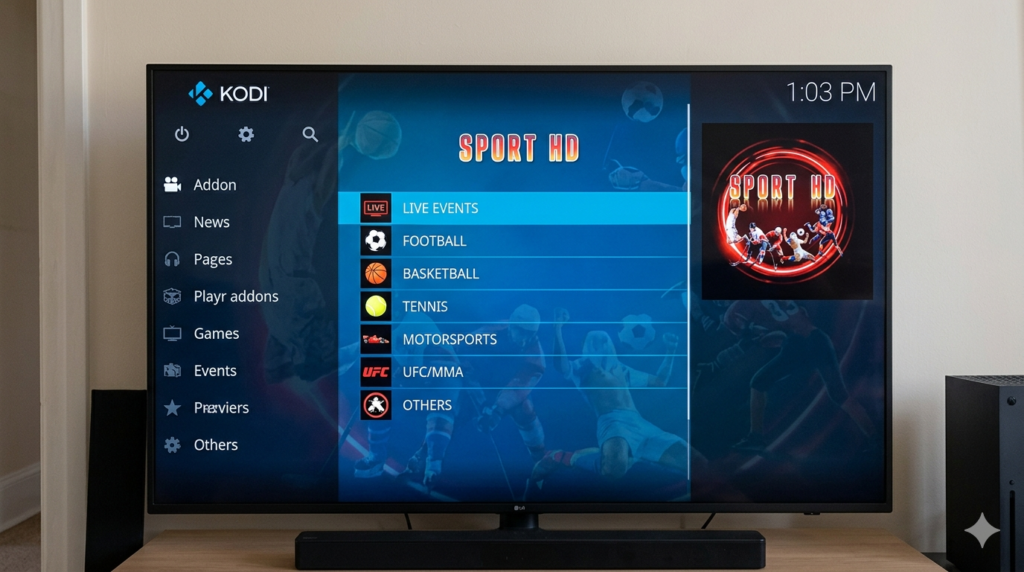
Using the addon is even easier than installing it.
- From the Kodi home screen, go to Add-ons
- Click Video Add-ons
- Open Sport HD
- Browse by sport — Football, Basketball, Tennis, MMA
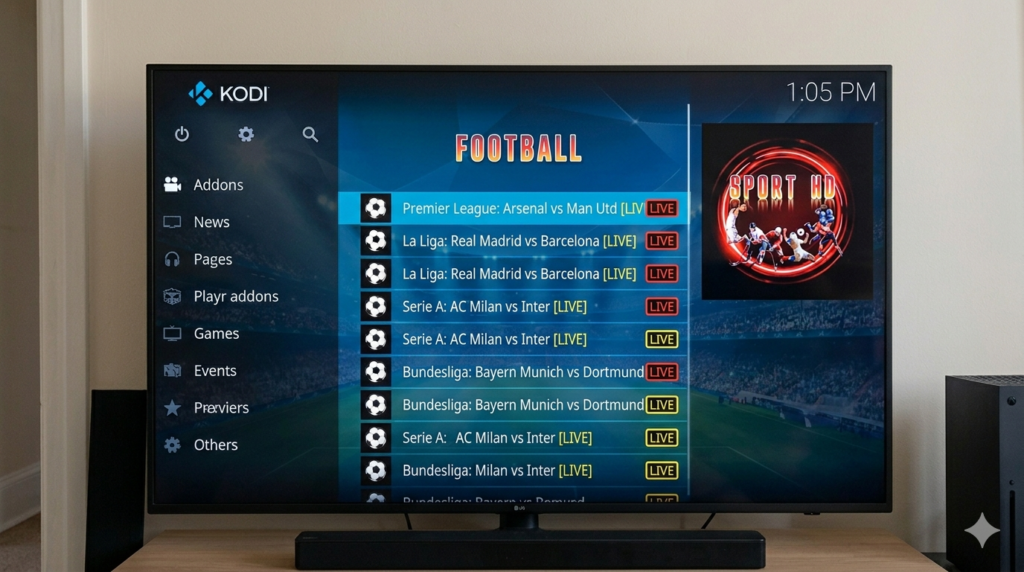
- Click a match or channel
- Pick a stream link from the list
- Stream starts playing
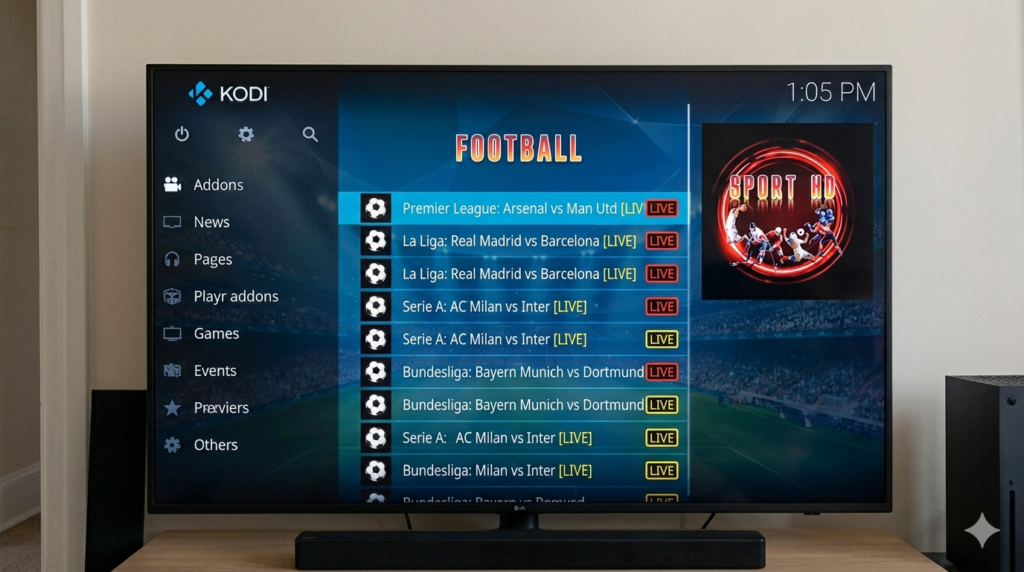
💡 Tip: If the first stream doesn’t load, go back and try the next link. The sport hd addon kodi usually lists several backup streams for each event.
Common Problems With Sport HD Addon Kodi (And How to Fix Them)
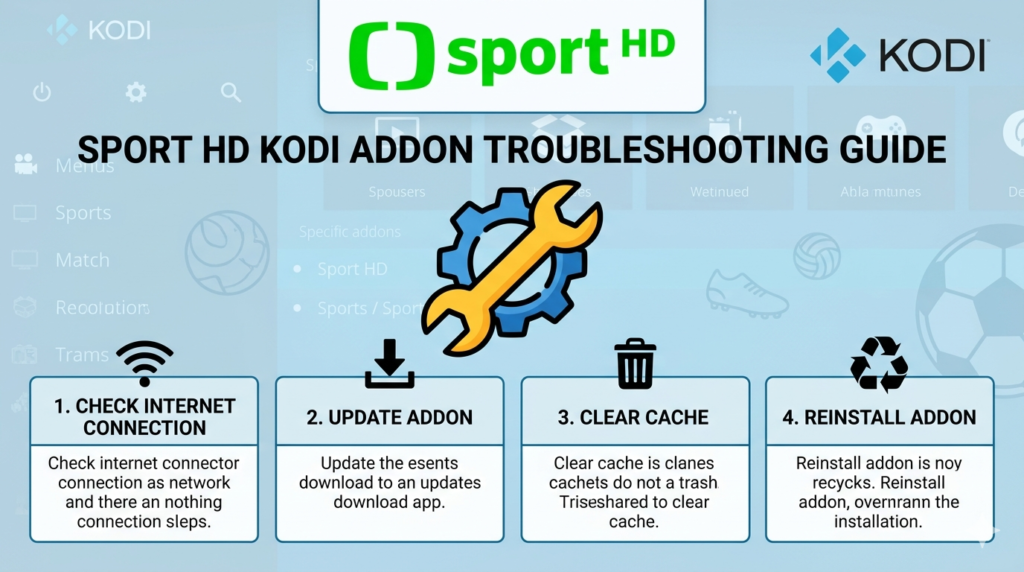
❌ Problem 1 — Buffering or Stream Won’t Load
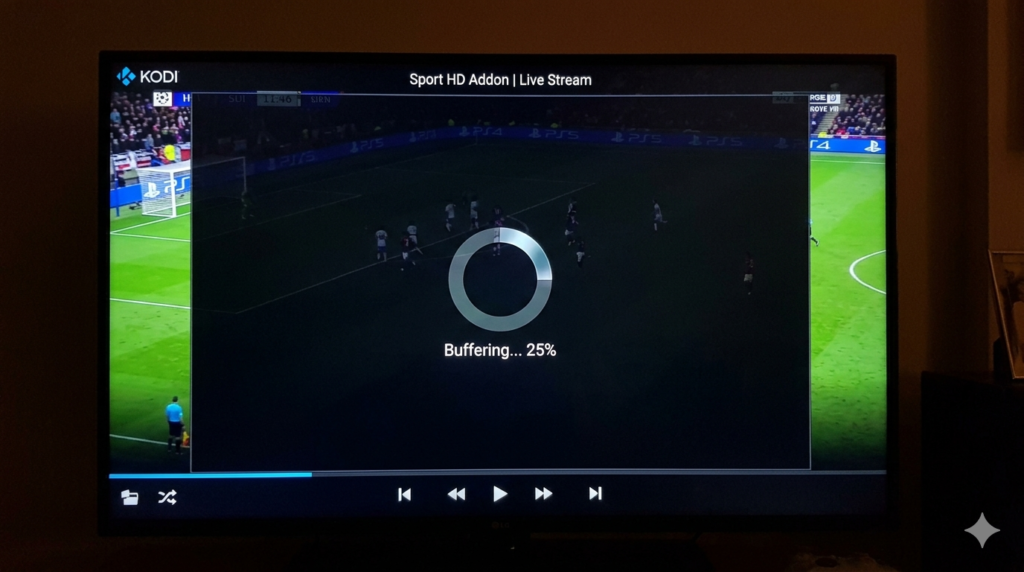
Why it happens: Slow internet, a dead stream link, or too much cached data.
How to fix it:
- Try a different stream link
- Test your speed — you need at least 10 Mbps
- Switch from Wi-Fi to an ethernet cable
- Clear Kodi’s cache with a maintenance addon
💡 Internal link: See our full How to Fix Kodi Buffering — 10 Proven Fixes guide for more detail.
❌ Problem 2 — Sport HD Addon Kodi Stopped Working After Update
Why it happens: The repo moved or went offline.
How to fix it:
- Uninstall and reinstall the addon
- Check r/Addons4Kodi for the latest working repo URL
- Look for a new version from the developer
❌ Problem 3 — “Check the Log” Error
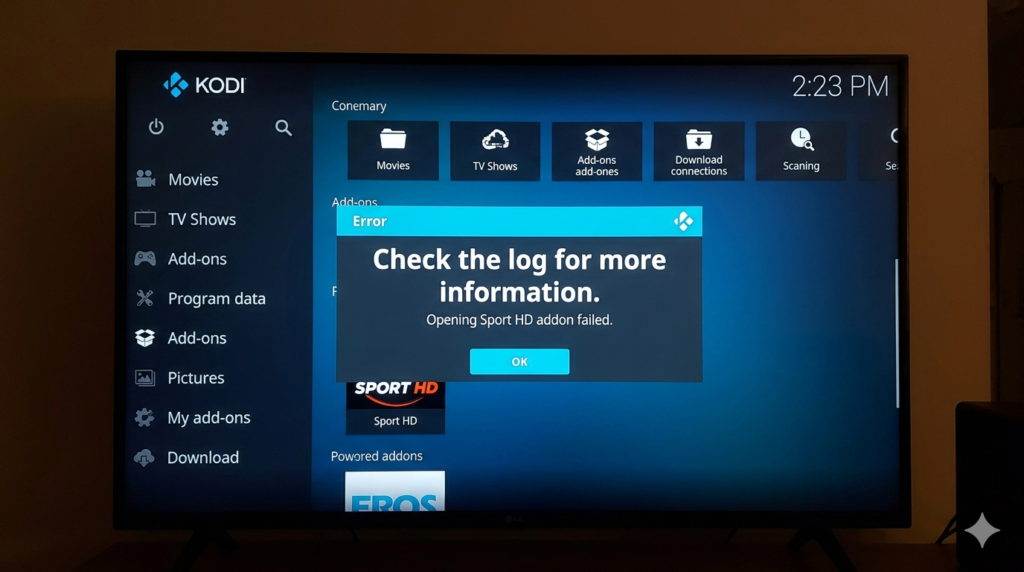
Why it happens: A required dependency is missing.
How to fix it:
- Open the addon page and check for missing dependencies
- Install them manually
- Reinstall the sport hd addon kodi completely
❌ Problem 4 — Addon Has Disappeared
Why it happens: Disabled automatically or removed from the repo.
How to fix it:
- Go to Add-ons → My Add-ons and check if it’s disabled
- Reinstall from the repository
- If it’s gone entirely, try one of the alternatives below
Best Alternatives to Sport HD Addon Kodi

If the sport hd addon kodi isn’t working, these are solid replacements for watching live sports on Kodi:
| Addon | Best For | Legal Status |
|---|---|---|
| Pluto TV | Free live TV with sports channels | ✅ Legal |
| ESPN (Official) | US users — licensed sports content | ✅ Legal |
| cCloud TV | Broad live TV including sports | ⚠️ Third-party |
| Sports Devil | General live sports streams | ⚠️ Third-party |
| Catch-Up TV & More | Replay sports from many countries | ⚠️ Check region |
💡 Internal link: See our full roundup of the Best Kodi Addons for Live Sports in 2026 for more options.
Tips for Better Streaming With Sport HD Addon Kodi
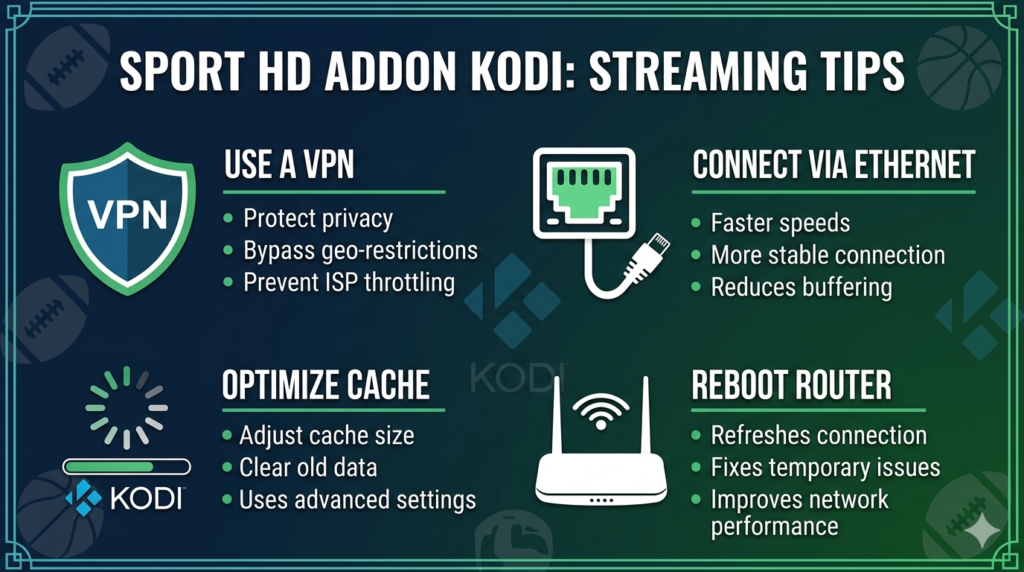
These tips will improve your experience whether you’re using the sport hd addon kodi or any other streaming addon.
🔒 Use a VPN A VPN protects your privacy and stops your internet provider from throttling your speed. It’s the single best upgrade you can make for Kodi streaming.
📶 Use Ethernet, Not Wi-Fi A wired connection is always faster and more stable. If your device has an ethernet port, use it.
🗑️ Clear Cache Once a Week Old cached data slows Kodi down. Use a maintenance addon to clean it regularly.
📉 Drop to SD if HD Buffers If the HD stream keeps stopping, switch to a standard definition stream. It uses less bandwidth and plays more smoothly.
🔁 Restart Your Router Unplug your router for 30 seconds and plug it back in. This fixes more streaming problems than you’d expect.
📲 Close Background Apps Too many apps running at once eats your device’s memory. Close everything before opening Kodi.
Conclusion
The sport hd addon kodi is one of the best free options for watching live sports on your TV box. Once installed, it’s just click and watch.
Here’s a quick recap of everything you did today:
- ✅ Enabled Unknown Sources in Kodi
- ✅ Added a repository source
- ✅ Installed the sport hd addon kodi step by step
- ✅ Learned how to fix the most common problems
- ✅ Got tips for the best streaming experience
Use a VPN, stick to trusted sources, and always stream responsibly. Enjoy the game. 🏆
FAQ
Q1: What is the Sport HD Addon Kodi used for? The Sport HD Addon on Kodi is used to watch live sports streams — football, basketball, tennis, MMA, and more — directly inside the Kodi app, for free.
Q2: Do I need a VPN for Sport HD Addon Kodi? You don’t need one to install it, but a VPN is strongly recommended. It protects your privacy and prevents your internet provider from slowing down your streams.
Q3: Why is Sport HD Addon Kodi not working? The most common causes are a dead stream link, outdated addon version, or broken repository. Try switching stream links first. If the addon won’t open at all, uninstall it and reinstall using the latest verified repo URL from r/Addons4Kodi.


