Downloader Codes 2026 — that’s exactly what this guide is about, and if you own a Firestick, you’re in the right place. Tired of scrolling through Amazon’s limited app store? The best streaming apps are almost always the ones you have to find yourself, and Downloader codes make that hunt a whole lot easier.
Sideloading apps onto your Fire TV device is more popular than ever this year. Whether you want live sports, on-demand movies, or niche streaming apps that Amazon won’t carry, a handful of digits is all it takes. Below you’ll find the latest working codes, what each app actually does, and how to use them safely.
This complete list of Downloader Codes 2026 covers sports, movies, live TV, and IPTV players.
Let’s get into it.
What Are Downloader Codes?
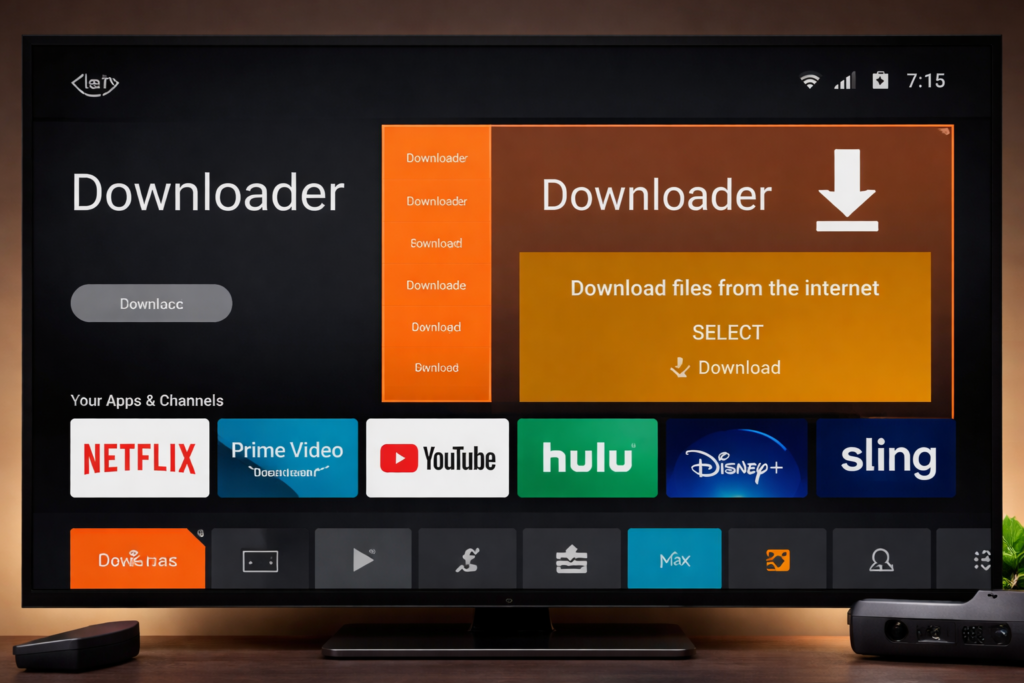
The Downloader app (by AFTVnews) is one of the most popular tools on the Amazon Firestick. It lets you load APK files from the web directly onto your device — bypassing the official app store entirely.
Instead of typing out a full URL (which is painful with a TV remote), Downloader codes are short numeric shortcuts. You punch in a 5 or 6-digit code, and the app fetches the right APK automatically.
Why Firestick users love them:
- No long URLs to type out manually
- Codes are easy to share and remember
- Works with the free Downloader app (available on Amazon)
- Regularly updated when apps release new versions
Think of them as speed-dial for sideloading.
⚙️ How to Use Downloader Codes on Firestick
Before jumping to the codes, here’s the quick setup if you haven’t done this before:
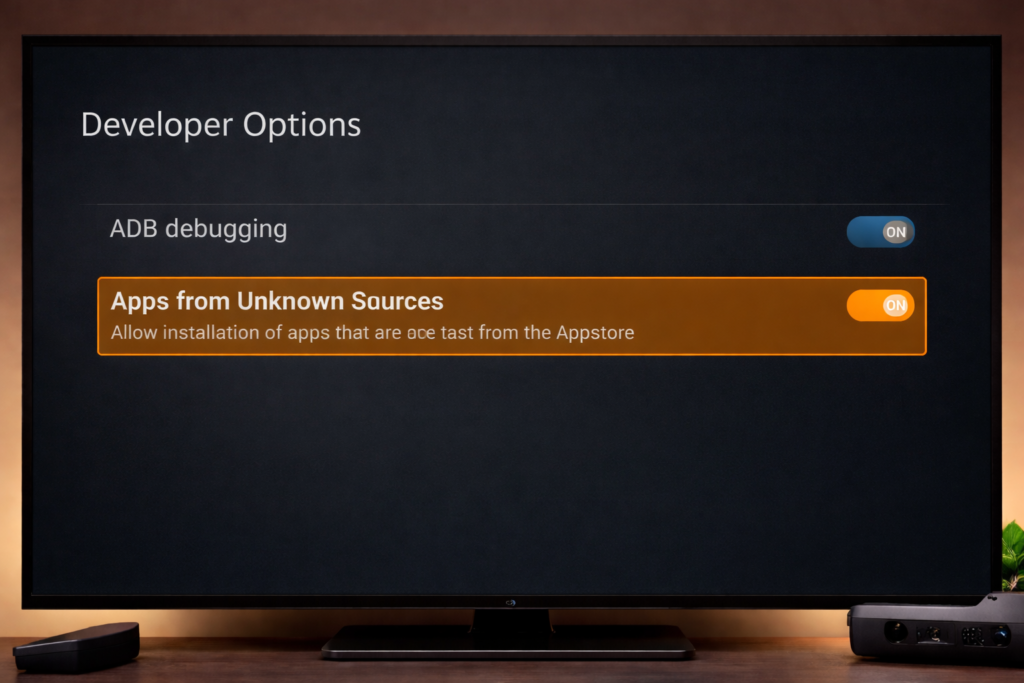
Step 1 — Enable Unknown Sources Go to: Settings → My Fire TV → Developer Options → Apps from Unknown Sources → Turn ON
Step 2 — Install the Downloader App Search “Downloader” in the Amazon App Store. Install the free version by AFTVnews.
Step 3 — Launch Downloader and Enter a Code Open the app → tap the search/URL bar → type the numeric code → hit Go.
Step 4 — Install the APK The file downloads automatically. Tap Install when prompted, then Open or Done.
Step 5 — Delete the APK File After installing, delete the APK to free up storage. Downloader will prompt you.
That’s it. The whole process takes under two minutes once you’ve done it once.
🔥 Latest Downloader Codes 2026 : All Working Codes Listed
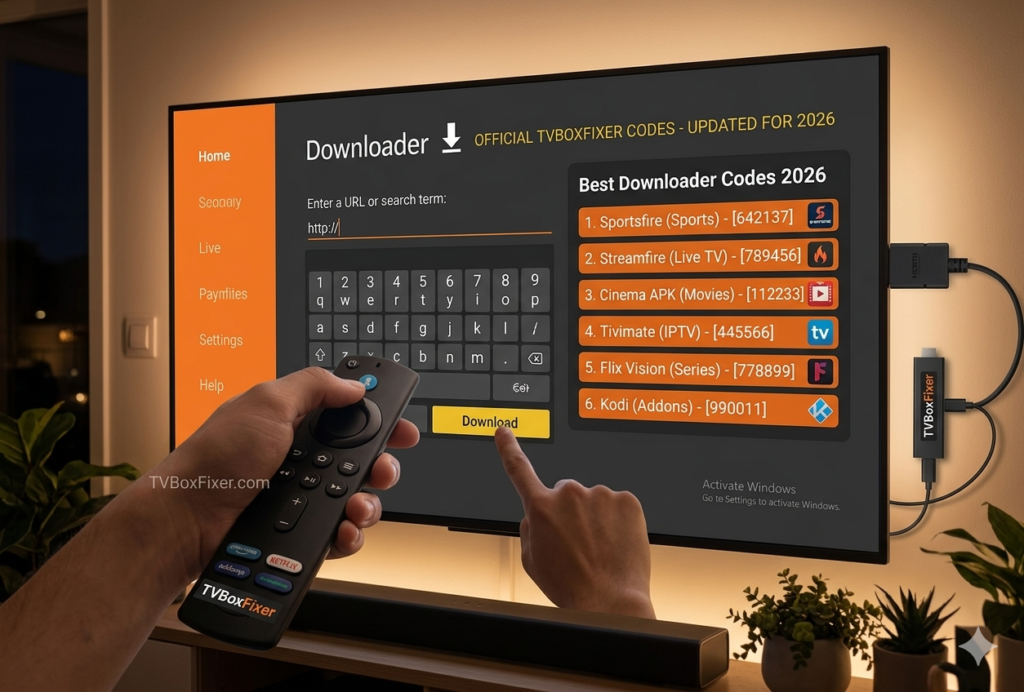
Disclaimer: Always verify codes are current before installing. App developers occasionally update or change codes when they release new versions. Use a VPN for added privacy (more on that below).
=== 🏆 Sportsfire — Best Free Sports Streaming App ===

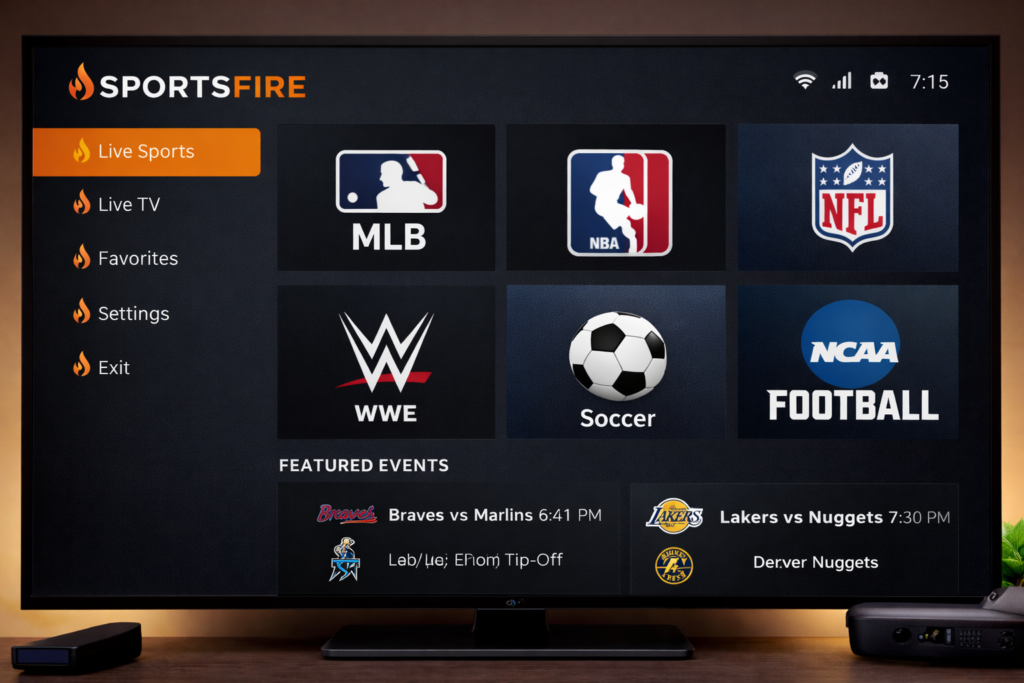
If sports are your thing, Sportsfire is hard to beat. It aggregates free, publicly available sports streams and organizes them cleanly by sport and event. No subscription needed.
Key Features:
- Live sports streams: football, basketball, MMA, motorsport, tennis, and more
- Clean, simple interface — easy to navigate from your couch
- Regularly updated channel list
- Works great on both Firestick and Android TV boxes
- No account or login required
Why it’s worth using: It covers a surprising range of sports categories and updates its stream links frequently. For casual sports fans who don’t want to pay for another streaming subscription, it’s a solid free option.
🔑 Downloader Code: 503960
Tip: Sportsfire works best paired with a VPN, especially if your ISP throttles streaming traffic. More on VPN picks at the end of this guide.
=== 🎬 Streamfire — Versatile On-Demand Streaming ===

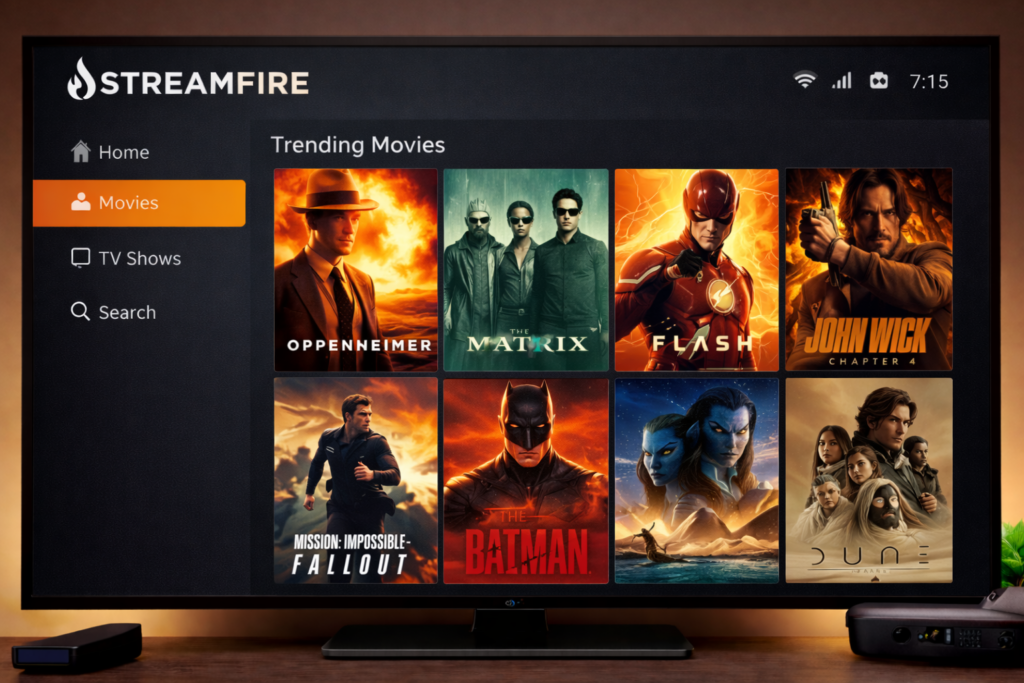
Streamfire takes a broader approach than Sportsfire. It’s built for on-demand movie and TV show browsing, pulling from a variety of free, ad-supported sources.
Key Features:
- Extensive movie and TV show library
- Clean, card-based browsing interface
- Search function works fast and reliably
- Regular content updates
- Compatible with all Firestick generations
Why it’s worth using: If Kodi feels overwhelming and you just want something simple that works, Streamfire delivers. It’s straightforward, well-designed, and doesn’t require any add-on configuration.
🔑 Downloader Code: 682967
Tip: Clear the app cache every couple of weeks if you notice playback slowdowns. Settings → Applications → Manage Installed Applications → Streamfire → Clear Cache.
=== 📺 OTTPLAY — IPTV-Style Live TV App ===
OTTPlay is a growing favorite for users who want live TV channels without the cable bill. It focuses on legal, free-to-air content and works reliably across most devices.
Key Features:
- 100+ free live TV channels
- News, entertainment, kids, and lifestyle categories
- Built-in EPG (electronic program guide)
- Low buffering on stable internet connections
- Lightweight and fast to load
🔑 Downloader Code: 490010
Tip: OTTPlay performs best on a 25 Mbps+ connection. If you’re on slower broadband, lower the stream quality in settings.
=== 🎵 Nova TV — Movies and Shows Done Right ===
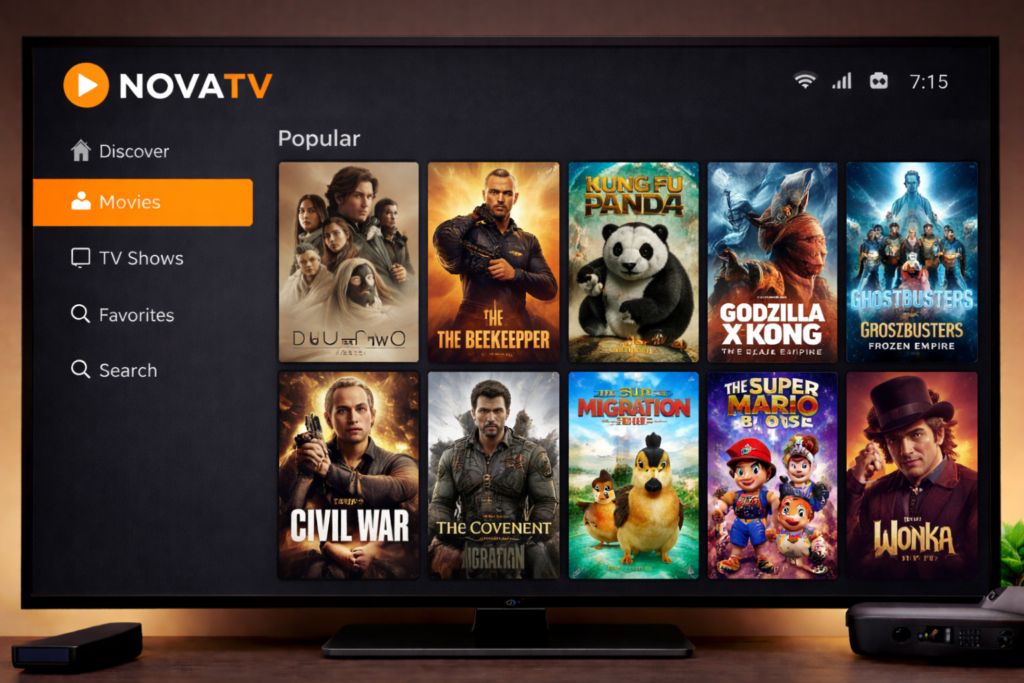
Nova TV has quietly become one of the most reliable sideloaded apps for Firestick users. The interface is polished, the library is well-organized, and it sources content from multiple providers so one broken link doesn’t ruin your evening.
Key Features:
- Massive on-demand library of movies and TV series
- Multiple stream sources per title
- Subtitle support in multiple languages
- Trakt.tv integration for tracking watch history
- Beautiful, Kodi-like UI
🔑 Downloader Code: 102610
Tip: Connect your Trakt account to keep track of what you’ve watched — it syncs across devices if you use other apps too.
=== 🕹️ Kodi 21 (Omega) — The Power User’s Choice ===
Kodi needs no introduction for most Firestick veterans, but if you’re new: it’s an open-source media center that becomes whatever you configure it to be. Version 21 “Omega” is the current stable release in 2026.
Key Features:
- Completely customizable with add-ons
- Supports local media, network drives, and streaming add-ons
- Huge community with constant development
- Skin customization for a personalized look
- Legal at its core — what you add is your responsibility
🔑 Downloader Code: 95407
Tip: Start with the official Kodi repository for add-ons before going elsewhere. The Kodi Wiki is your best friend for setup guidance.
=== 🌐 Stremio — Smart Streaming Hub ===
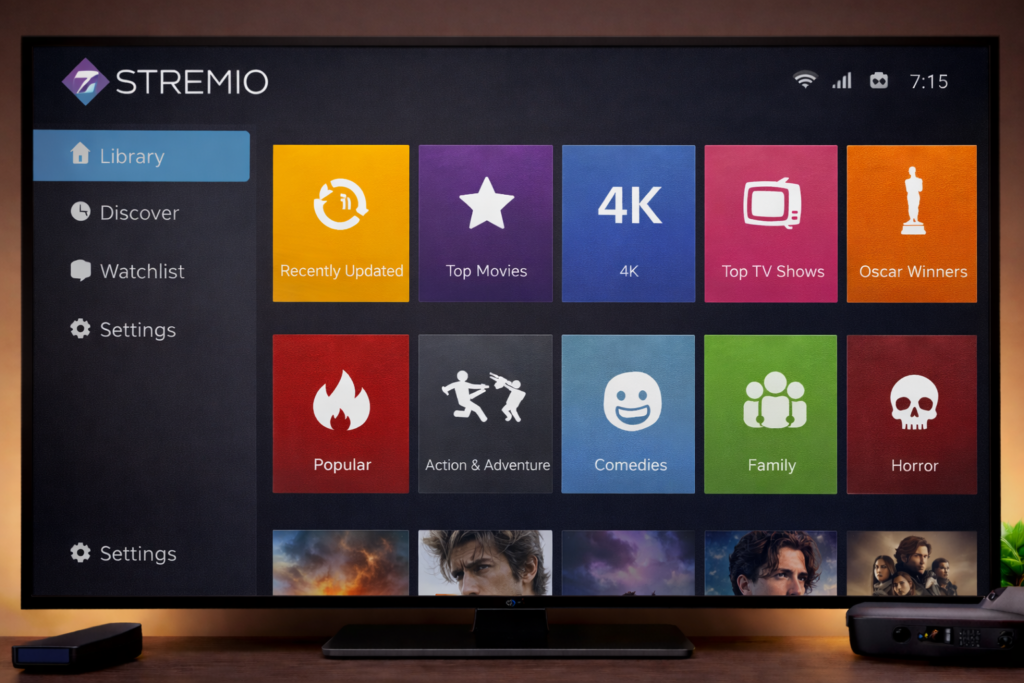
Stremio is one of the best-organized streaming apps available on Firestick in 2026. It works like a universal launcher — connecting to various add-ons and services to pull content into one clean interface.
Key Features:
- Beautifully designed, modern interface
- Supports official streaming add-ons (including Torrentio for legal torrents)
- Syncs across all your devices via account
- Calendar view for upcoming episodes
- Integrated subtitle search
🔑 Downloader Code: 756546
Tip: Pair Stremio with the Torrentio add-on and a Real-Debrid account for significantly improved stream quality and reliability.
=== 🎯 Tivimate — Best IPTV Player on Firestick ===

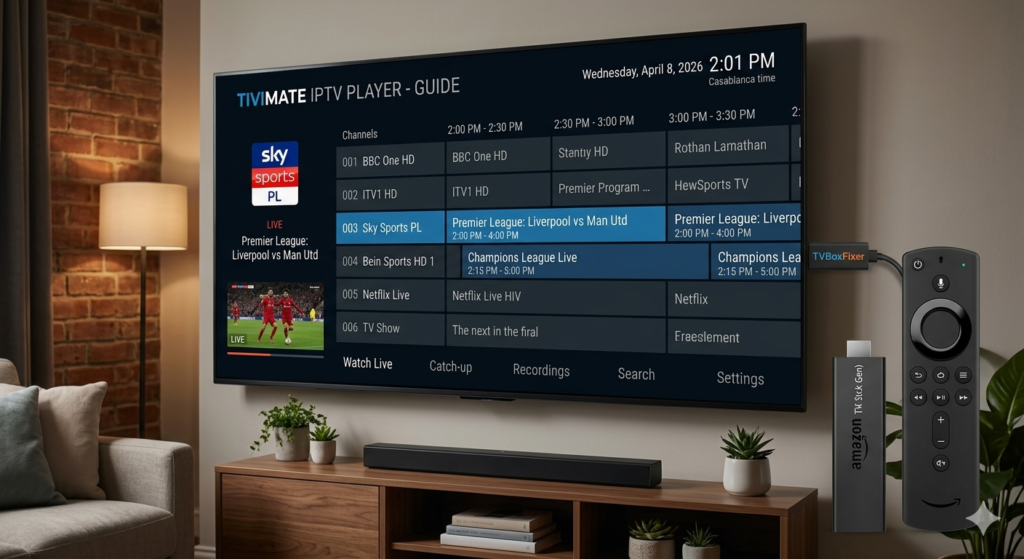
If you already pay for an IPTV subscription (a legitimate one from a licensed provider), Tivimate is the best player for it — full stop. It turns a basic M3U playlist into a full TV experience.
Key Features:
- Stunning EPG guide interface
- Supports multiple IPTV playlists simultaneously
- Catchup TV support where available
- Picture-in-picture mode
- Archive and recording features (Premium version)
🔑 Downloader Code: 664882
Tip: Tivimate itself is just a player — you need a separate licensed IPTV subscription to populate it with channels. Always source your IPTV from legitimate providers.
📊 Quick Comparison Table
| App | Best For | Content Type | Free to Use | Code |
|---|---|---|---|---|
| Sportsfire | Sports fans | Live sports streams | ✅ Yes | 503960 |
| Streamfire | Casual viewers | Movies & TV shows | ✅ Yes | 682967 |
| OTTPlay | Live TV fans | Live channels + EPG | ✅ Yes | 490010 |
| Nova TV | Binge-watchers | On-demand library | ✅ Yes | 102610 |
| Kodi 21 | Power users | Everything (add-ons) | ✅ Yes | 95407 |
| Stremio | Modern streamers | Movies, TV, add-ons | ✅ Free tier | 756546 |
| Tivimate | IPTV subscribers | Live IPTV channels | ⚠️ IPTV sub needed | 664882 |
🔧 Troubleshooting Common Issues
App won’t install after downloading: → Double-check that “Apps from Unknown Sources” is enabled in Developer Options. This is the most common culprit.
Downloader code says “not found” or gives an error: → Codes expire when developers update their apps. Search the app name alongside Downloader Codes 2026 to find the latest updated version.
App installed but won’t open / crashes immediately: → Your Firestick may be low on storage. Go to Settings → My Fire TV → About → Storage to check. Try uninstalling apps you no longer use.
Buffering during playback: → First, test your internet speed. Then try a different stream source within the app. If buffering persists across all sources, a VPN with optimized servers may help bypass ISP throttling.
App disappeared after Firestick restart: → Some older Firestick models run automatic updates that can conflict with sideloaded apps. Disable automatic updates in Settings → Preferences → Data Monitoring if this keeps happening.
🔒 Safety Tips: VPN and Legal Awareness
Using a VPN alongside sideloaded apps is strongly recommended — not because sideloading itself is illegal (it isn’t), but because:
- Privacy: Your ISP can see everything you stream without a VPN. A good VPN encrypts that traffic.
- Throttling: Many ISPs throttle streaming traffic. A VPN can bypass this and improve speeds.
- Access: Some free streams are geo-restricted. A VPN lets you access content from different regions.
Recommended VPN services for Firestick: ExpressVPN, NordVPN, and Surfshark all offer dedicated Fire TV apps. Look for one with a no-logs policy and fast server infrastructure.
On legality: Sideloading apps is legal. The Downloader app is legitimate software. However, what you stream through those apps is your responsibility. Stick to free-to-air content, apps that use ad-supported legal sources, or licensed IPTV services. When in doubt, check whether the content you’re accessing has proper licensing in your country.
❓ FAQ
Q: Is using the Downloader app legal? A: Yes. The Downloader app is available on the official Amazon App Store and was developed by a well-known Firestick community site (AFTVnews). Sideloading apps is legal in most countries. Always be mindful of what content you’re streaming.
Q: Do Downloader codes change over time? A: Yes, codes can change when developers update their apps or change hosting URLs. If a code doesn’t work, search for the app’s latest code on the developer’s official site or community forums.
Q: Will sideloaded apps slow down my Firestick? A: Only if you install many of them. Each app uses storage and some run background processes. Keep your installed app list lean and clear caches regularly.
Q: Can I use these apps on a Fire TV Cube or Fire TV Stick 4K? A: Absolutely. These apps work on all Fire TV devices, including the Stick Lite, Stick 4K, Stick 4K Max, and Fire TV Cube. Newer devices will actually run them more smoothly.
Q: Do I need a VPN to use sideloaded apps? A: Not strictly required, but highly recommended for privacy and performance reasons. A VPN prevents your ISP from monitoring your streaming activity and can improve speeds if throttling is an issue.
🏁 Conclusion
Downloader codes are one of the best-kept secrets for Firestick users who want more than what Amazon officially offers. Whether you’re after live sports with Sportsfire, flexible on-demand viewing with Streamfire or Nova TV, or a full IPTV setup with Tivimate — there’s genuinely something here for every type of viewer.
The codes in this guide are current for 2026, but bookmark this page (or check back regularly) since codes do update when apps release new versions. And remember: always use a VPN, stay on the right side of your local content laws, and enjoy the flexibility that your Firestick is actually capable of.
Bookmark this page — we update our Downloader Codes 2026 list whenever new versions drop.
Happy streaming. 🔥
Tags: Downloader codes 2026, Firestick apps, Sportsfire code, Streamfire downloader code, best Firestick apps 2026, sideload Firestick, Kodi Firestick, IPTV player Firestick, Nova TV code, Tivimate Firestick, Stremio Firestick


