The magic dragon addon has been one of the most talked-about tools in the Kodi world. But in 2026, many users are asking the same question — is it still alive?
Kodi addons come and go. Some disappear overnight. Others keep going for years. This guide will give you a clear, honest answer and walk you through everything you need to know.
Is Magic Dragon Addon Still Working in 2026?
Short answer: It’s unstable.
The magic dragon addon 2026 status is inconsistent. Some users report it still loads and streams content. Others find broken links or get errors when trying to install it.
The repository it lives in has gone offline and come back multiple times. That means your experience may vary depending on when you try it.
Tip: Always check the source is reachable before going through the full install process.
What Is the Magic Dragon Addon?
Magic Dragon is a Kodi addon that lets you stream movies and TV shows for free. It pulls links from different sources across the internet and shows them all in one place.
Think of it like a search engine for streaming. You pick a title, it finds available links, and you click to watch.
It’s designed for regular users — no complicated setup, no technical knowledge needed.
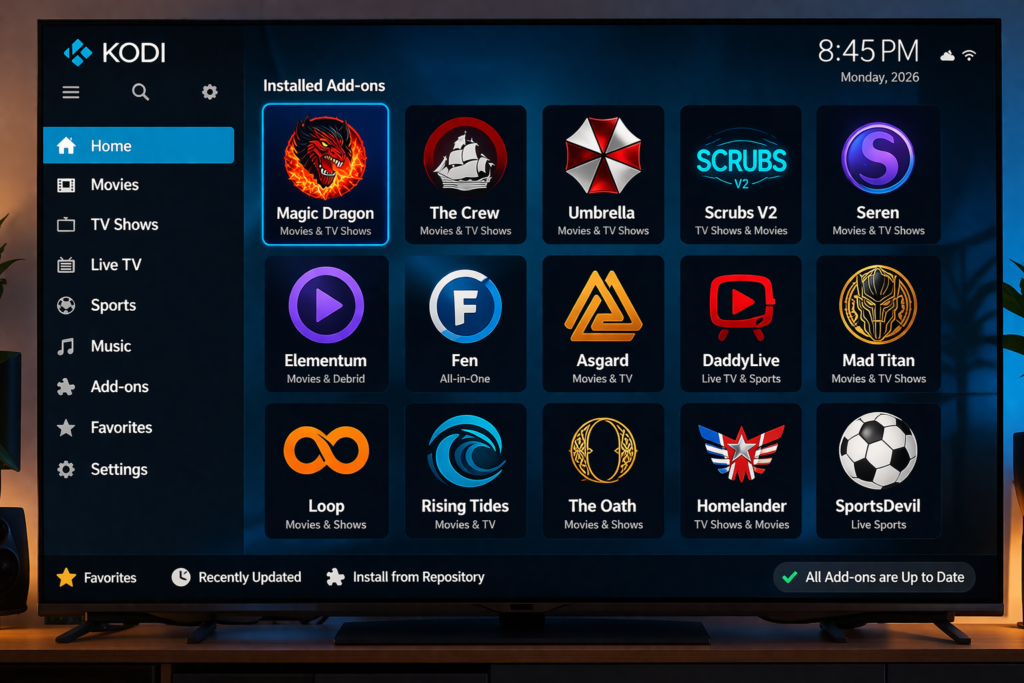
Features of Magic Dragon Kodi Addon
Here’s what Magic Dragon offers (when it’s working):
- Movies (including newer releases)
- TV shows and full seasons
- Simple, easy-to-navigate interface
- Multiple stream links per title
- Supports Real-Debrid for faster, more reliable streams
The interface is clean and beginner-friendly. Even if you’ve never used Kodi before, you’ll figure it out quickly.
How to Install Magic Dragon Addon (Step-by-Step)
Before you start, make sure you’re running Kodi 19 (Matrix) or Kodi 20 (Nexus).
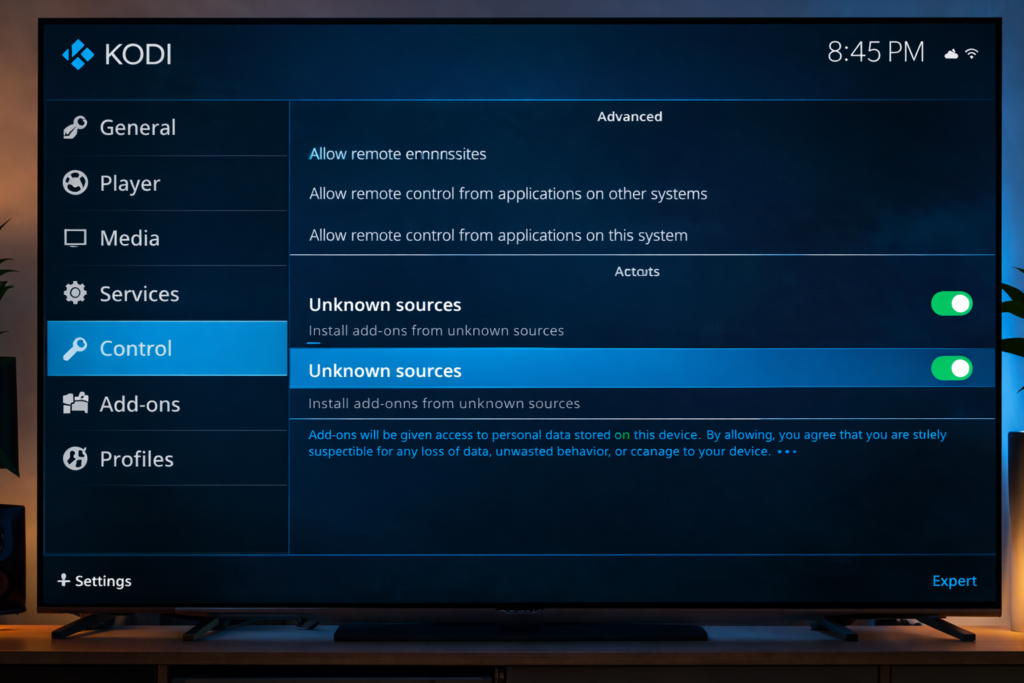
Step 1 – Enable Unknown Sources
You need to allow installs from outside the official Kodi store.
- Open Kodi and go to Settings
- Click System
- Go to Add-ons
- Toggle Unknown Sources to ON
- Click Yes to confirm
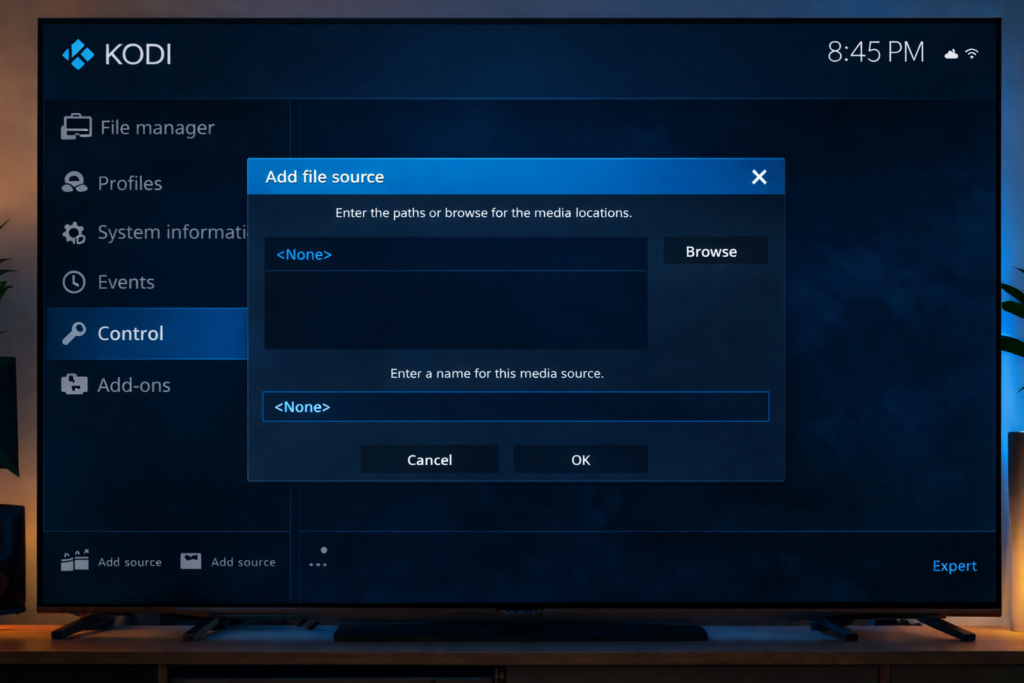
Step 2 – Add the Source
- Go to Settings > File Manager
- Click Add Source
- Click the
<None>field and type the repository URL
Use the The Crew Wizard or Xanax Repository — both have hosted Magic Dragon in the past. Always check current forums like r/Addons4Kodi for the latest working URL.
- Give the source a name (example:
MagicDragon) - Click OK
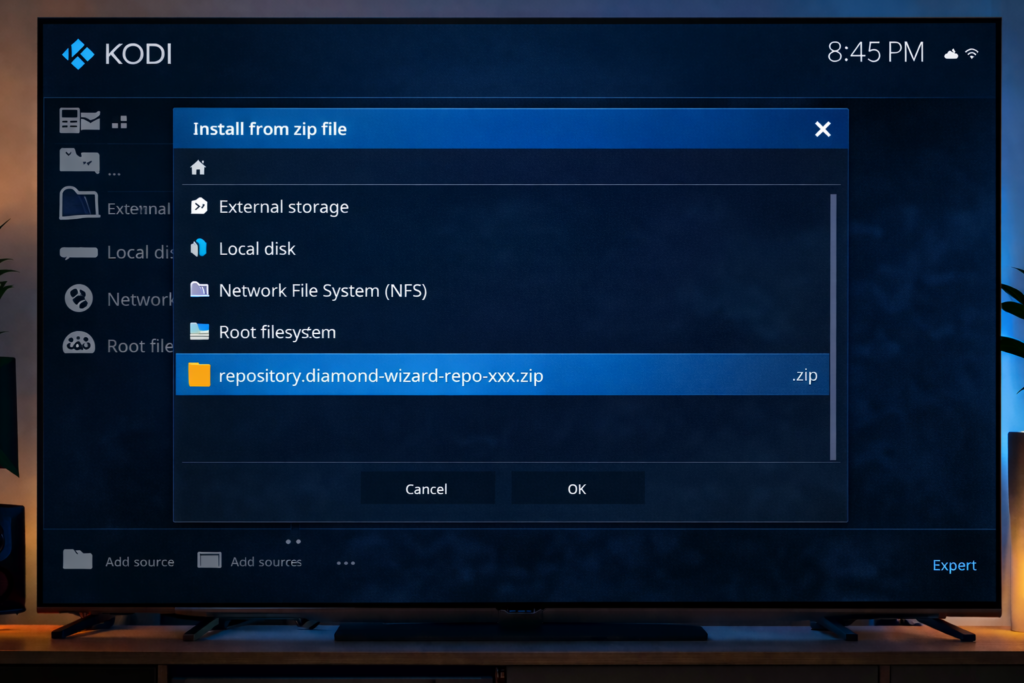
Step 3 – Install the Repository
- Go back to the Kodi home screen
- Click Add-ons
- Click the box icon (top-left)
- Choose Install from zip file
- Find the source you just added and click the zip file
Step 4 – Install the Addon
- Go back and click Install from repository
- Open the Magic Dragon repo
- Go to Video add-ons
- Click Magic Dragon
- Hit Install
Wait for the notification at the top right — “Add-on installed.” You’re done.
How to Use Magic Dragon Addon
Once installed, open the addon from your Kodi home screen.
- Click Movies or TV Shows
- Search for a title or browse by genre
- Select a title, then choose a stream link
- Click any link to start watching
Tip: If a link doesn’t play, just go back and try the next one. Some links expire.
Magic Dragon Not Working? Here’s What to Try
Common problems and quick fixes:
- Addon won’t install – The repo may be offline. Check forums for a working mirror.
- No streams found – Try adding Real-Debrid. It dramatically improves results.
- Buffering issues – Switch to a lower quality stream or try a VPN.
- Kodi crashes on open – Uninstall and reinstall the addon cleanly.
If magic dragon not working issues keep happening, it’s probably worth switching to a more stable option.
Best Alternatives to Magic Dragon
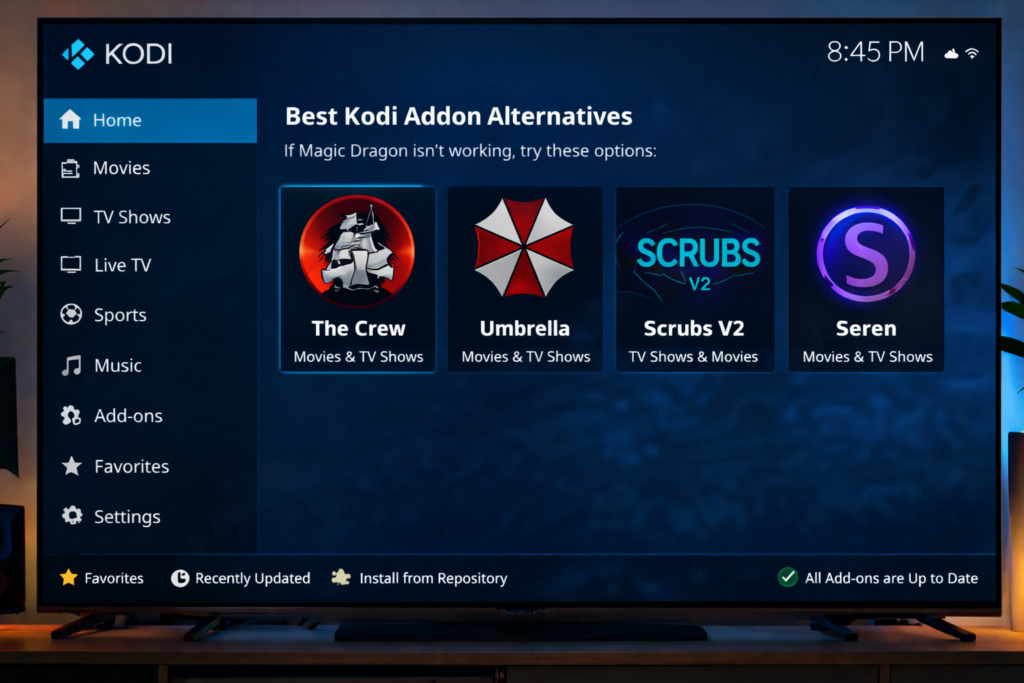
The Crew – One of the most reliable Kodi addons right now. Good library, regular updates. Check our full The Crew addon guide for setup help.
Umbrella – Premium-style experience. Works best with Real-Debrid. Very fast links.
Scrubs V2 – Lightweight and fast. Great for people with slower devices.
Seren – Top-tier addon for Real-Debrid users. Needs a bit more setup but worth it. Read our Seren addon tutorial if you want the full walk-through.
Is Magic Dragon Safe and Legal?
Installing Kodi and addons like Magic Dragon is legal. Kodi itself is a fully open-source media player supported by the XBMC Foundation.
The grey area is the content. Magic Dragon streams from third-party sources. Some of that content may be copyrighted in your country.
Using a VPN adds a layer of privacy. It won’t make anything “legal” — but it does protect your connection from being monitored.
Pro Tips
- Use Real-Debrid — It unlocks premium links inside Magic Dragon. Streams become faster and more stable. It costs around $3–4 a month and is well worth it.
- Use a VPN — Especially if you’re on a public or shared network. It keeps your streaming activity private.
Final Thoughts
The magic dragon kodi addon is still around in 2026 — but it’s not fully reliable. If you can get it working and pair it with Real-Debrid, it’s a decent option.
That said, if you want something more stable, The Crew or Umbrella are better bets right now.
Either way, this guide gives you everything you need to try it yourself and decide.


