Amazon Fire TV piracy apps blocked — that’s what millions of users discovered after Amazon’s latest silent update hit their devices overnight.
Your apps stopped working. Your streams are gone. Your Firestick feels useless right now.
You’re not alone. This is the biggest crackdown Amazon has ever pushed to its devices. But here’s the good news: you still have options. Real ones. And this guide shows you exactly what to do — step by step.
Bookmark this. Share it. Because this is the only guide that gives you real answers.
What Happened With Amazon Fire TV Piracy Apps Getting Blocked?
Amazon pushed a silent firmware update to Fire TV and Firestick devices worldwide.
This update does one thing very well — it kills apps that Amazon doesn’t approve of. IPTV apps, free movie APKs, sideloaded streaming tools — all targeted.
You didn’t do anything wrong. Your device just got updated in the background while you slept.
Here’s what millions of users are seeing right now:
- ❌ Apps that worked yesterday won’t open today
- ❌ Error messages like “This app is not compatible”
- ❌ IPTV services suddenly showing a black screen
- ❌ APKs that used to install now getting rejected
Why Amazon Did This (And Why It Won’t Stop)
Before we get to solutions, you need to understand why this is happening — because it will help you make smarter decisions going forward.
Money. Amazon sells Prime Video. It sells subscriptions. Free streaming apps eat into that revenue directly.
Legal pressure. Hollywood studios and sports rights holders have been pushing hard. They’ve won major court cases against IPTV providers across Europe and the US. Amazon had to act.
Security cover. Many free APKs genuinely do contain malware. Amazon uses this as public justification — and honestly, it’s not wrong.
This is not going away. Every future Fire TV update will make restrictions tighter. The window is closing. Which is exactly why you need a plan now.
The Real Solutions: What To Do If Your Apps Are Blocked
This is the section everyone came for. Let’s get into it.
Solution 1: Switch to an Android TV Box (The Best Long-Term Fix)
This is the #1 recommendation and the most popular solution people are switching to right now.
An Android TV box runs pure Android. Amazon has zero control over it. You can install any app, any APK, any service — with no restrictions.
Popular options in 2026:
- Ugoos AM8 Pro — Fast, powerful, great for streaming
- X96 Max+ — Budget-friendly and reliable
- Chromecast with Google TV — Google’s official option, very clean
Check out our full guide on the best Android TV boxes in 2026 to find the right one for your budget.
Solution 2: Use a VPN on Your Firestick (Privacy + Access)
A VPN (Virtual Private Network) hides your internet traffic. Some users find that switching VPN servers helps apps work again by routing traffic differently.
More importantly, a VPN protects you from your internet provider seeing what you stream.
Best VPNs for Firestick in 2026:
- ExpressVPN — Fastest speeds, easy Firestick app
- NordVPN — Great value, solid privacy features
- Surfshark — Cheapest option, unlimited devices
How to install a VPN on Firestick:
- Open the Amazon Appstore
- Search for your VPN of choice
- Download and install it
- Log in and connect to a server
- Now try your streaming apps
Solution 3: Switch to Kodi With Legal Addons (Still Works Perfectly)
Kodi itself is not blocked. It’s perfectly legal software and still installs on Firestick just fine.
Best legal Kodi addons right now:
- Pluto TV addon — Free live TV, fully licensed
- Tubi addon — Thousands of free movies and shows
- YouTube addon — Endless content, 100% free
- BBC iPlayer (UK users) — Official BBC addon
📌 Internal link: See our Kodi on Firestick setup guide to get Kodi installed and running in under 10 minutes.
Solution 4: Discover Free Legal Apps You Didn’t Know Existed
Most people think “free streaming” means piracy. That’s not true anymore. The legal free streaming market has exploded.
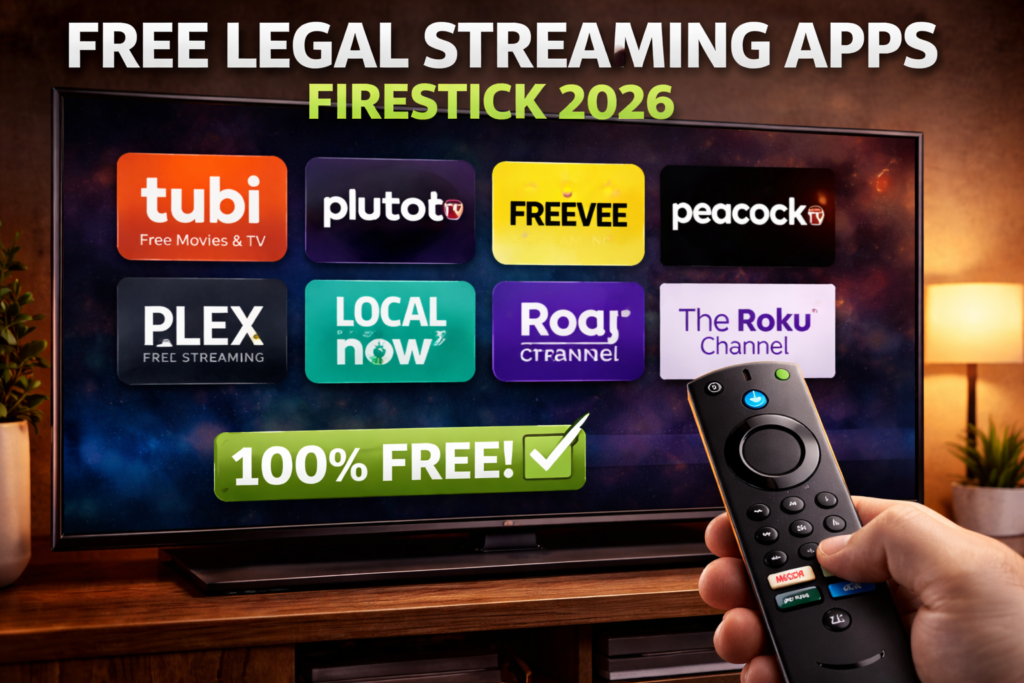
Here are genuinely free, completely legal options that work great on Fire TV right now:
🎬 Free Movies & TV Shows:
| App | What You Get | Cost |
|---|---|---|
| Tubi | 50,000+ movies and shows | Free |
| Pluto TV | 250+ live TV channels | Free |
| Plex | Large on-demand library | Free tier |
| Amazon Freevee | Built into your Firestick | Free |
| Peacock | NBC content, live sports | Free tier |
| Crackle | Movies and originals | Free |
💡 Pro tip: Tubi alone has more movies than most paid services. Try it before you assume free legal apps are boring.
Solution 5: Use IPTV Legally With a Licensed Provider
Not all IPTV is illegal. Legal IPTV services pay for content rights and operate fully above board.
Legal IPTV options worth trying:
- Sling TV — Live US channels, sports, news from $40/month
- YouTube TV — 100+ channels, great DVR
- FuboTV — Best for sports fans
- Philo — Cheapest option, entertainment channels
These services have official Fire TV apps. They will never disappear overnight.
Solution 6: Downgrade or Delay Your Fire TV Updates
If your device hasn’t updated yet and your apps are still working — pause automatic updates now.
Here’s how:
- Go to Settings > My Fire TV
- Click About
- Do NOT install if a new update is pending
- Go to Settings > Preferences > Privacy Settings and limit data collection
⚠️ This is only a temporary delay. Amazon will eventually push updates regardless. This buys you time, not a permanent fix.
Solution 7: The Downloader App Still Works
The Downloader app by AFTVnews is still available on the Amazon Appstore. It lets you install APKs from a URL.
Check these communities for the latest working methods:
What’s the Safest Option Right Now?
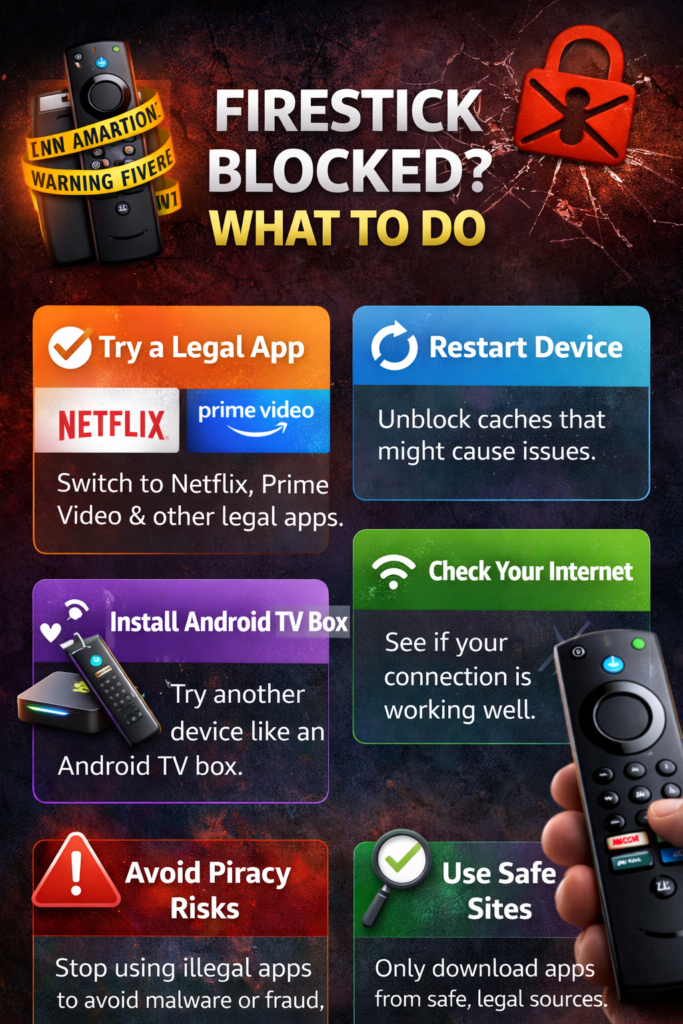
Here’s a quick decision guide:
- Want zero restrictions forever? → Get an Android TV box
- Want to stay on Firestick for free? → Use Tubi, Pluto TV, Freevee
- Want live TV legally? → Try Sling TV or Philo
- Want Kodi back? → Reinstall Kodi with legal addons
- Want privacy protection? → Get a VPN
The Risks of Trying to Fight the Block
Some guides will tell you to root your device or flash custom firmware. Be careful.
- Flashing wrong firmware can permanently brick your device
- Some “bypass” APKs contain serious malware
- Rooting your Firestick voids your warranty
The risk is not worth it. Your time is better spent building a clean, future-proof setup.
FAQ – Amazon Fire TV Piracy Apps Blocked
Q: Will Amazon ever unblock these apps? No. Amazon is moving in one direction only — tighter control. Future updates will add more restrictions, not fewer.
Q: Can I still use the Downloader app to install APKs? The Downloader app itself is still available. But apps Amazon has specifically flagged may still get blocked at launch even after installation.
Q: Is it safe to use piracy APKs on a VPN? A VPN hides your traffic from your ISP but doesn’t protect your device from malware inside the APK itself. The risk exists whether you use a VPN or not.
Q: Will switching to an Android TV box solve all my problems? For streaming freedom — yes. Android TV boxes run pure Android with no Amazon restrictions. That’s why so many Firestick users are making the switch right now.
Q: Are free legal streaming apps actually worth it? Yes — most people are genuinely surprised. Tubi has over 50,000 titles. Pluto TV has 250+ live channels. You can build a completely free, completely legal setup that rivals paid services.
Conclusion: Don’t Fight Amazon — Outsmart Them
The amazon fire tv piracy apps blocked situation is not the end of free streaming. It’s the end of one specific way of doing it.
The smartest move right now is to adapt. Move to an Android TV box. Discover free legal apps. Get a VPN. Explore Kodi with legal addons.
Amazon controls the Firestick. They don’t control everything else.
Share this guide with anyone whose apps just stopped working. They need real answers — not just complaints about Amazon.


