X96 Mini remote not working is one of the most frustrating problems you can face — and this guide will fix it fast.
One second you’re scrolling through your favourite apps, the next your remote is completely dead and you’re stuck staring at a frozen screen with zero control. We’ve all been there. The good news? In almost every case, the X96 Mini remote not working issue is 100% fixable — no technician, no cost, no stress.
This guide walks you through 7 proven fixes, from the simplest battery swap to a full remote reset. Let’s solve this right now.
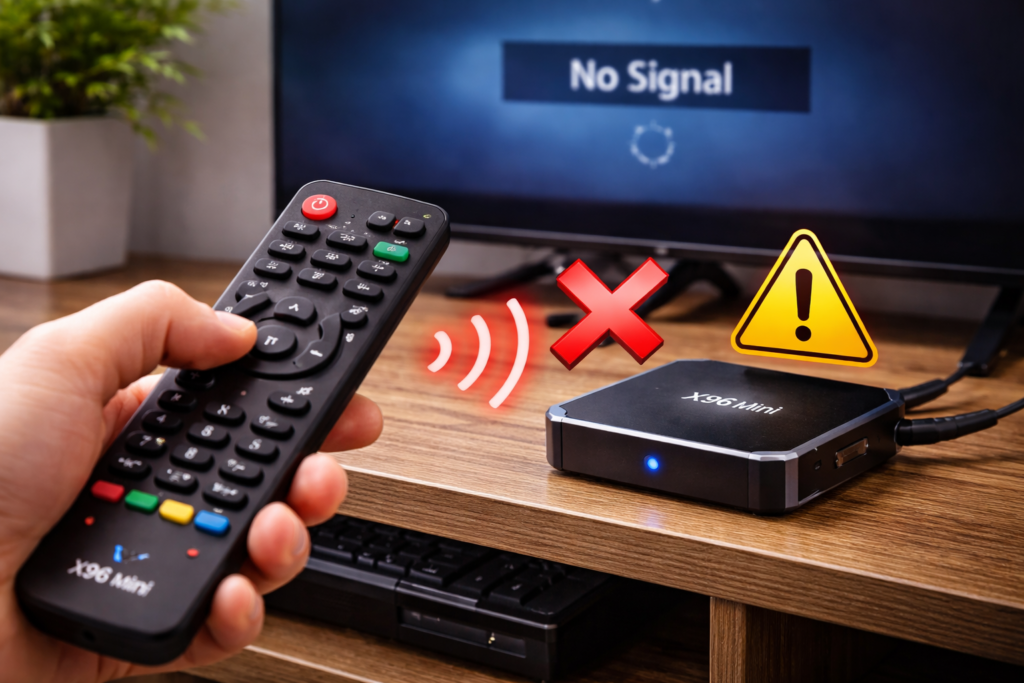
⚠️ Why Your X96 Mini Remote Is Not Working
Before jumping into fixes, it helps to know exactly what’s gone wrong. The X96 Mini remote not working problem usually comes down to one of these root causes:
- Dead or weak batteries — The number one cause. Even “half-dead” batteries cause inconsistent or zero response.
- Blocked infrared signal — The X96 Mini uses an IR remote. Any object between the remote and the box kills the connection instantly.
- Signal interference — Strong LED lighting, direct sunlight, or nearby IR devices can disrupt the signal completely.
- Frozen Android OS — The TV box itself may have locked up, making it look like the X96 Mini remote problem is with the remote — when it’s actually the box.
- Hardware damage — Dropped remotes, water exposure, or worn-out buttons cause permanent failure.
- Dirty IR sensor — Dust on the front panel of the X96 Mini can block the receiver from picking up any signal.
Identify which one matches your situation and you’re already halfway to fixing it.
⚡ Quick Fixes — Try These First
Each step below is designed specifically to fix the X96 Mini remote not working problem quickly. Start here before anything else.
✅ Fix 1 — Replace the Batteries
Don’t just check them — replace them completely. Use fresh AAA alkaline batteries and double-check the polarity. This single step solves the issue for the majority of users.
✅ Fix 2 — Clear the Line of Sight
Point the remote directly at the front IR sensor of the X96 Mini from no more than 3–4 metres away. Remove any objects, decorations, or devices between the remote and the box.
✅ Fix 3 — Restart the X96 Mini
Unplug the power cable completely, wait 30 seconds, then plug it back in. A frozen Android OS is often the real culprit behind the Android TV box remote not working issue — and a simple reboot fixes it instantly.
✅ Fix 4 — Clean the IR Sensor
Use a dry microfibre cloth to gently wipe the front panel of the X96 Mini where the infrared receiver sits. Dust buildup is an overlooked but very common cause of poor signal response.
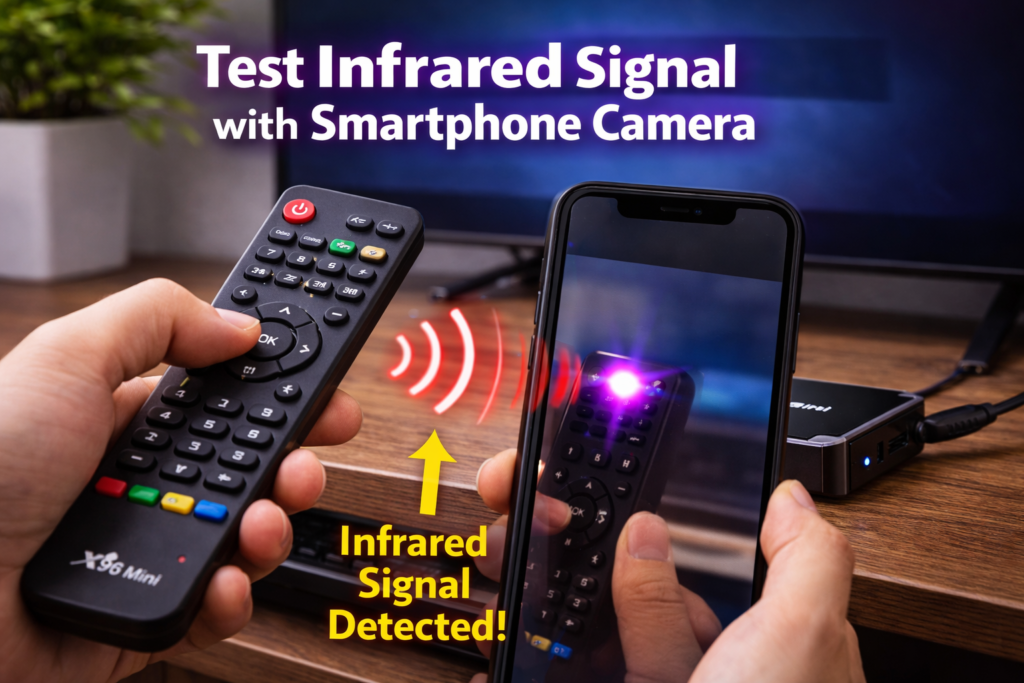
✅ Fix 5 — Test the Remote with Your Phone Camera
Open your phone’s camera app and point the remote directly at the lens. Press any button — if you see a purple or white light flicker on screen, the remote is transmitting and the problem lies with the X96 Mini itself, not the remote.
🛠️ X96 Mini Remote Not Working – Advanced Fixes
If basic steps failed, these advanced methods tackle the X96 Mini remote not working issue at a deeper level.
🔄 Fix 6 — Factory Reset the X96 Mini
A corrupted system setting can permanently interfere with the IR receiver. Here’s how to reset:
- Locate the reset pinhole on the X96 Mini (usually near the AV port).
- Insert a toothpick or SIM card pin and hold it down.
- While holding, plug in the power cable.
- Keep holding for 10–15 seconds until the recovery screen appears.
- Select “Wipe Data / Factory Reset” and confirm.
This clears any software issue affecting remote communication.
💡 If your device won’t power on at all after this, check our guide on 🔧 X96 Mini Not Turning On — the two issues are sometimes connected.
🔄 Fix 7 — Reflash the Firmware
Outdated or corrupted firmware can cause the IR receiver to stop functioning entirely. A clean firmware flash restores full hardware functionality.
👉 Follow our step-by-step walkthrough: 📥 X96 Mini Firmware Download & Flash Guide
For the official firmware tools, visit the 🔬 Amlogic official software page — always use the correct version for your exact model.
📱 Alternative Solutions — Control Without a Remote
While you work on fixing the X96 Mini remote not responding issue, here are ways to keep using your device right now:
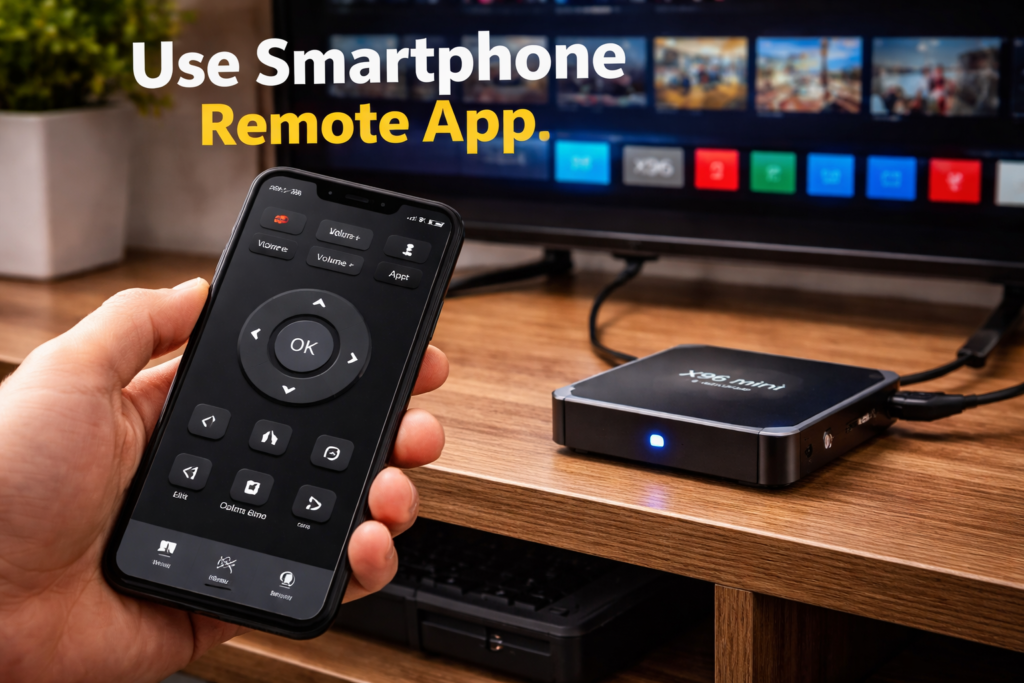
- Remote control app — Download AnyMote or SURE Universal Remote on your Android or iOS phone. Connect via Wi-Fi and control the X96 Mini instantly.
- USB wireless keyboard — Plug a wireless keyboard into the X96 Mini’s USB port. Works immediately with no setup required.
- USB wired mouse — Full navigation is possible with just a mouse. Not ideal, but perfectly functional while you troubleshoot.
For a full list of compatible remote apps and accessories, 📦 check AFTVnews Android TV box accessory recommendations.
🚨 Signs Your X96 Mini Remote Is Completely Dead
Watch for these clear signs that the remote has physically failed:
- No LED light flashes when pressing any button (confirmed via phone camera test)
- No response whatsoever even with brand-new batteries
- Cracked casing or visibly damaged circuit board inside
- Stuck or sunken buttons that don’t click or spring back
- Water damage — corrosion inside the battery compartment
If you see two or more of these signs, the remote is beyond repair.
❌ When to Replace Your X96 Mini Remote
Be honest with yourself — if the remote has physical damage, no IR signal, and doesn’t respond after all 7 fixes, it’s time to replace it.
Replacement X96 Mini remotes are widely available online for under $5–8. Search specifically for “X96 Mini IR remote replacement” and match it to your model. It’s far cheaper than replacing the entire box.
🌡️ While you’re at it — if your X96 Mini has been running unusually hot lately, read our guide on 🔧 X96 Mini Overheating Fix — overheating can also affect the IR receiver performance.
✅ Conclusion
The X96 Mini remote not working problem is rarely permanent. In most cases, fresh batteries, a clean line of sight, or a simple device reboot is all it takes.
Work through the 7 fixes in order:
- Replace batteries
- Clear line of sight
- Restart the box
- Clean the IR sensor
- Test with phone camera
- Factory reset
- Reflash firmware
If none of those work — replace the remote. It costs less than a coffee and takes two minutes to set up.
You’ve got this. Your X96 Mini will be back to normal in no time. 🎯
❓ Frequently Asked Questions
Q1: Why is my X96 Mini remote not working?
The most common reasons are dead batteries, a blocked infrared signal, or a frozen Android OS on the TV box. Replace the batteries first, then restart the X96 Mini by unplugging it for 30 seconds. This solves the problem in most cases.
Q2: Can I control my X96 Mini without the remote?
Yes. You can use a smartphone remote app like AnyMote or SURE Universal Remote over Wi-Fi, or plug a USB wireless keyboard or mouse directly into the X96 Mini’s USB port for full control.
Q3: How do I reset my X96 Mini remote?
The X96 Mini uses a standard IR remote — it does not require pairing. If the remote still doesn’t work after replacing batteries, the issue is likely with the TV box’s IR receiver, not the remote itself. Try factory resetting the X96 Mini using the reset pinhole button.
📌 Found this guide helpful? Share it with other X96 Mini users and help them fix their remote fast!
📌 Related Guides
Install Apps on X96 Mini — Complete 2026 Guide
Install apps on X96 Mini — it sounds technical, but it really isn’t. Whether you want Netflix, YouTube,…
Clean Storage on X96 Mini — Complete 2026 Guide
Clean storage on X96 Mini — if you’re here, you’ve probably seen that dreaded “insufficient storage” notification, watched…
Fix Lag on X96 Mini — Complete 2026 Guide
Fix lag on X96 Mini — that’s exactly what this guide is here to do. Because nothing kills…