X96 Mini overheating fix is something thousands of users search for every month — and if your device is running hot, lagging, or shutting down without warning, this guide is written specifically for you.
If your X96 Mini overheating fix search brought you here, you’re in the right place. This is one of the most common complaints about this device, and the frustrating part? It’s almost always preventable.
Let’s fix it — for good.
⚠️ Why Your X96 Mini Is Overheating
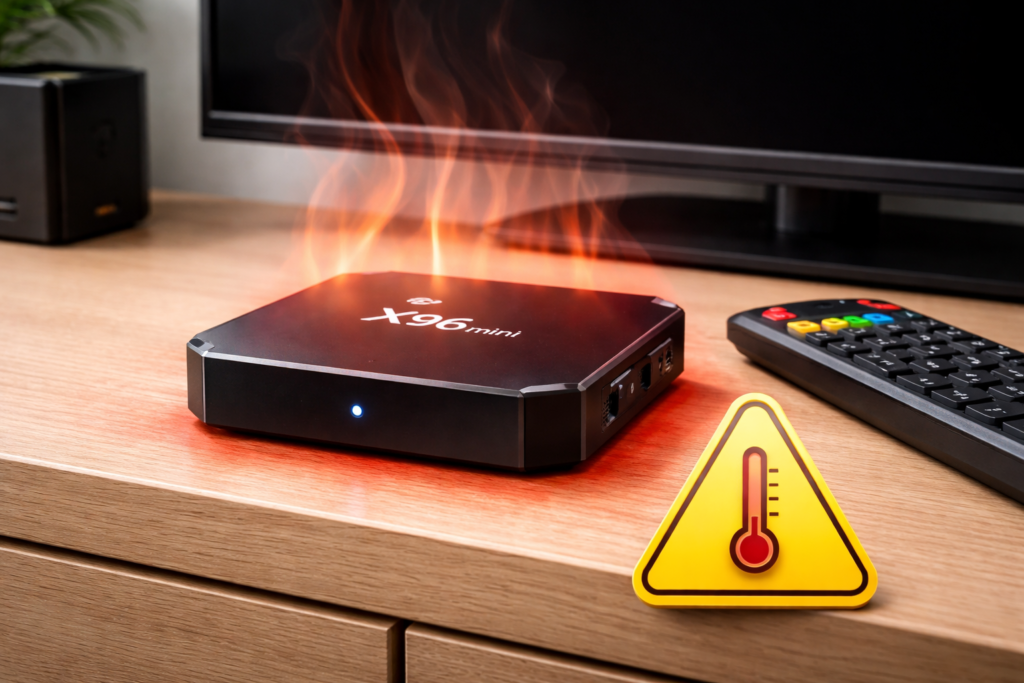
Before you fix it, you need to understand it. The X96 Mini gets hot for several real, identifiable reasons:
- No built-in fan — The X96 Mini relies entirely on passive cooling. Heat has nowhere to escape quickly.
- Poor ventilation placement — Tucked inside a cabinet or stacked under other devices? That’s a heat trap.
- Too many background apps — Running Kodi, YouTube, and three other apps simultaneously pushes the Amlogic S905W chip hard.
- Outdated firmware — Old software often mismanages CPU resources, causing unnecessary heat spikes.
- Cheap thermal paste or internal design — Budget devices cut corners. The X96 Mini’s internal heat dissipation is minimal by design.
- Continuous 4K streaming — Sustained high-resolution playback is one of the heaviest workloads for this chip.
Understanding device overheating causes means you’re already ahead of most users trying random fixes.
⚡ Quick Fixes — Do These First
These take less than two minutes and often solve the X96 Mini overheating problem immediately.
1. Move it to an open surface. Get it off the router, out of the cabinet, and onto a flat open shelf. Airflow matters enormously with passive-cooled devices.
2. Unplug it for 15–20 minutes. Let it fully cool down. Then restart — you’ll often notice a significant performance improvement.
3. Remove the power when not in use. The X96 Mini draws power and generates heat even on standby. Simply unplugging it extends its lifespan and prevents unnecessary thermal stress.
4. Check what’s plugged into its USB ports. External hard drives and USB devices add load. Disconnect anything you’re not actively using.
🧊 Advanced Cooling Solutions
If quick fixes aren’t enough, it’s time to take a more deliberate approach to your Android TV box overheating fix.
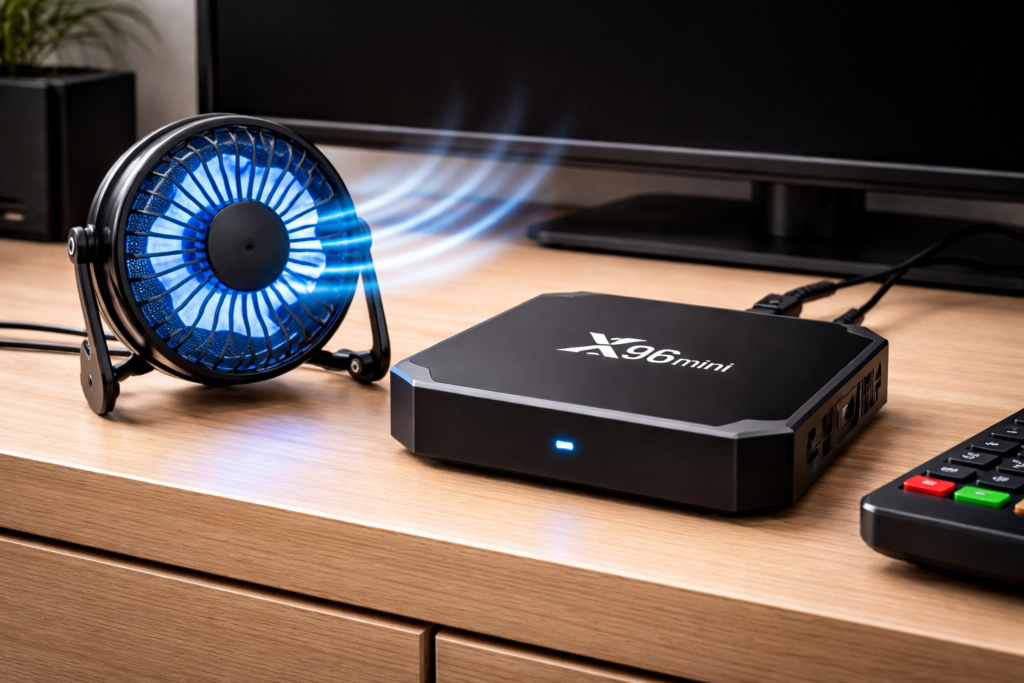
- Add a small USB cooling fan — A mini 5V USB fan placed beside or under the device can drop temperatures by 10–15°C. Small, cheap, and highly effective.
- Use a laptop cooling pad — Place the X96 Mini on top. The gentle airflow underneath makes a real difference during long sessions.
- Apply a thermal pad or heatsink — If you’re comfortable opening the device, placing a thin thermal pad on the Amlogic chip dramatically improves heat transfer. Only attempt this if you’re confident handling electronics.
- Raise it slightly — Even small rubber feet that lift the device 5–10mm off the surface improve airflow under the unit.
These cooling solutions are safe, affordable, and proven to cool down X96 Mini during heavy use.
🛠️ Software Fixes That Actually Work
Hardware isn’t always the problem. Sometimes, a performance drop and overheating are caused entirely by software.
Clear background apps regularly: Go to Settings → Apps → Running and force-stop anything you’re not using. Fewer active processes = less heat generated.
Factory reset if the device runs hot constantly: A clean reset removes bloated cache and misbehaving apps that silently push CPU usage to 100%.
Update your firmware: Outdated firmware can mismanage processor load. An updated build often includes thermal and performance optimisations. 👉 See our full guide: 📥 X96 Mini Firmware Download & Flash Guide
Reduce video output resolution: If you’re not watching native 4K content, switch your display output to 1080p in settings. It reduces processing load and noticeably lowers heat.
🚨 Signs Your X96 Mini Is Overheating
Watch for these warning signals before they become serious:
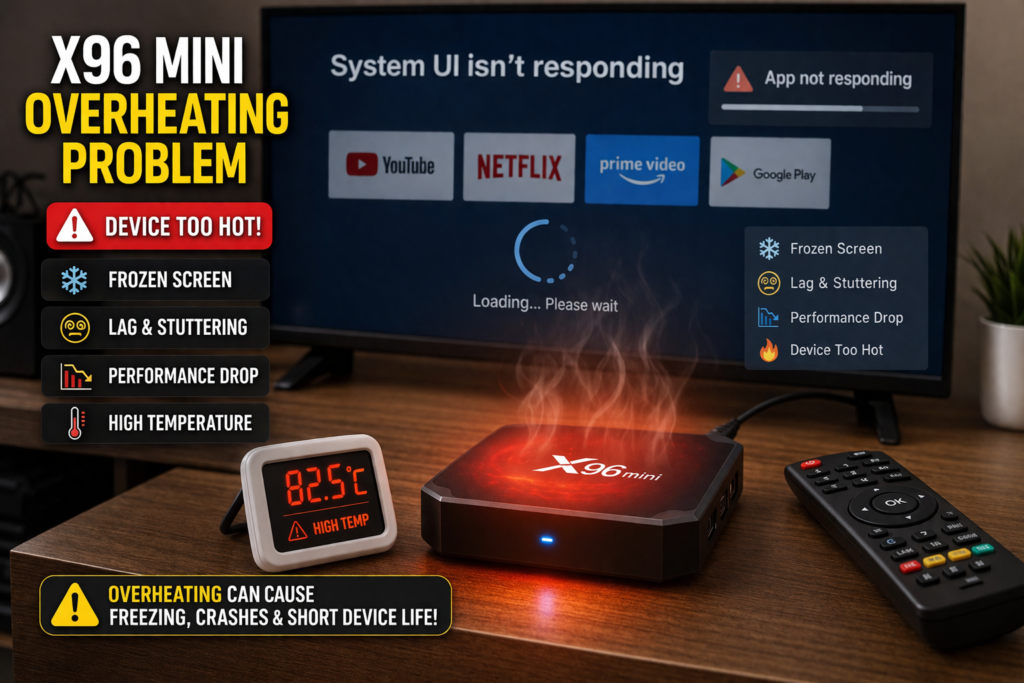
- Device becomes hot to the touch after 20–30 minutes
- Sudden freezing or crashing during playback
- Video stuttering on content that previously played fine
- Automatic shutdown with no warning
- Remote control stops responding mid-use
- Apps take longer to load than usual
These symptoms point directly to a temperature issue that needs addressing now — not later.
❌ When You Should Replace It
Sometimes, the honest answer is that a device has reached its limit.
Consider replacing your X96 Mini if:
- It shuts down within minutes of powering on, even after cooling fixes
- The plastic casing is warped or discoloured from heat
- Performance issues persist after a clean firmware flash
- The device is more than 3–4 years old and showing consistent thermal problems
Also worth checking: if your device won’t power on at all after an overheating event, read our related guide on 🔧 X96 Mini Not Turning On — the two issues are sometimes connected.
Affordable upgrades like the X96Q Pro or newer Amlogic S905X4-based boxes offer far better thermal management for a similar price point. 📦 Check the latest Android TV box comparisons on AFTVnews for trusted recommendations.
For in-depth hardware specs and Amlogic chip thermal ratings, 🔬 visit the official Amlogic product page.
✅ Conclusion
The X96 Mini overheating fix isn’t complicated — but it does require action. Start with ventilation and quick resets. Level up with a USB fan or firmware update. And if the device keeps failing despite everything, don’t waste more time on a device past its prime.
You’ve got the tools now. Use them.
Your streaming experience should be smooth, cool, and frustration-free. 🎯
❓ Frequently Asked Questions
Q1: Why does the X96 Mini overheat?
The X96 Mini overheats mainly due to its passive cooling design, poor ventilation placement, too many background apps running simultaneously, or outdated firmware mismanaging CPU resources.
Q2: Is X96 Mini overheating dangerous?
Yes, over time. Sustained high temperatures degrade internal components, shorten the device’s lifespan, and can lead to permanent failure. Addressing the overheating problem early prevents long-term damage.
Q3: How do I cool down my Android TV box quickly?
Move it to an open, ventilated surface, unplug it for 15–20 minutes to cool down, clear background apps, and consider adding a small USB cooling fan nearby. These steps deliver fast, noticeable results.
📌 Found this guide useful? Share it with other X96 Mini users and save them the frustration!
📌 Related Guides
Install Apps on X96 Mini — Complete 2026 Guide
Install apps on X96 Mini — it sounds technical, but it really isn’t. Whether you want Netflix, YouTube,…
Clean Storage on X96 Mini — Complete 2026 Guide
Clean storage on X96 Mini — if you’re here, you’ve probably seen that dreaded “insufficient storage” notification, watched…
Fix Lag on X96 Mini — Complete 2026 Guide
Fix lag on X96 Mini — that’s exactly what this guide is here to do. Because nothing kills…