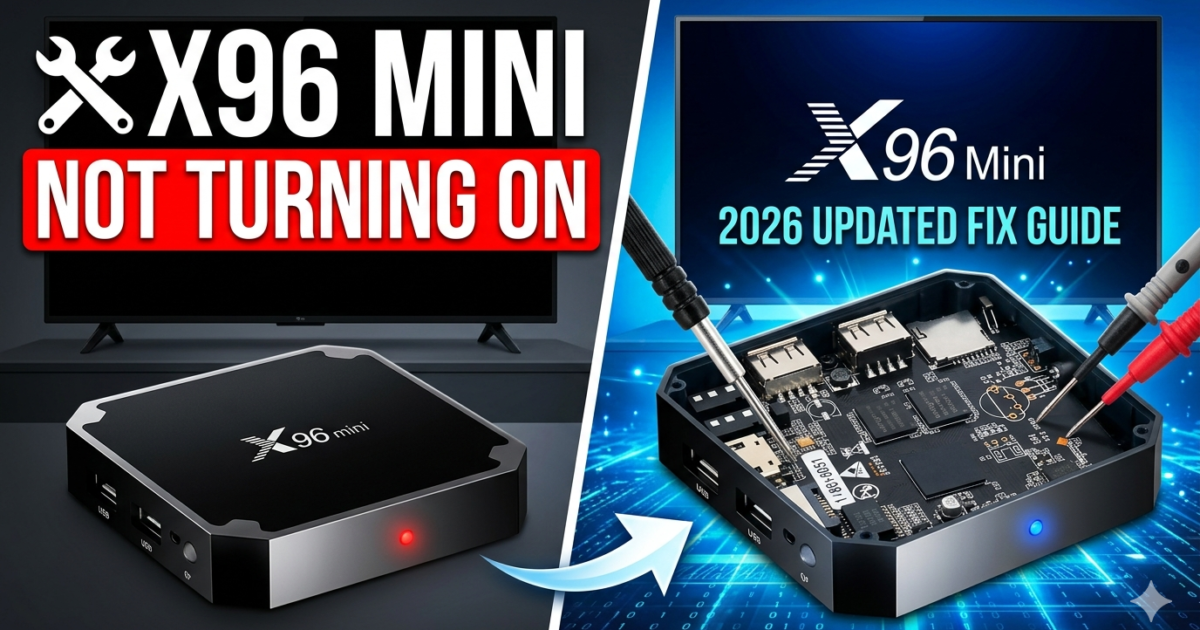
X96 Mini Not Turning On – Complete Fix Guide (2026 Updated)
X96 Mini not turning on is one of the most reported problems among Android TV box users — and if you’re here, you’ve likely hit that frustrating wall of a completely blank screen with no response.
The good news? Most cases of X96 Mini no power are fixable at home, without any technical background. This guide walks you through every possible cause and solution, from simple resets to advanced recovery steps.
Let’s get your X96 Mini back up and running. 💡
⚡ Common Causes of X96 Mini Not Turning On
Before jumping into fixes, it helps to understand why your device has stopped responding. Here are the most frequent culprits:
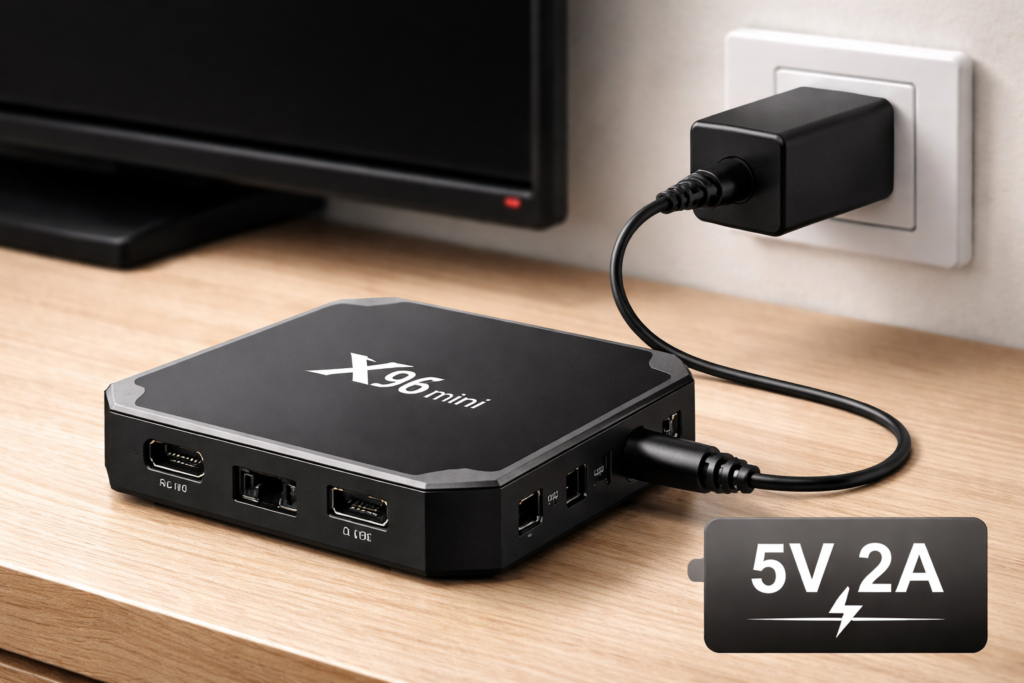
- Faulty or underpowered adapter — The X96 Mini requires a stable 5V/2A power supply. A weak adapter is the #1 cause of X96 Mini no power issues.
- Corrupted firmware — A failed update or bad flash can prevent the device from booting at all.
- Damaged micro-USB or power port — Physical damage to the charging port blocks power delivery.
- Overheating protection — If the device overheated previously, it may refuse to boot as a safety measure.
- Software crash or boot loop — The Android OS may have crashed, causing the X96 Mini won’t boot issue silently.
- Faulty HDMI connection — While the box may actually be on, a bad HDMI signal can make it look like it’s off.
🛠️ Quick Fixes You Should Try First
Start here before anything else. These steps solve the problem in the majority of cases.
✅ 1. Check the Power Adapter
Swap your current adapter for a certified 5V/2A USB power adapter. Cheap chargers often deliver inconsistent voltage, which causes the X96 Mini to fail silently on startup.
✅ 2. Try a Different Power Cable
Micro-USB cables degrade over time. Try a brand-new, high-quality cable — even if your current one looks fine.
✅ 3. Unplug and Hard Reset
- Disconnect the power cable completely.
- Wait 60 seconds (this drains residual power).
- Reconnect and power on.
This clears minor firmware glitches and is surprisingly effective.
✅ 4. Check Your TV Input & HDMI Port
Switch to a different HDMI port on your TV, or try a new HDMI cable. Sometimes the box is on, but the display signal isn’t reaching the screen.
✅ 5. Try a Different Power Source
Plug your X96 Mini into a different wall outlet or USB hub. Power strip issues and surge protector faults are often overlooked.
Each of the steps below is specifically designed to fix the X96 Mini not turning on problem, starting with the easiest and most common solutions.
🔬 Advanced Fixes – Step-by-Step
If the quick fixes didn’t work, your X96 Mini may be suffering from a deeper issue. Here’s how to tackle the more serious causes.
🔄 Fix 1: Force a Factory Reset
If the device powers on briefly but freezes or shows no UI, a factory reset can help.
- Hold the reset button (usually inside the AV port or a pinhole on the device).
- While holding it, plug in the power cable.
- Keep holding for 10–15 seconds until you see the recovery menu.
- Select “Wipe Data / Factory Reset” using your remote or a USB mouse.
💾 Fix 2: Reflash the Firmware
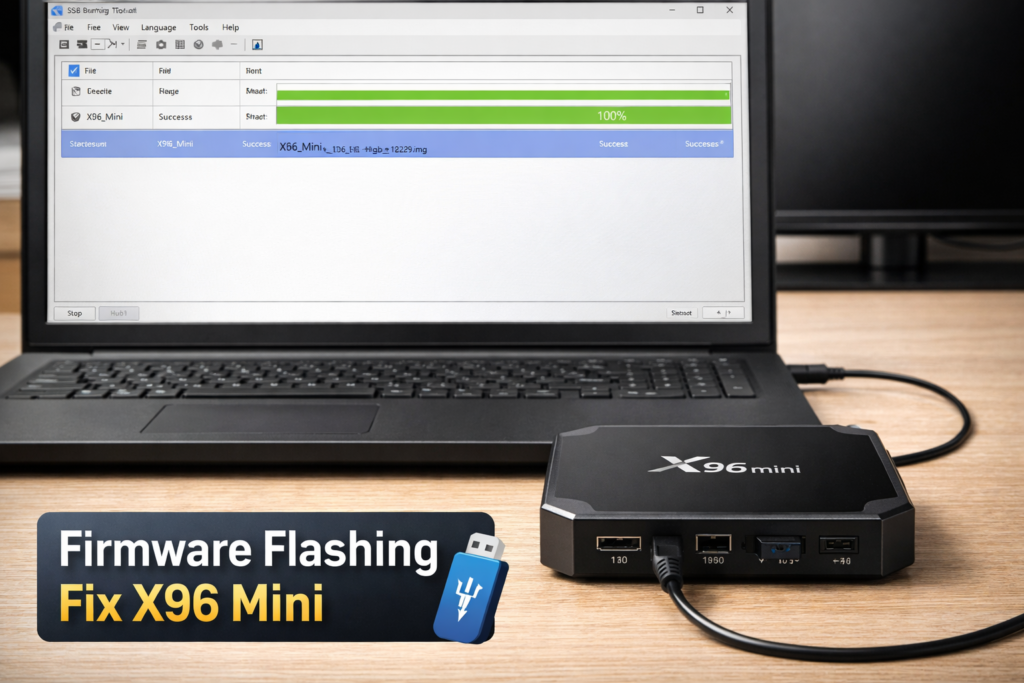
Corrupted firmware is a very common reason the X96 Mini won’t boot. Reflashing can completely restore the device.
- Download the correct firmware for your exact X96 Mini model from the 👉 official Amlogic firmware repository.
- Use the USB Burning Tool (available from Amlogic’s website) on a Windows PC.
- Follow the flashing instructions carefully — connect via USB-OTG while holding the reset button.
- For a full walkthrough, check our internal guide: 📥 X96 Mini Firmware Download & Flash Guide
⚠️ Warning: Flashing incorrect firmware can permanently brick your device. Always verify your model number before downloading.
🌡️ Fix 3: Let It Cool Down
If your X96 Mini was previously running for extended periods, overheat protection may be preventing boot. Leave it unplugged in a cool, ventilated area for 30–60 minutes, then retry.
🔌 Fix 4: Inspect the Power Port
Gently inspect the micro-USB port with a flashlight. Bent pins or debris inside the port can block power entirely. Use a toothpick carefully to remove dust, but avoid touching the pins directly.
If the port is visibly damaged, soldering a replacement port is an option — though it requires electronics experience or a repair shop visit.
🗑️ When to Replace Your X96 Mini
Sometimes, the damage is beyond repair. Consider replacing your device if:
- The power port is physically broken and repair costs exceed the device’s value.
- The device was submerged in liquid or suffered a power surge.
- Even after a clean firmware flash, the device still shows no sign of life.
- The internal eMMC storage is corrupted beyond recovery.
The X96 Mini is an affordable device — a replacement unit often costs less than a professional repair. You can explore current models and alternatives on 📦 AFTVnews Android TV Box Reviews.
For more help with related devices, also see our internal resource: 🛠️ X96 Mini Troubleshooting & Common Errors Guide
✅ Conclusion
Dealing with an X96 Mini not turning on is frustrating, but it’s rarely a permanent problem. Work through the steps methodically:
- Start with the power adapter and cables.
- Attempt a hard reset.
- Move on to factory reset or firmware reflash if needed.
- Evaluate repair vs. replacement for hardware damage.
With a bit of patience, most users successfully fix X96 Mini not working issues without spending a cent. If this guide helped you, consider sharing it with other X96 Mini users facing the same problem.
❓ Frequently Asked Questions (FAQ)
Q1: Why is my X96 Mini not turning on even with a new power adapter?
If a new adapter doesn’t help, the issue is likely firmware corruption or a damaged power port. Try the factory reset method (holding the reset pin during power-on) or reflash the firmware using the USB Burning Tool on your PC.
Q2: Can a firmware update cause the X96 Mini no power issue?
Yes. A failed or interrupted firmware update is one of the most common causes of X96 Mini won’t boot problems. Reflashing with the correct firmware version using a Windows PC typically resolves this completely.
Q3: How do I know if my X96 Mini is completely dead (hardware failure)?
If the device shows absolutely no response — no LED light, no warmth, no display signal — even after trying multiple adapters and cables, it’s likely a hardware failure. Check the power port for damage and consider professional repair or replacement.
📌 Found this guide helpful? Bookmark it for future reference and share it with your community!
📌 Related Guides
Install Apps on X96 Mini — Complete 2026 Guide
Install apps on X96 Mini — it sounds technical, but it really isn’t. Whether you want Netflix, YouTube,…
Clean Storage on X96 Mini — Complete 2026 Guide
Clean storage on X96 Mini — if you’re here, you’ve probably seen that dreaded “insufficient storage” notification, watched…
Fix Lag on X96 Mini — Complete 2026 Guide
Fix lag on X96 Mini — that’s exactly what this guide is here to do. Because nothing kills…