Introduction
Let me guess. You are tired of paying a ridiculous cable bill every month. You heard about the Superbox S5 Max, did a quick search, and now you are not sure if it is actually good or just another overhyped TV box.
I have been there.
This Superbox S5 Max review covers everything — what it does, how fast it is, how to set it up from scratch, what goes wrong, and whether it is actually worth your money. No fluff, no sales talk. Just the real picture.
Ready to check it out? You can see the current price of the Superbox S5 Max on Amazon here before we dive in.
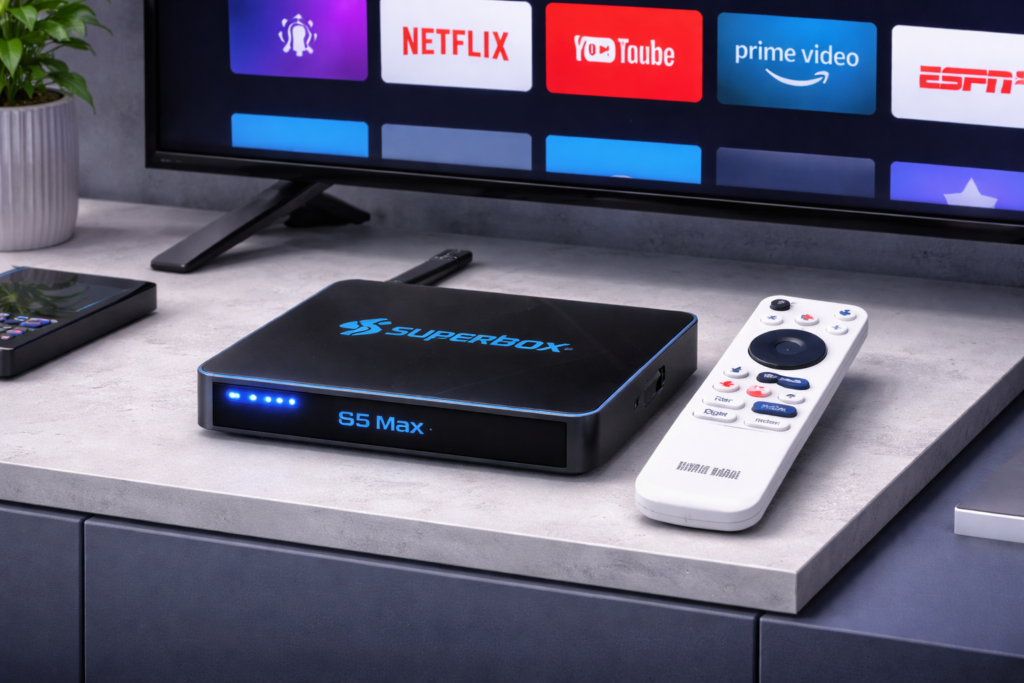
What Is the Superbox S5 Max?
Think of it as a small computer that plugs into your TV. Once it is connected, your regular TV becomes a smart TV. You can watch live channels, stream movies, install apps — all without a cable subscription.
It runs on Android, which means it works just like a phone or tablet. If you have ever used an Android device before, you will feel right at home.
The S5 Max is the premium version in the Superbox lineup. It is faster, sharper, and better built than their older models.
Superbox S5 Max Features
Here is what is inside the box:
- Processor: Amlogic S905X4 — handles 4K without breaking a sweat
- RAM: 4GB — smooth, no annoying freezing
- Storage: 32GB — enough room for all your apps
- Android version: Android 10
- WiFi: WiFi 6 — faster and more stable than regular WiFi
- Bluetooth: 5.0
- Video quality: 4K HDR — the picture is genuinely sharp
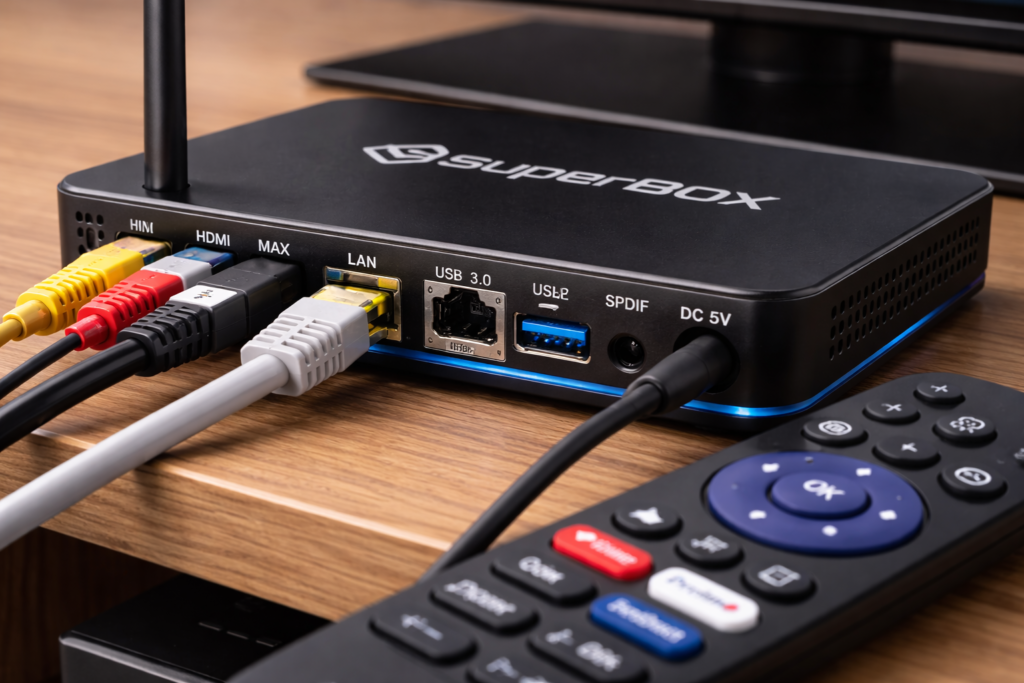
- Ports: HDMI, USB, Ethernet, AV
- Remote: Voice-controlled remote included
The WiFi 6 support is honestly one of the best things about this device. If your router supports it, your streams will be noticeably more stable.
Impressed by the specs? Check the latest Superbox S5 Max price on Amazon — it is often on offer.
Superbox S5 Max Setup Guide
This is easier than you think. Give yourself 10 minutes and follow these steps.
1. Take everything out of the box.
2. Plug the HDMI cable into the back of the Superbox S5 Max.
3. Plug the other end of the HDMI cable into your TV.
4. Connect the power adapter and plug it into the wall.
5. Turn on your TV and press the Input or Source button on your TV remote.
Note: Keep pressing it until you see the Superbox home screen appear. It might take a few seconds.
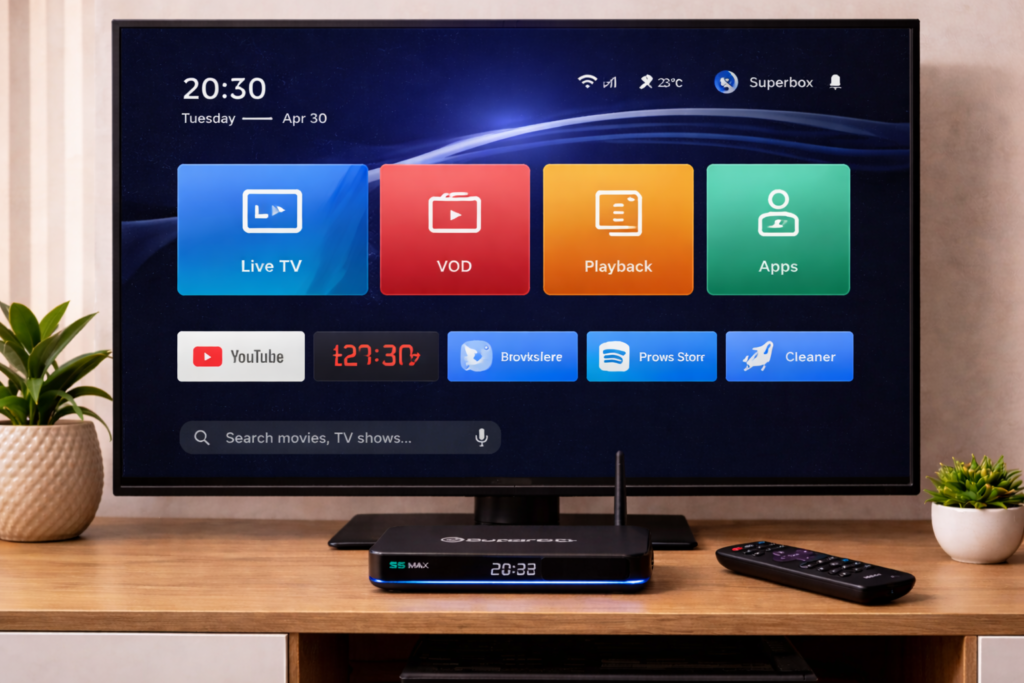
6. Pick up the Superbox remote and press the power button.
7. Wait for the home screen to fully load.
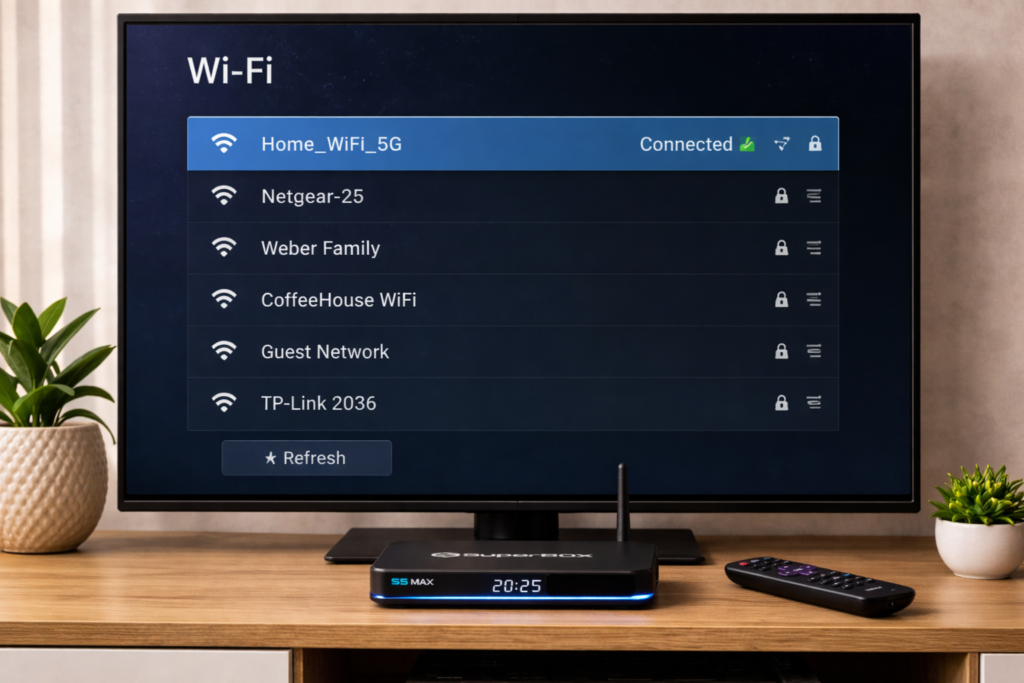
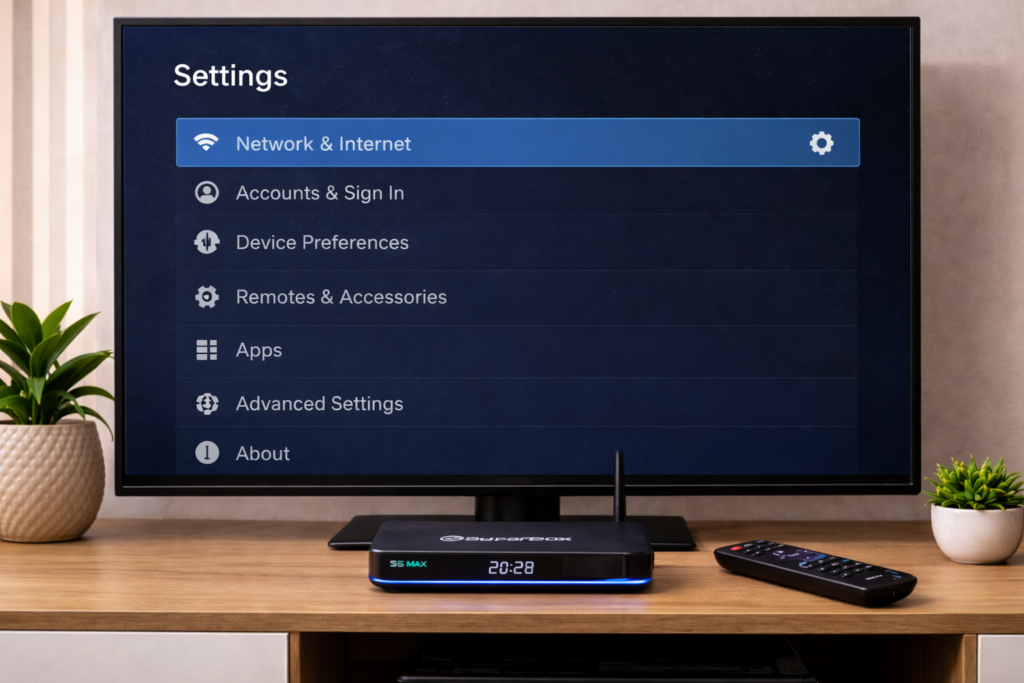
8. Go to Settings and tap Network.
9. Select WiFi and pick your home network from the list.
10. Type in your WiFi password and hit Connect.
Note: If you have an ethernet cable lying around, use that instead. Plug it straight into the back of the device for a much more stable connection — especially for 4K.
11. Head back to the home screen.
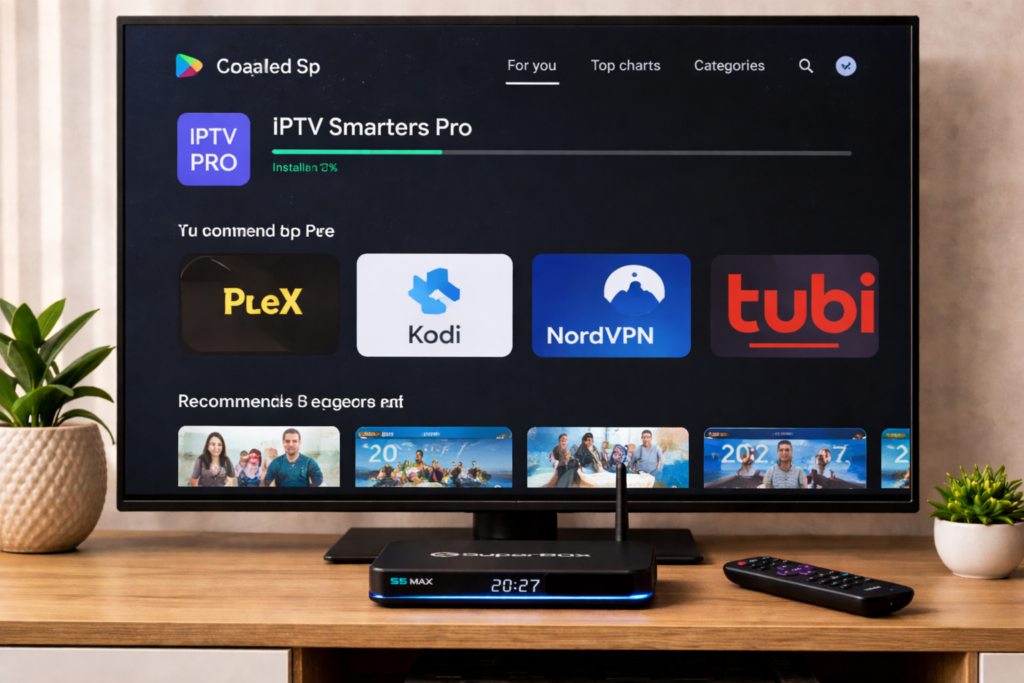
12. Open the Google Play Store.
13. Search for whatever apps you want — Netflix, YouTube, Kodi — and install them.
14. Open the built-in channel app that came pre-loaded on the device.
15. Follow the on-screen steps to activate your channel subscription.
Done. Seriously, that is it. Most people are watching something within 10 minutes of opening the box.
Superbox S5 Max Review: Real Performance
Speed
This thing is fast. Not “fast for a TV box” fast — actually fast. Apps open quickly, the home screen scrolls smoothly, and switching between apps does not make you want to throw the remote at the wall.
The 4GB of RAM is a big reason for that. A lot of cheaper boxes give you 2GB and it shows. With the S5 Max, you just do not feel that sluggishness.
Picture Quality
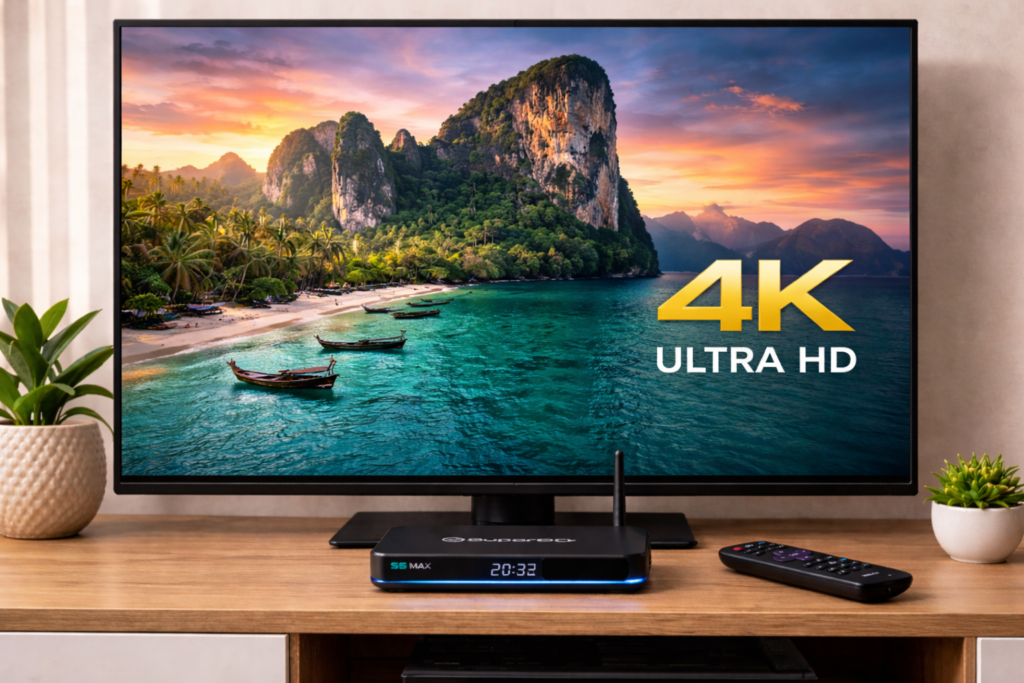
If your TV supports 4K, you are going to notice the difference immediately. The picture is crisp and the colors look natural. HDR content especially looks great on a good screen.
Just make sure your internet speed is up to it. You need at least 25 Mbps for smooth 4K playback. Below that and you will get buffering.
Ease of Use
The interface is clean. Nothing confusing, nothing buried in menus. If you have never touched an Android TV box before, you will still figure this out in about 5 minutes.
The voice remote is a nice touch too. Instead of typing with the on-screen keyboard, you just speak and it finds what you are looking for.
Superbox S5 Max Pros and Cons
What I Like
- Genuinely fast — no lag, no stuttering
- WiFi 6 makes a real difference for streaming stability
- 4K HDR looks excellent on a good TV
- Setup takes under 10 minutes, even for beginners
- Voice remote actually works well
- Wide app support through Google Play Store
- Live channels ready to go out of the box
What Could Be Better
- The live channel service costs extra every month — that adds up
- Android 10 is starting to feel a bit dated now
- Some apps need manual sideloading — not ideal for complete beginners
- No VPN built in — you need to install one yourself
- Customer support is not the fastest when you have a problem
If the pros outweigh the cons for you, this is the right time to grab it. Click here to see the Superbox S5 Max on Amazon and check if it ships to your country.
Common Superbox S5 Max Problems and How to Fix Them
Superbox S5 Max Not Turning On
You press the power button and nothing happens. First, check that the power cable is fully pushed in at both ends. Try a different wall socket. If it still does nothing, use a pin to press the small reset button on the back of the device.
TV Shows “No Signal”
Your TV is on but showing no signal. Switch your TV to the correct HDMI input — keep pressing the Source or Input button on your TV remote until you find it. Also try unplugging the HDMI cable and pushing it back in firmly on both ends.
App Keeps Crashing
Go to Settings > Apps, find the app that is crashing, and tap Clear Cache. Then open the app again. If it still crashes, uninstall it and reinstall it fresh from the Play Store.
Superbox S5 Max Update Not Working
Go to Settings > About > System Update and tap Check for Update. Make sure you are connected to the internet first. If nothing shows up, clear the cache of the update app and try again. Switching to ethernet instead of WiFi also helps here.
For more detail on this, check out our full guide on fixing Android TV box update problems.
Non-Stop Buffering
This one is almost always an internet speed issue. Run a speed test on your phone. If you are below 25 Mbps, drop the video quality in your streaming app settings. Better yet, plug in an ethernet cable and the buffering usually disappears completely.
Superbox S5 Max Price: Is It Worth the Cost?
The Superbox S5 Max sits somewhere between $150 and $200 USD. That is not cheap for a TV box.
But here is the thing — the hardware is genuinely good. You are getting WiFi 6, 4GB of RAM, 4K support, and a voice remote. For daily use, it holds up well.
The catch is the subscription. The live channel service that comes pre-loaded on the device is not free. You pay for the box and then you pay again for the channels. Make sure you account for that before you order.
Should You Actually Buy the Superbox S5 Max?
Buy It If:
- You want to ditch your cable bill for good
- You want something fast and beginner-friendly
- You care about picture quality and want real 4K
- You want live channels and streaming apps all in one place
If that sounds like you, do not overthink it. Grab the Superbox S5 Max on Amazon here and you will be set up and watching the same day it arrives.
Skip It If:
- Your budget is tight — the X96 Mini does the basics for much less
- You already have a smart TV with decent built-in apps
- You do not want to pay a monthly fee on top of the device cost
- You need the latest Android version
If you are looking for a budget alternative, our Mecool KM2 Plus Deluxe is worth a read.
FAQ
Is the Superbox S5 Max legal?
The device itself is completely legal — it is just an Android TV box. What you install on it is where it gets complicated. Stick to official apps and licensed streaming services and you have nothing to worry about.
Does the Superbox S5 Max require a monthly subscription?
The box has a one-time price. But the built-in live channel service requires a separate subscription — monthly or yearly — to keep working.
Can I install Kodi on the Superbox S5 Max?
Yes, no problem. It runs Android 10 and Kodi works great on it. You can find it on the Play Store or install it manually. Our Kodi setup guide walks you through the whole thing.
What internet speed do I need?
10 Mbps gets you decent HD streaming. For proper 4K you want at least 25 Mbps. For the best experience possible, skip WiFi and use an ethernet cable.
How do I update the Superbox S5 Max software?
Go to Settings > About > System Update > Check for Update. Connect to the internet first, then tap check. If nothing shows up, clear the update app cache and try again.
Final Verdict
The Superbox S5 Max is one of the better Android TV boxes on the market right now. It is fast, the picture quality is excellent, and it is easy enough that anyone can set it up without needing help.
The price is on the high side and the subscription cost on top is something to think about. But if you use it every day, you will get your money’s worth.
If you want a TV box that just works without constant frustration, the Superbox S5 Max earns its spot on the shelf.
